

A load-first plan can help you choose a BLUETTI station, solar option and backup window that fit the essentials you actually need to keep running.
When an outage arrives in cold weather, “backup power” can mean very different things: keeping phones charged, running a modem and a few lights, or protecting food and supporting a broader set of household needs. The right plan starts with the devices you cannot do without, not with the largest station on the product page.
We reviewed product information on the BLUETTI Canada store to map a few practical starting points. The figures below describe listed capacity and output; they do not promise a fixed runtime, since actual use depends on the connected load, conversion losses and conditions.
Some links in this article are affiliate links: if you make a purchase through them, we may receive a small commission.
Highlights
- Write down essential devices and check running and startup wattage before choosing a station.
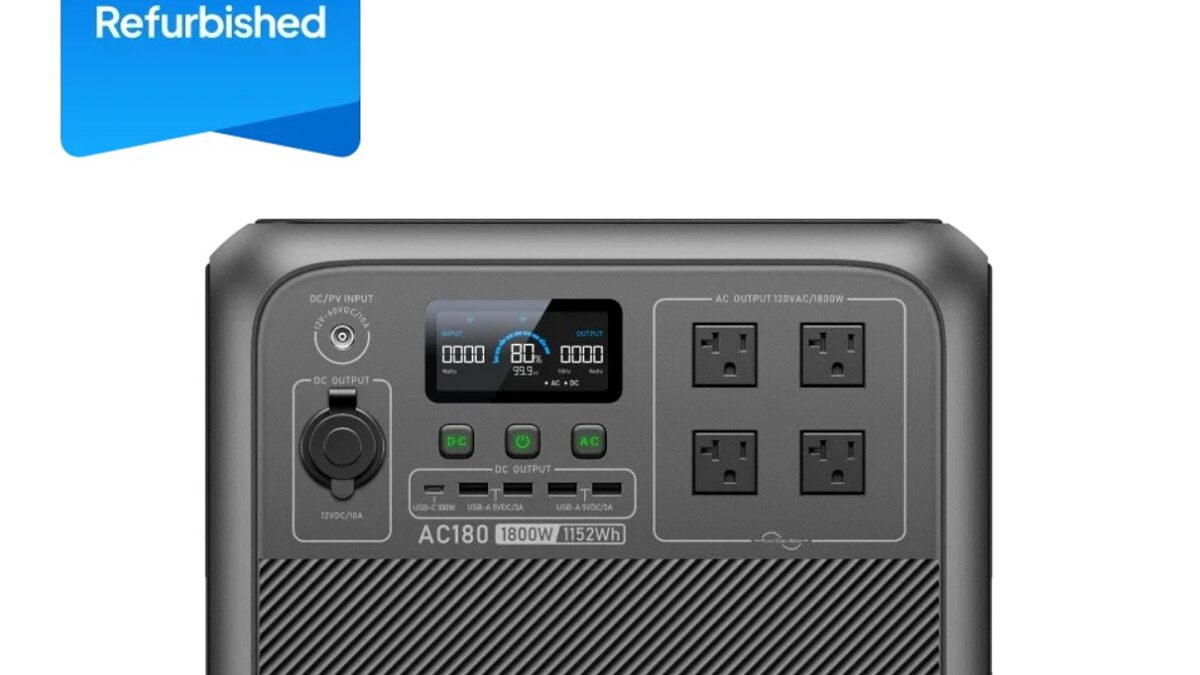
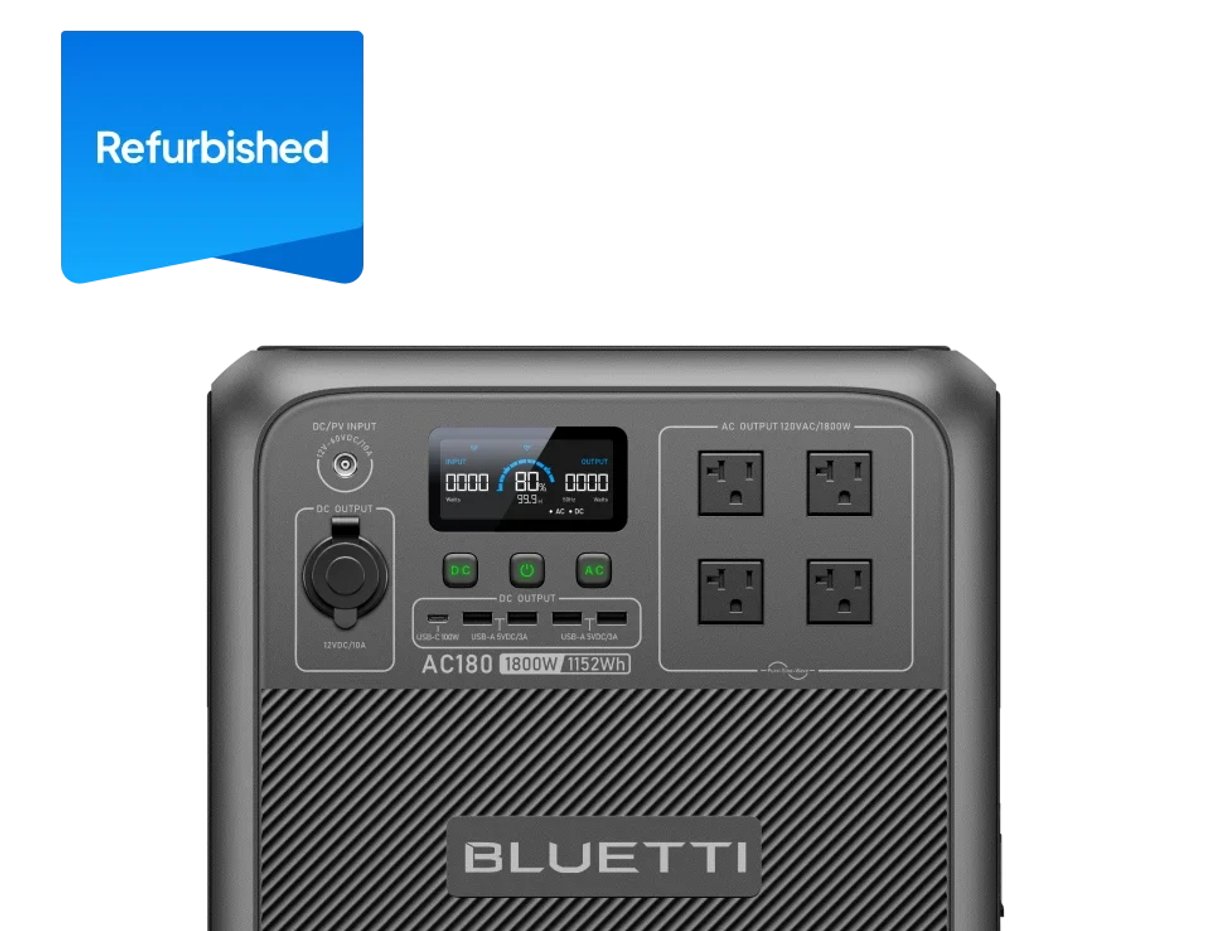
- BLUETTI AC180 lists 1,152Wh capacity and 1,800W AC output for a focused set of household essentials.
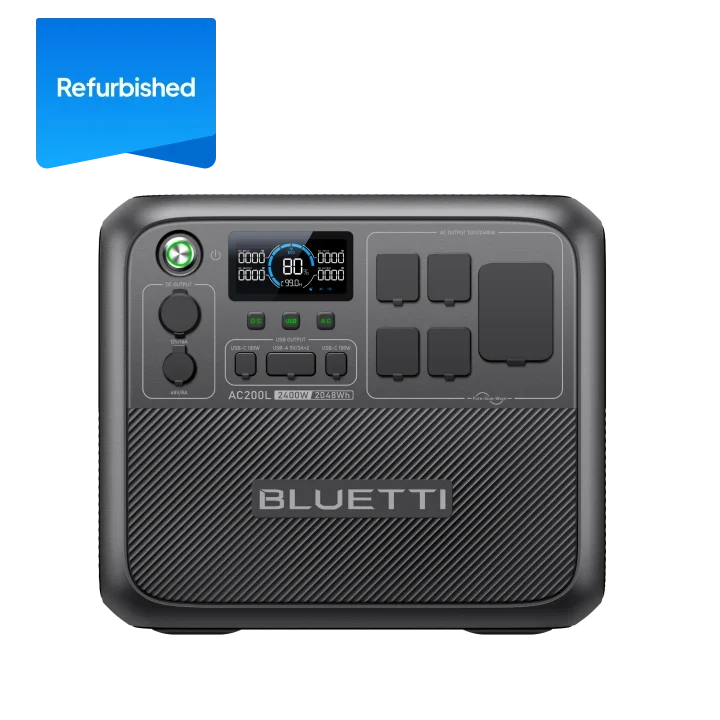
- BLUETTI AC200L lists 2,048Wh capacity and 2,400W AC output for more reserve and broader loads.
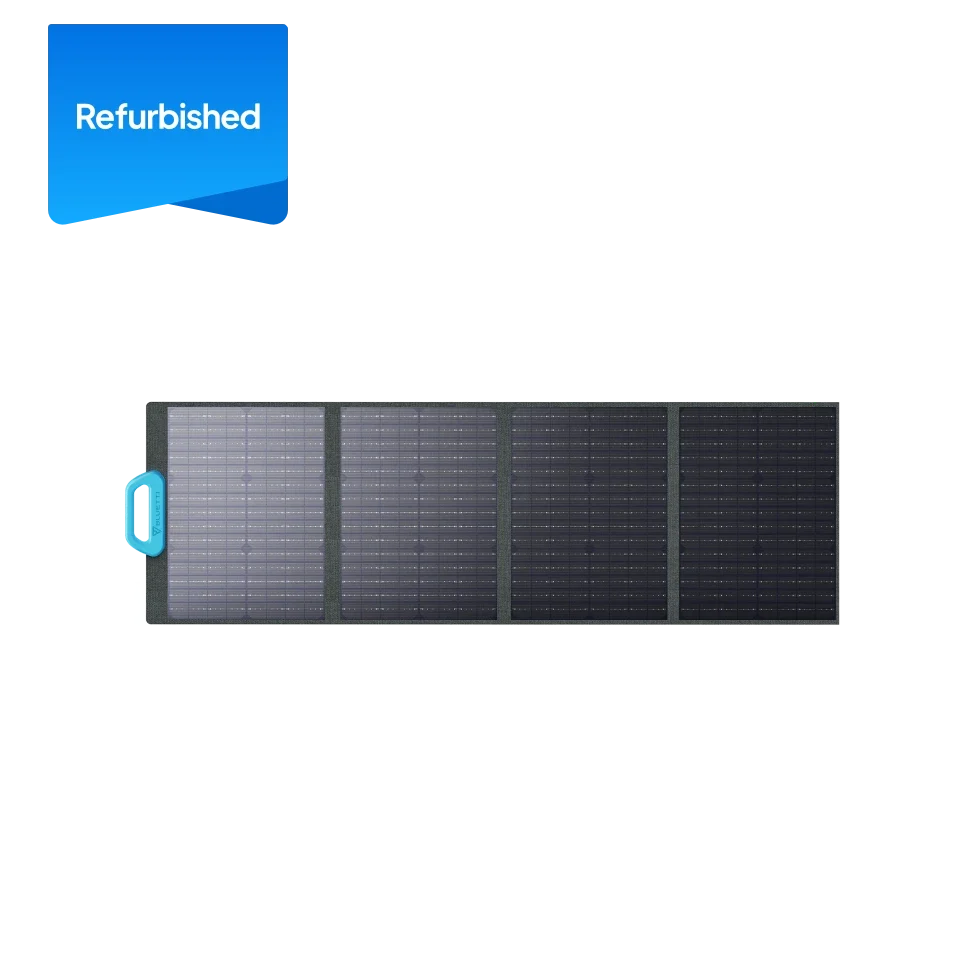
- BLUETTI PV120 is a 120W portable solar panel; winter output depends on daylight, orientation and conditions.
- Estimate runtime from device draw, plan a safe place for equipment, and check current availability on the Canada store.
Start with the jobs that matter during an outage
Make a short list of what you want to keep operating, then separate essentials from conveniences. A phone, router, medical device, LED lamp and refrigerator do not place the same demand on a battery station. A refrigerator also cycles on and off, while its compressor may need a higher startup surge than its normal draw. Check the appliance label or manual, and ask the manufacturer if the surge requirement is unclear.
For each item, record its watts and how many hours you expect to use it. Multiply watts by hours to make a rough watt-hour estimate, then total the devices you would run together. This is a planning estimate rather than a runtime guarantee: inverter overhead, temperature, battery condition and cycling loads all change the result. A modest load used sparingly may last longer than several higher-draw devices running continuously.
- Mark must-run devices. Include communications, lighting and any essential equipment first.
- Check startup needs. Motors and compressors can demand more at startup than their running label suggests.
- Choose a backup window. Set a target for a short interruption or a longer period without grid power.
- Keep a margin. Avoid designing around the station’s full listed capacity as though every watt-hour were available to every device.
This simple worksheet makes capacity less abstract. A listed watt-hour figure describes stored energy, while the output rating helps indicate which appliances the inverter can support. Both matter. A station with ample stored energy can still be unsuitable if a device’s running or startup draw exceeds the output limits. Check the listed figures for the AC180 against your highest simultaneous draw, then make the same check for the AC200L if its larger reserve is under consideration.
Match station capacity to the load
Once you know the essential load and intended run time, compare stations on usable capacity, output, ports and recharge choices. The Canada store lists the AC180 as a 1,152Wh, 1,800W model with nine output ports and four recharge methods: AC, solar, car and generator. That combination can suit a compact plan built around communications, lights and selected small appliances, provided the simultaneous load stays within its limits. View the AC180 product page for the exact configuration and current listing.
The AC200L is listed with 2,048Wh capacity and 2,400W AC output. Its larger reserve may be more appropriate when your written plan includes several devices or a longer target window. It also supports expansion batteries according to its product information, but adding components affects footprint, setup and total system cost. Confirm compatibility and included components on the product page before treating an expanded configuration as part of your plan.
These two stations are not interchangeable just because both can support household essentials. The AC180 may be easier to size for a narrowly defined set of loads; the AC200L offers more listed capacity and output headroom. A bigger unit is useful only if the extra reserve serves a real need. If your priority is communications and basic lighting, excess capacity can mean carrying and storing more equipment than the job requires. Compare the AC180 configuration and AC200L configuration with your actual load sheet before paying for headroom you may not use.
| Option | Listed capacity and output | Planning fit | Check before choosing |
|---|---|---|---|
| BLUETTI AC180 | 1,152Wh; 1,800W AC | Focused essentials and a defined load list | Startup draw, ports and included accessories |
| BLUETTI AC200L | 2,048Wh; 2,400W AC | More reserve for broader or longer plans | Expansion compatibility and total configuration |
| BLUETTI PV120 | 120W rated panel | Supplemental solar input where conditions allow | Station input range, connector and winter exposure |
For a simple essentials plan, the AC180 may be the more proportionate starting point; for a longer or broader plan, compare the AC200L’s extra listed reserve. The PV120 is a recharge component, not another station choice, and it needs a compatible input plus workable sunlight.
Use the product pages to verify the selected unit’s output limits, ports, recharge inputs, dimensions, battery chemistry and warranty terms. The AC180 page describes app monitoring and LiFePO4 chemistry for the listed configuration. Specifications can vary by model and bundle, so check that the page you are considering is the exact Canadian model and that any panel or cable you need is compatible.
Plan how you will recharge
Recharging is part of backup planning, not an accessory decision to leave until checkout. BLUETTI lists AC, solar, car and generator options on the AC180, while the AC200L’s page outlines several input routes as well. Which one is practical depends on the outage itself: grid charging is useful before a forecast event, while vehicle charging requires access to a vehicle and solar charging depends on available daylight and clear exposure.
The PV120 is a portable 120W solar panel that can be paired with compatible power stations. Its rated output is not a promise of steady winter energy. Short daylight, cloud, snow cover, low sun angle and panel placement can reduce collection. Think of a portable panel as one possible contribution to the plan, rather than the sole way to keep a high household load running through several overcast days. Review the PV120 listing alongside the station input details before treating it as a compatible combination.
Before choosing a panel, confirm the station’s supported solar input range, connector and cable requirements. A panel’s nominal wattage alone cannot establish compatibility. Check for a secure, unobstructed place to position it and a practical way to bring it in during poor weather. If portability matters, compare panel size and handling with the location where it will actually be stored and used. The PV120 product details help establish its rated output; the AC200L product page is the place to confirm its supported solar input.
Use a simple buying sequence
A little preparation helps keep a power station purchase tied to a real household need. Work through these checks in order, and save the answers so you can compare product configurations consistently.
- Define the essential circuit. List which devices must run and which can wait.
- Check watts and surge. Confirm each appliance’s normal draw and any startup requirement.
- Set an expected duration. Estimate hours of use and include opportunities to switch devices off.
- Compare capacity and output. Match watt-hours to the energy estimate and watts to the largest simultaneous demand.
- Choose a recharge route. Decide which of AC, vehicle, solar or generator charging is realistic in your situation.
- Review the full configuration. Verify the Canadian product page, included accessories, warranty and return terms before ordering.
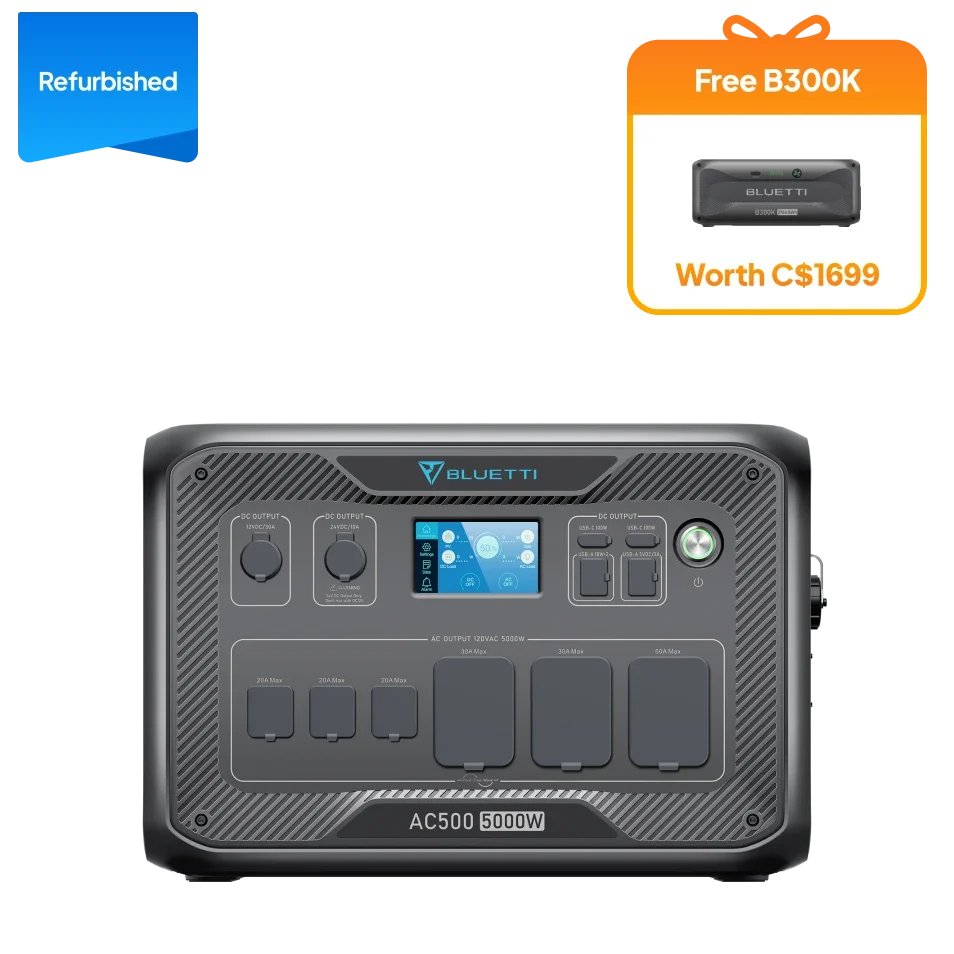
For a household comparing a standalone unit with an expanded system, look beyond the headline capacity. Added battery modules can extend the planning range, but they also need compatible connections, suitable storage and a configuration that matches your intended loads. Review the Canadian product information for the exact model before adding components to a winter outage plan.
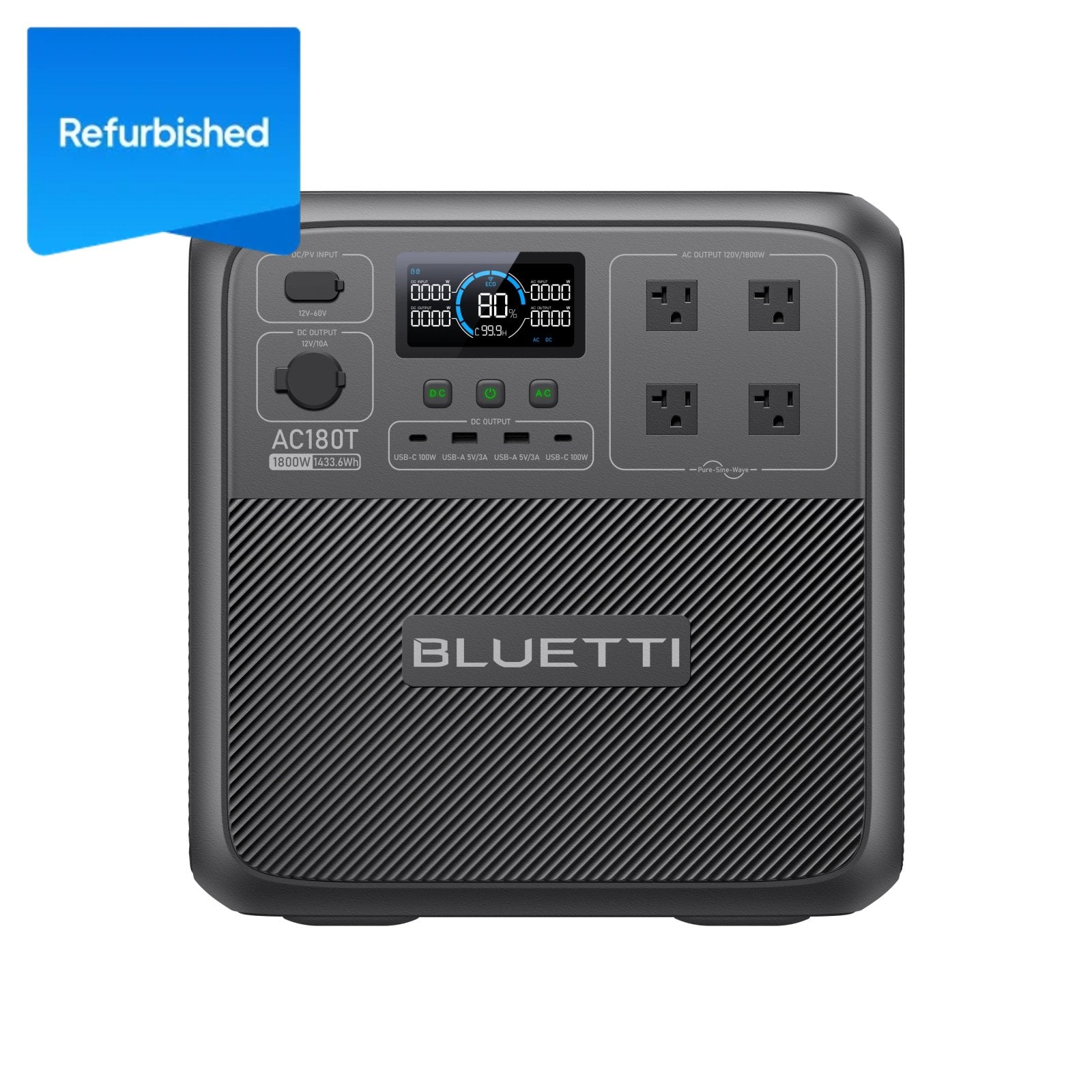
Images of additional models can help make system sizes easier to distinguish, but they are not interchangeable recommendations. Use the page for the specific Canadian unit you intend to buy and confirm its specifications directly.
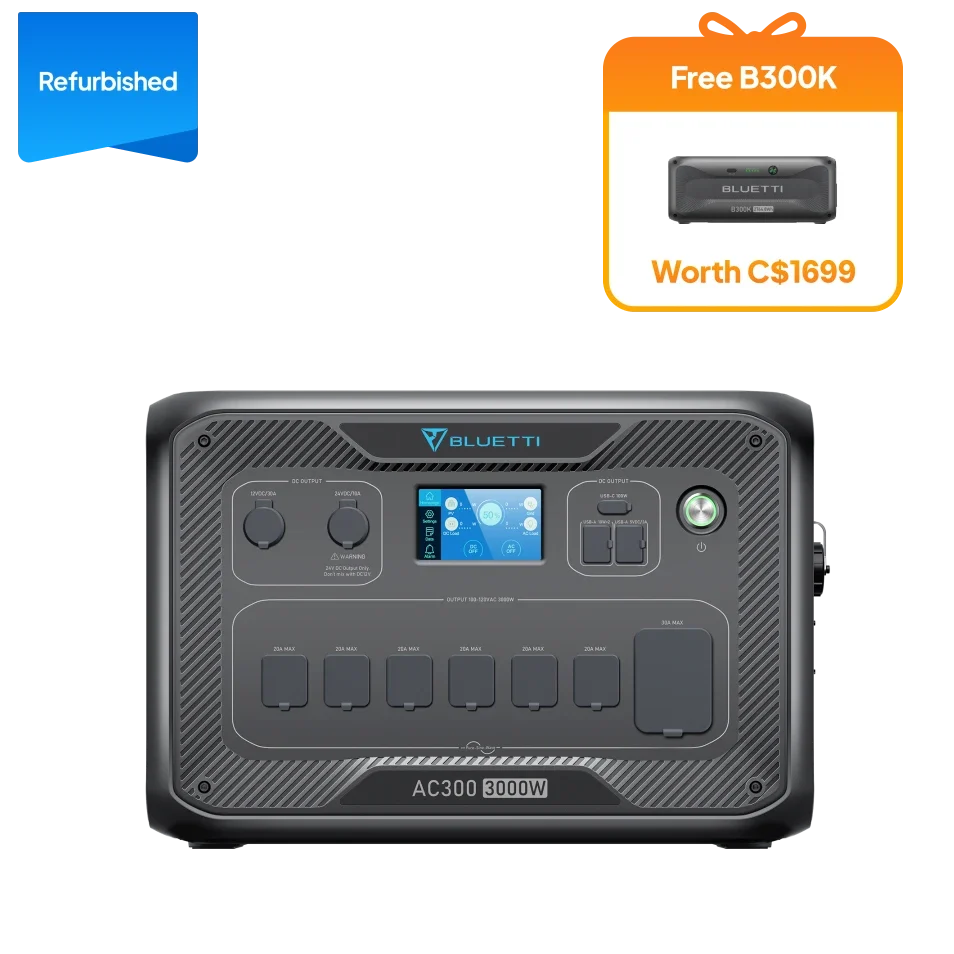
For the product options discussed here, compare the details directly: AC180 capacity and outputs, AC200L capacity and expansion information, and PV120 panel specifications. Check whether a listing is refurbished, what accessories are included and what warranty applies to that specific configuration. Those details shape value and suitability just as much as headline capacity. The AC180 Canadian listing and AC200L Canadian listing identify the configurations to compare.
Prices and availability can change, so we do not use a fixed amount as a decision rule. The tier, battery capacity, expansion components, panel bundle and refurbished status can all affect the cost. Check the current Canada listing when you are ready to compare the complete setup, including any panel, cable or expansion battery required for your plan. Review the PV120 listing for its specific contents and the AC200L listing for the station configuration.
Questions to settle before an outage
How can I estimate runtime?
Divide the energy you expect to use by the station’s listed capacity only as a rough first pass, then allow for conversion losses and operating conditions. Appliance cycling, temperature and draw change the result, so a short test with your actual devices can refine a plan without treating a calculated number as a guarantee.
Will a solar panel keep a station charged in winter?
It may contribute, but the result depends on daylight hours, cloud, snow, panel angle and shade. Check the station input limits and plan for another recharge route if solar conditions are unreliable.
When is a portable station not enough?
A portable unit may not support a whole home’s wiring or high-demand equipment. Critical medical loads and home circuits need specific advice from the equipment provider or a qualified electrician; follow the station manual and local electrical guidance.
Strengths and limits of this approach
Where BLUETTI can fit
- Several capacity tiers make it possible to plan around a narrow essentials list or a broader set of loads.
- Multiple recharge routes can support different preparation and recovery scenarios.
- Clear watt and watt-hour figures help buyers compare output capability with stored energy.
- Solar and expansion options allow some setups to be configured beyond a standalone station.
What the plan cannot assume
- Listed capacity is not runtime. Actual duration depends on what is connected and how it cycles.
- Solar is weather-dependent. Winter daylight and exposure can constrain meaningful input.
- Higher capacity adds bulk. Check storage, lifting and placement before choosing a larger system.
- Compatibility needs checking. Confirm input limits, connector type and included accessories for each exact model.
One more practical point: a portable power station is not a substitute for a properly installed home standby system, and it should not be connected to household wiring without equipment and installation designed for that purpose. Follow the product manual and local electrical guidance. For critical medical equipment or a whole-home plan, consult the relevant equipment provider or a qualified electrician before relying on a portable station.
Which BLUETTI setup makes sense for your winter plan?
Choose the AC180 if your load sheet points to a focused group of essentials and its output and capacity cover that plan with room to spare. Consider the AC200L if the extra listed capacity and output support a longer or broader load plan you can name. Add the PV120 only when solar input is compatible and you have realistic conditions and space to use it.
The limitation is that no model can promise a particular outage duration without knowing your appliances, draw and recharge conditions. Start with that inventory, compare the exact Canadian configurations, then check current availability and terms before choosing.
