
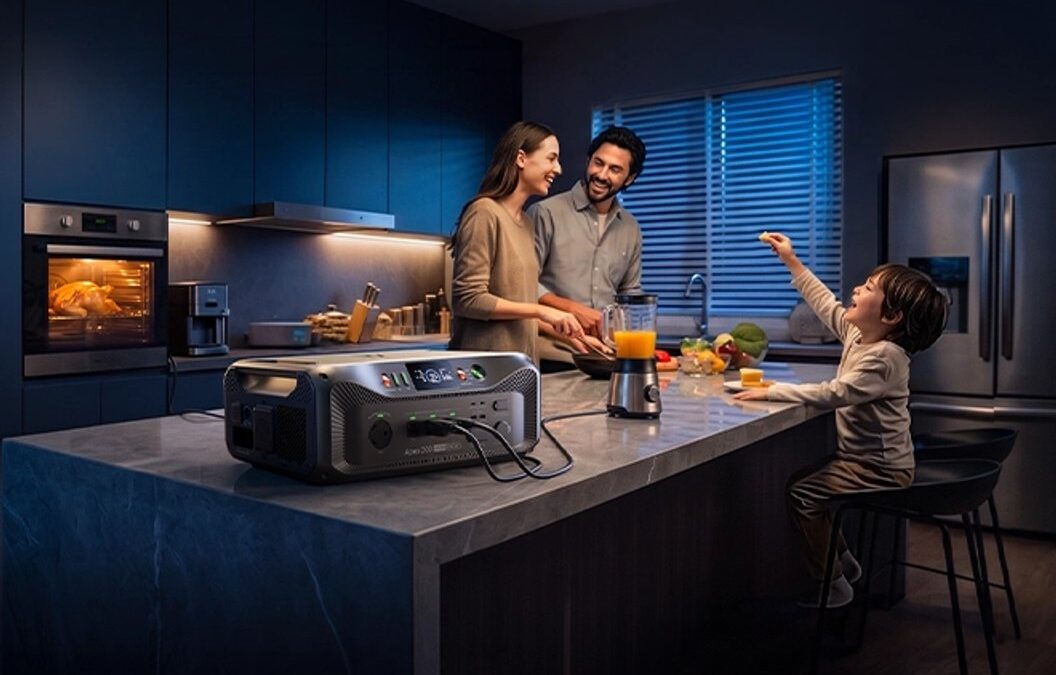

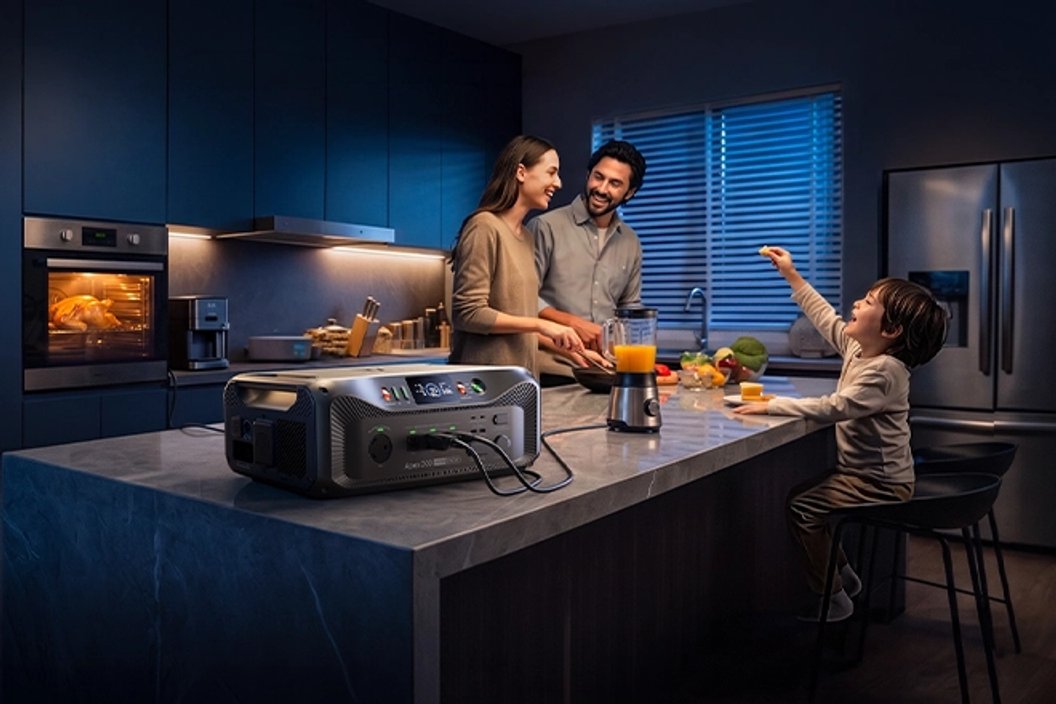
Use your essential devices, expected runtime and charging options to narrow BLUETTI’s portable power range to a setup that fits your plans.
Choosing a portable power station is easier when you start with the job it must do. A weekend away, a few hours of backup for communication and lighting, and keeping household essentials running through an outage place different demands on capacity, output and charging.
We reviewed the product information on BLUETTI’s Canadian store to build a practical selection path. The specifications below are listed by the brand; they are planning references, and real runtime depends on the connected load and conditions.
Some links in this article are affiliate links: if you make a purchase through them, we may receive a small commission.
Highlights
- Begin with device wattage and the number of hours you need power, then check output and stored energy.
- Apex 200 is the expandable choice for a larger backup plan, with 2,560Wh capacity and up to 3,600W output listed by BLUETTI Canada.
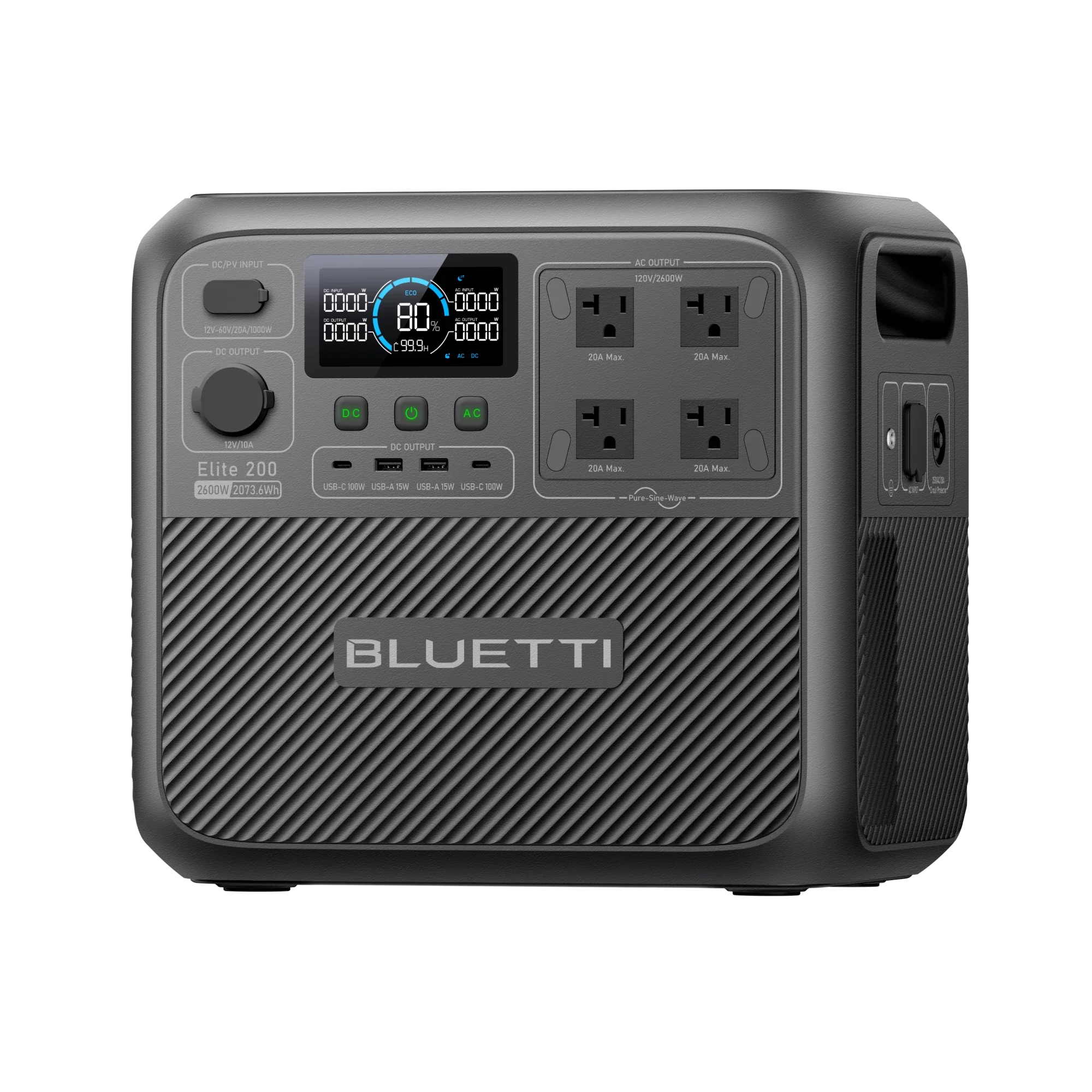
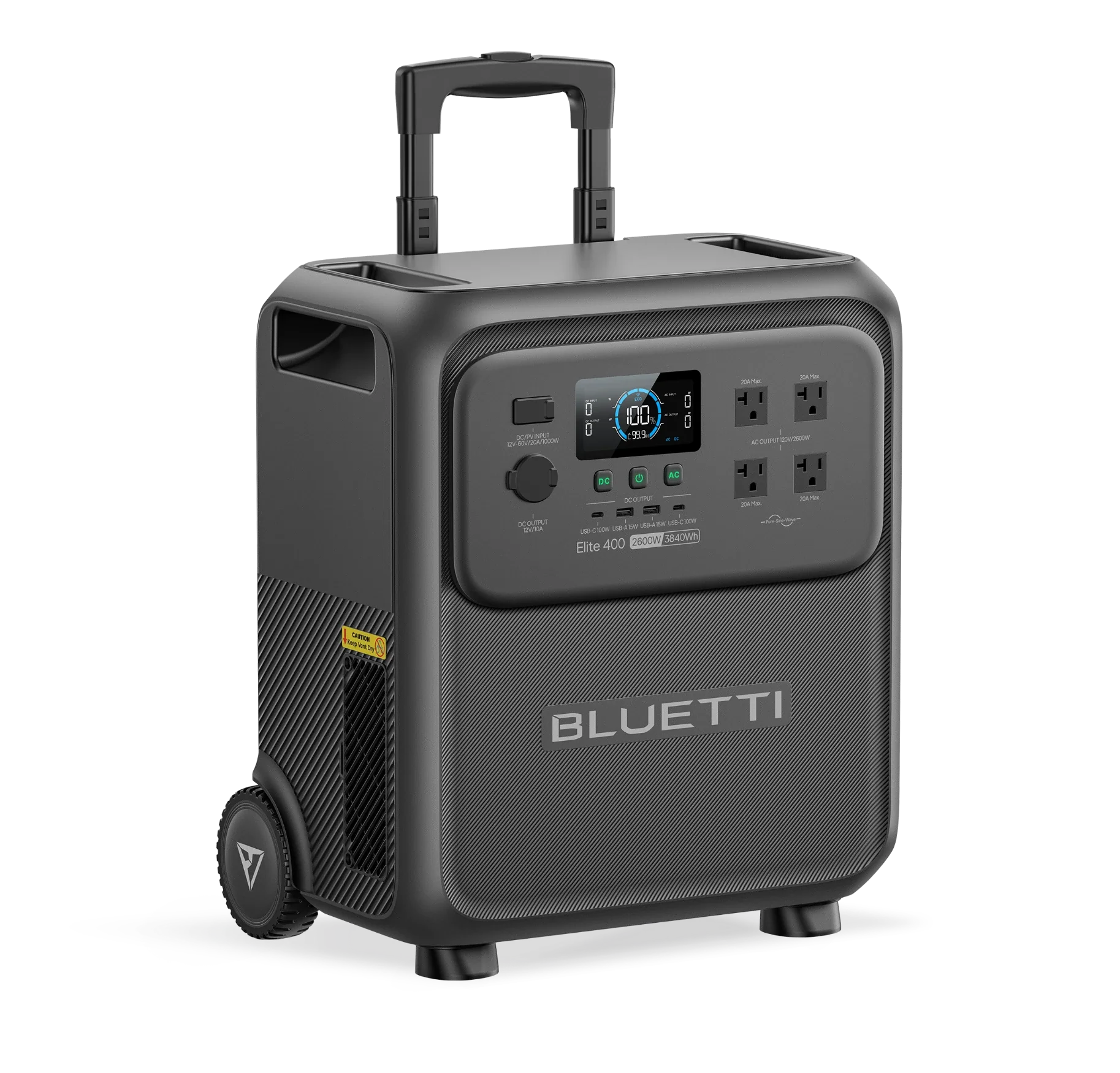
- Elite 200 V2 offers 2,073.6Wh and 2,600W in a portable station format for mixed home and away use.
- Elite 300 is listed with 3,014Wh and 2,400W for plans that need more stored energy.
- Solar input, expansion batteries and cables change the complete setup; confirm compatibility on the Canadian product page.
Step 1: List the devices that matter
Write down the equipment you actually want to run. For a home outage, that might mean a modem, phones, lights and a medical or kitchen appliance. For travel, it may be a laptop, camera batteries, a compact fridge or a fan. Avoid starting with every device in the building: a focused list creates a useful first estimate.
Next, record each device’s running wattage and whether it has a higher startup demand. The station must support the combined load you intend to connect at one time. That is why output matters separately from capacity. A large battery can still be a poor match if the inverter output cannot support the appliance.
Separate essential devices from conveniences, and decide which can take turns. Running a kettle and a space heater together creates a different output requirement from charging phones while a router stays on. The simultaneous load is the figure to compare with the station’s rated output. Recheck that number against the Apex 200 output listing or the Elite 200 V2 specifications before you decide.
- List each device and its stated watts.
- Mark equipment with a motor or compressor startup surge.
- Choose what can run together and what can take turns.
- Keep the manual or label handy to verify the figures.
Step 2: Estimate runtime before choosing capacity
Capacity, shown in watt-hours (Wh), describes stored energy. A simple planning estimate is device watts multiplied by hours of use. For instance, a modest continuous load over several hours can add up quickly. Real-world runtime will be lower than a perfect arithmetic result because conversion losses, temperature, battery condition and load cycling all matter.
Use the estimate to compare capacity tiers, rather than treating it as a runtime promise. Consider a buffer for uncertain use and for devices whose consumption changes while operating. If only the router and a few lights are essential, you may not need the same stored energy as a plan that includes refrigeration or longer periods away from the grid.
BLUETTI Canada lists the Elite 200 V2 at 2,073.6Wh and 2,600W. Its combination of capacity and output gives it a place to consider for mixed needs, such as household essentials plus portable use. Check the Elite 200 V2 details against your load and the ports you need; the label alone does not tell you whether it covers every appliance. Review the Elite 200 V2 model and its port details alongside your device list.
Step 3: Match the station tier to the plan
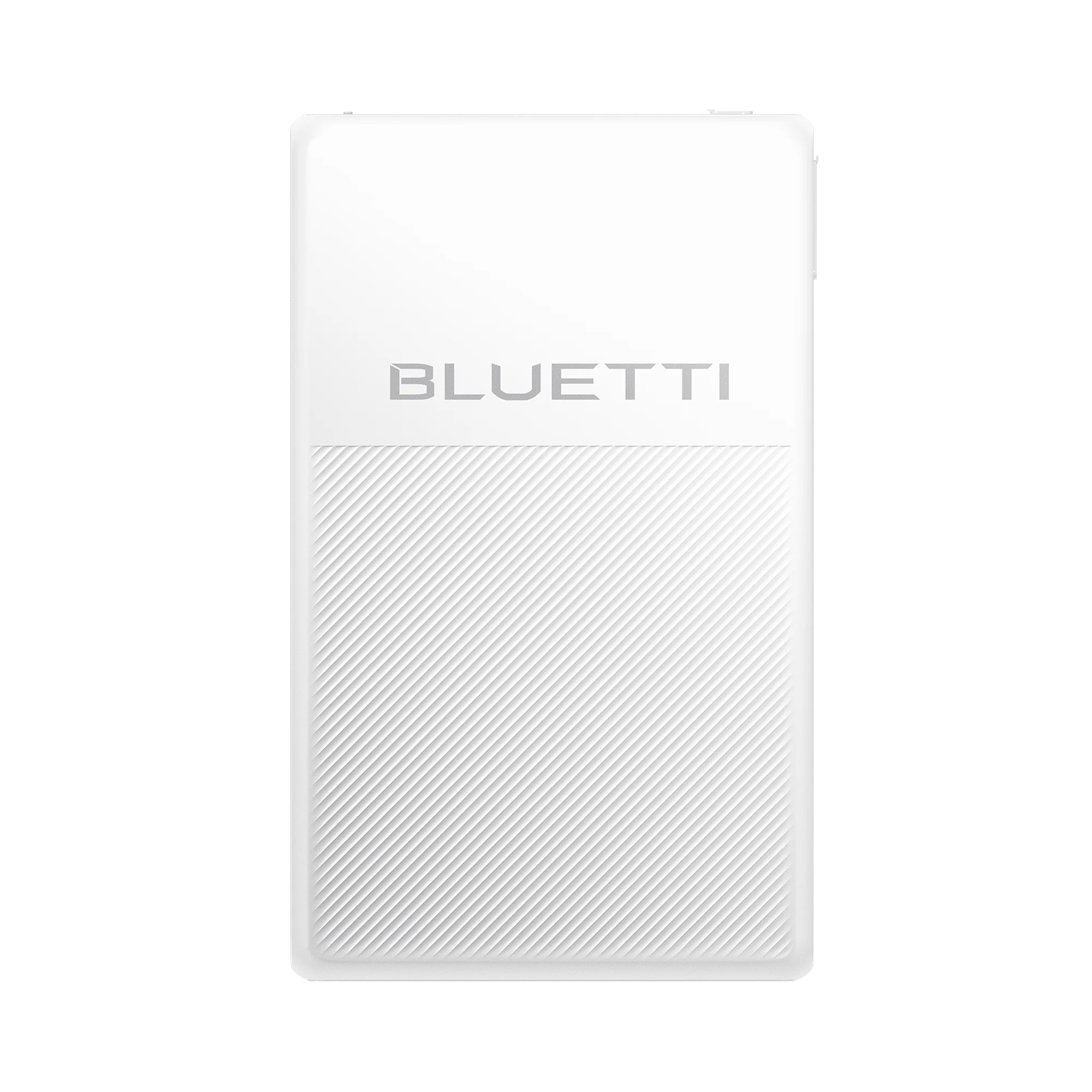
If your list points to a larger household backup or a setup you may expand, the Apex 200 merits a closer look. BLUETTI lists 2,560Wh and up to 3,600W output for the Canadian model, and describes expansion options. Its headroom may suit a plan involving more than small electronics, but the total configuration, battery additions and installation requirements need careful checking.
For a more stored-energy focused comparison, BLUETTI lists the Elite 300 with 3,014Wh and 2,400W. That difference is a reminder to assess both numbers: watt-hours inform the energy reserve, while watts describe the load it can handle. Your deciding factor may be the startup needs of a particular appliance, not the larger capacity figure by itself.
Compact needs point in another direction. For a single refrigerator, investigate whether a dedicated backup such as BLUETTI’s FridgePower matches the appliance and intended backup window. For a campsite or mobile work, compare weight, dimensions, port selection and charging routes along with capacity. The best fit is the smallest configuration that comfortably supports the named job. Compare Apex 200 station options, Elite 200 V2 details and Elite 300 information by the details your plan needs.
| Option | Listed capacity | Listed output | Consider it for |
|---|---|---|---|
| Apex 200 | 2,560Wh | Up to 3,600W | Expandable backup planning |
| Elite 200 V2 | 2,073.6Wh | 2,600W | Mixed home and portable use |
| Elite 300 | 3,014Wh | 2,400W | More stored energy in a station |
These published specifications are not a performance ranking: each model balances capacity, output and configuration differently. Use the BLUETTI Canada station pages to check included accessories and current availability. Apex 200 configurations may include different solar or expansion components, so compare the actual bundle contents before choosing.
Step 4: Decide how you will recharge
Think through the recharge window as carefully as the runtime. Mains charging is straightforward when an outlet is available; solar can be useful when you are away from one, but depends on panel compatibility, sunlight, placement and the station’s accepted input. Vehicle charging may suit road trips, but confirm whether the needed cable or accessory is part of the configuration.
For the Apex 200, BLUETTI describes an expandable system and solar compatibility. Confirm the exact solar input limits, charging accessories and any expansion battery pairing on the Apex 200 Canadian listing. A panel’s headline wattage does not guarantee that the station will accept that full rate in every condition.
- Check the station’s supported solar input and connector.
- Confirm whether the panel, cable and adapter are included or separate.
- Allow for changing sunlight, shade and seasonal conditions.
- For vehicle charging, verify the compatible charger and connection.

Step 5: Check the complete setup
Before settling on a model, review ports, recharge methods, dimensions and weight. Verify that the outputs match your plugs and that any expansion battery or solar panel is explicitly compatible. If the station is intended for home backup, learn whether it powers devices through its outlets or requires additional equipment for a wider circuit setup. Follow the manufacturer’s instructions and local electrical requirements.
Bundle names can hide meaningful differences. A station paired with panels, an extra battery or a vehicle charger may be a better fit for one plan, while a base unit may be enough for another. Compare the included items rather than assuming the same name means the same configuration. Keep cable routing, storage location and ventilation in mind too.
BLUETTI’s Canadian catalogue spans portable stations, solar panels, expansion batteries and dedicated products such as FridgePower. That breadth makes it practical to map the purchase as a system, but it also means compatibility deserves a deliberate check. Use the official BLUETTI Canada listing for the exact product you are considering, including the Elite 300 product page or Elite 200 V2 page.
Strengths for a planned setup
Where the range can fit
- Several capacity tiers make it possible to plan around small essentials or larger reserves.
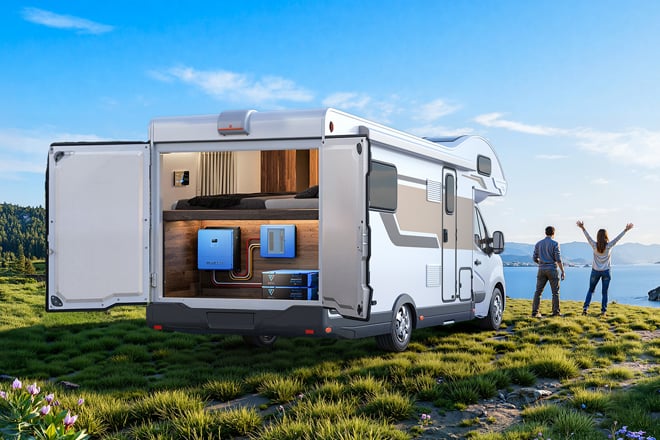
- Expansion choices give some systems room to grow as a backup plan changes.
- Multiple charging routes can support home, road and off-grid use when configured correctly.
- Product pages provide concrete output and capacity figures for initial comparisons.
Limits to account for
- Listed capacity does not equal usable runtime; losses and real device draw change results.
- High output does not guarantee compatibility with every appliance or startup surge.
- Panels, cables and expansion batteries may be separate or bundle-specific.
- A larger system can add cost, weight and setup complexity; match it to a defined need.
Is a BLUETTI station the right match for your plan?
BLUETTI is a sensible shortlist choice if you want to compare portable stations alongside solar and expansion options from one Canadian store. Start with your simultaneous load, use a conservative runtime estimate, then compare capacity, output and recharge paths across the Apex 200, Elite 200 V2 and Elite 300.
The main limitation is that product specifications cannot predict your actual runtime or resolve every installation question. Confirm appliance demands, included components and compatibility for your exact setup before deciding. Check the Apex 200, Elite 200 V2 and Elite 300 listings for the configuration details. If your list is small, a high-capacity station may be unnecessary; if critical household circuits are involved, get qualified guidance on the backup arrangement.
BLUETTI Power Station Guide: Choose by Load, Runtime and Setup
