

A feature-by-feature look at the MUCAR X93 tablet, the work it is designed to support, and the compatibility checks to make before choosing it.
Choosing a diagnostic scanner gets complicated when one model reads a code and another promises access to more vehicle systems. The thinkcar MUCAR X93 is positioned at the broad end of that decision: a tablet-style tool listed with full-system diagnostics, topology mapping, bidirectional controls, ECU coding and an extensive service menu.
We reviewed the product information on thinkcar’s US store to clarify what those capabilities mean for an owner or independent repairer, where the X93 may earn its place, and what should be verified before checkout. The headline feature count matters less than whether the functions match your vehicle and the jobs you actually handle.
Some links in this article are affiliate links: if you make a purchase through them, we may receive a small commission.
Highlights
- MUCAR X93 is a tablet scanner listed with topology mapping, AI diagnostic assistance, bidirectional control, ECU coding and more than 41 service functions.
- It is aimed at users who want to investigate multiple systems and run supported service procedures, rather than only read engine codes.
- Vehicle coverage and function availability vary, so confirm year, make and model support before ordering.
- The smaller THINKSCAN 673BT and tire-focused THINKCAR VT679 show how needs can point to a more specialized format.
What the X93 is designed to do
The MUCAR X93 is a handheld tablet scanner for drivers or repairers who want diagnostic access beyond a basic code reader. The product page highlights full-system diagnostics, meaning the tool is intended to communicate with multiple vehicle modules. That can help when a warning light is only one part of a broader issue, or when a fault appears outside the engine system.
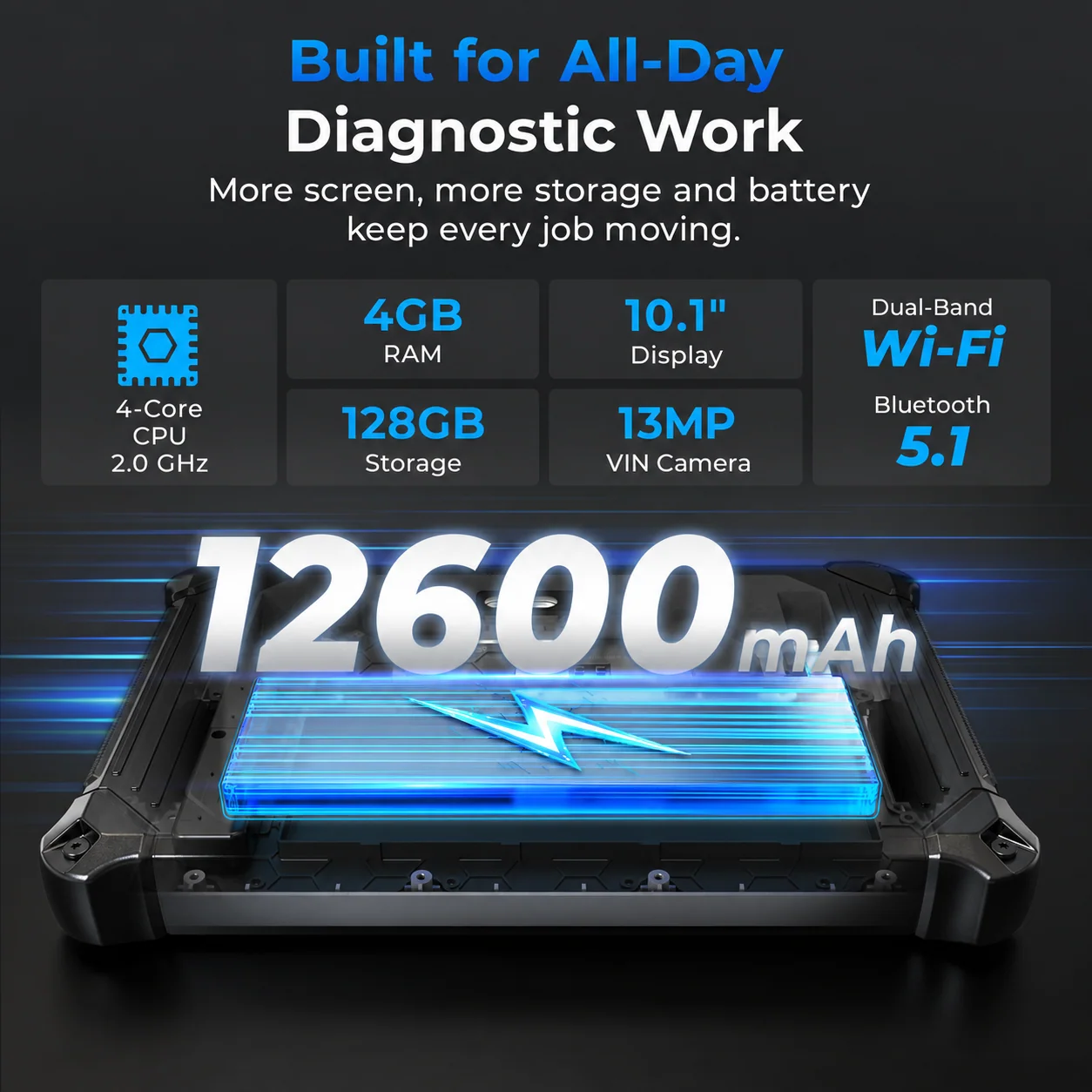
A useful way to think about the X93 is as a diagnostic workspace. Its screen gives the operator room to move between systems, review information and follow procedures. That format can make more sense in a home garage or small workshop than a compact plug-in reader, particularly when the operator expects to examine several control units across different repair jobs.
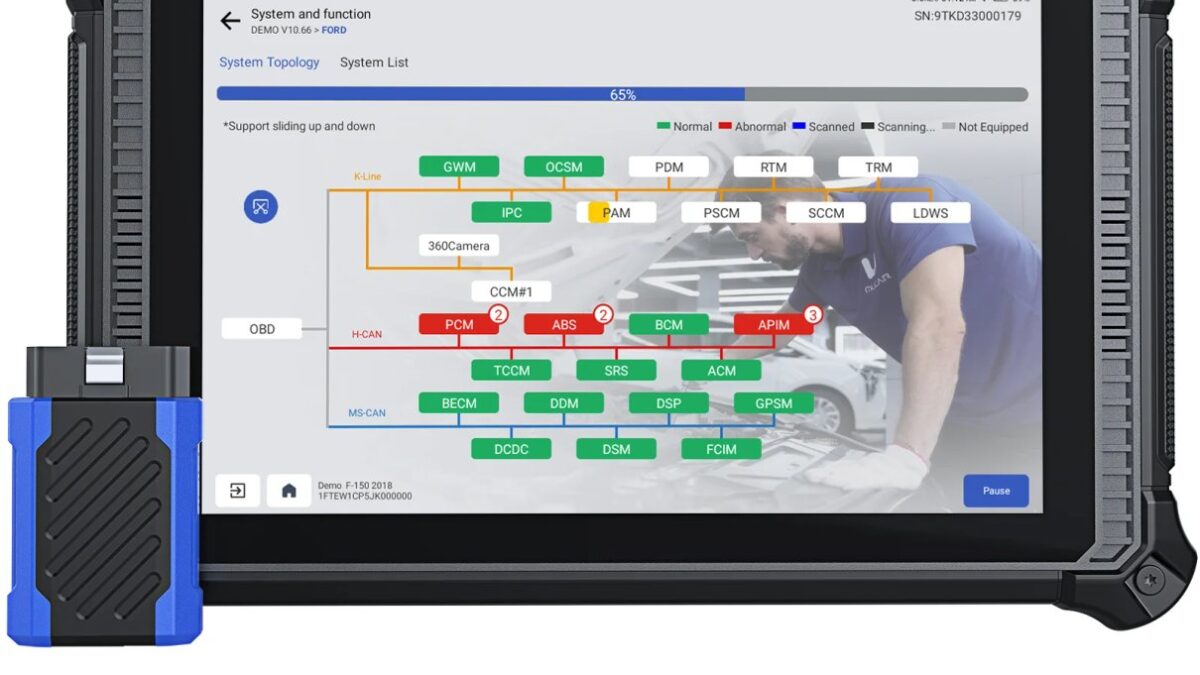
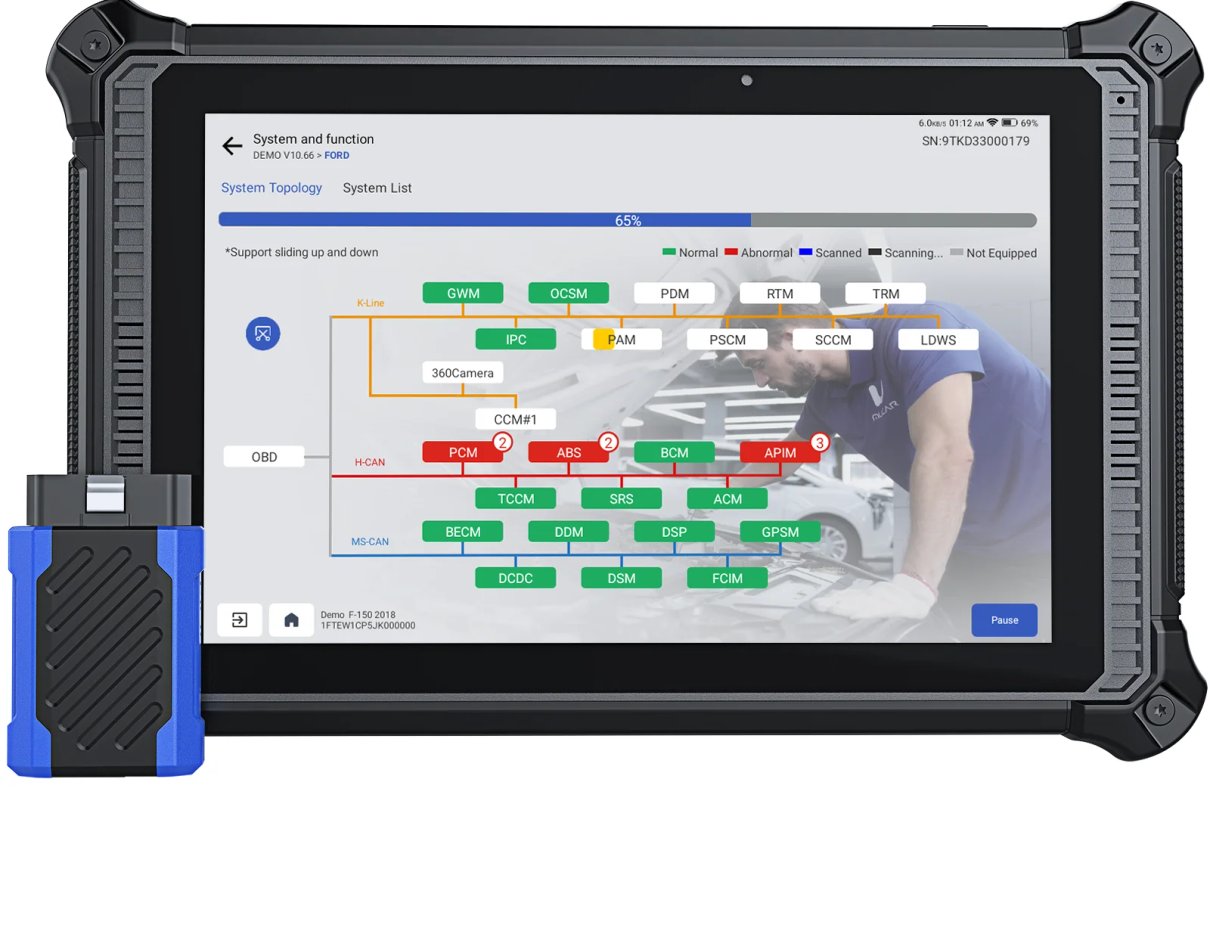
Topology mapping is one of the standout listed capabilities. Rather than treating every module as an isolated menu item, topology views can help show the vehicle’s system relationships and communication status. In practice, this is most valuable to someone prepared to interpret diagnostic information; the feature does not itself identify the root cause or replace mechanical inspection.
The store also lists bidirectional control. This describes the ability to send supported commands to vehicle systems, such as activating a component for diagnosis, rather than only receiving stored information. It is a more advanced workflow than code reading, but availability depends on vehicle, module and function support. Buyers should treat compatibility lookup as part of the purchase, not an afterthought.
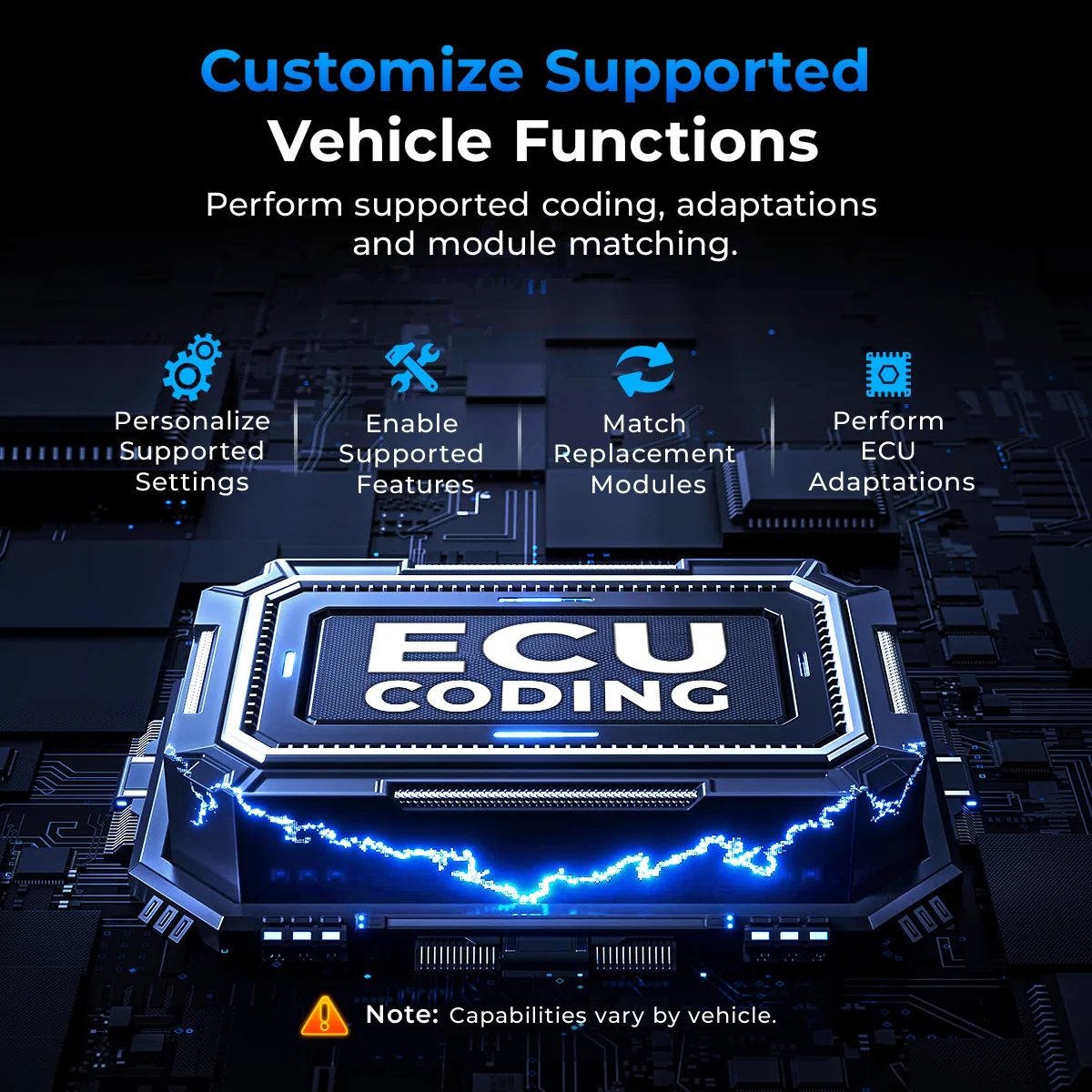
ECU coding is another feature named for the X93. Coding is specialized work: it can change supported module configurations and is not necessary for routine maintenance. Its presence adds potential value for technically confident users, but it should not be read as a guarantee that every coding operation is available on every vehicle.
Where the feature set fits
- Investigating warning indicators that may involve more than the engine control module.
- Checking supported systems before deciding whether a repair needs further diagnosis.
- Running a supported service reset or maintenance procedure after the related work is complete.
- Using bidirectional tests to observe a component response when the vehicle and module support that test.
- Reviewing module relationships through topology mapping during a more involved diagnostic session.
The product page says the X93 includes more than 41 service functions. That breadth can be useful for a household with several vehicles or a repairer who sees varied maintenance needs. Service menus commonly cover procedures such as resets or calibration tasks, but the exact list available to an owner should be checked against the model and vehicle coverage details shown by the brand.
For a first-time scanner buyer, the important question is not whether a long list looks impressive. It is whether the tool supports the work: reading the relevant modules, retrieving the data needed for diagnosis and carrying out any required service procedure. A buyer who only needs a basic engine fault code may not use much of the X93’s additional capacity.
How it compares with narrower needs
The X93 remains the subject of this review, but two nearby products help explain its place in the store. The THINKSCAN 673BT uses a Bluetooth handheld format, which may suit someone who prefers a smaller scanner and a phone-connected workflow. The THINKCAR VT679 is centered on tire pressure monitoring tasks. See the product pages for the THINKSCAN 673BT and THINKCAR VT679 if those needs are closer to your own.
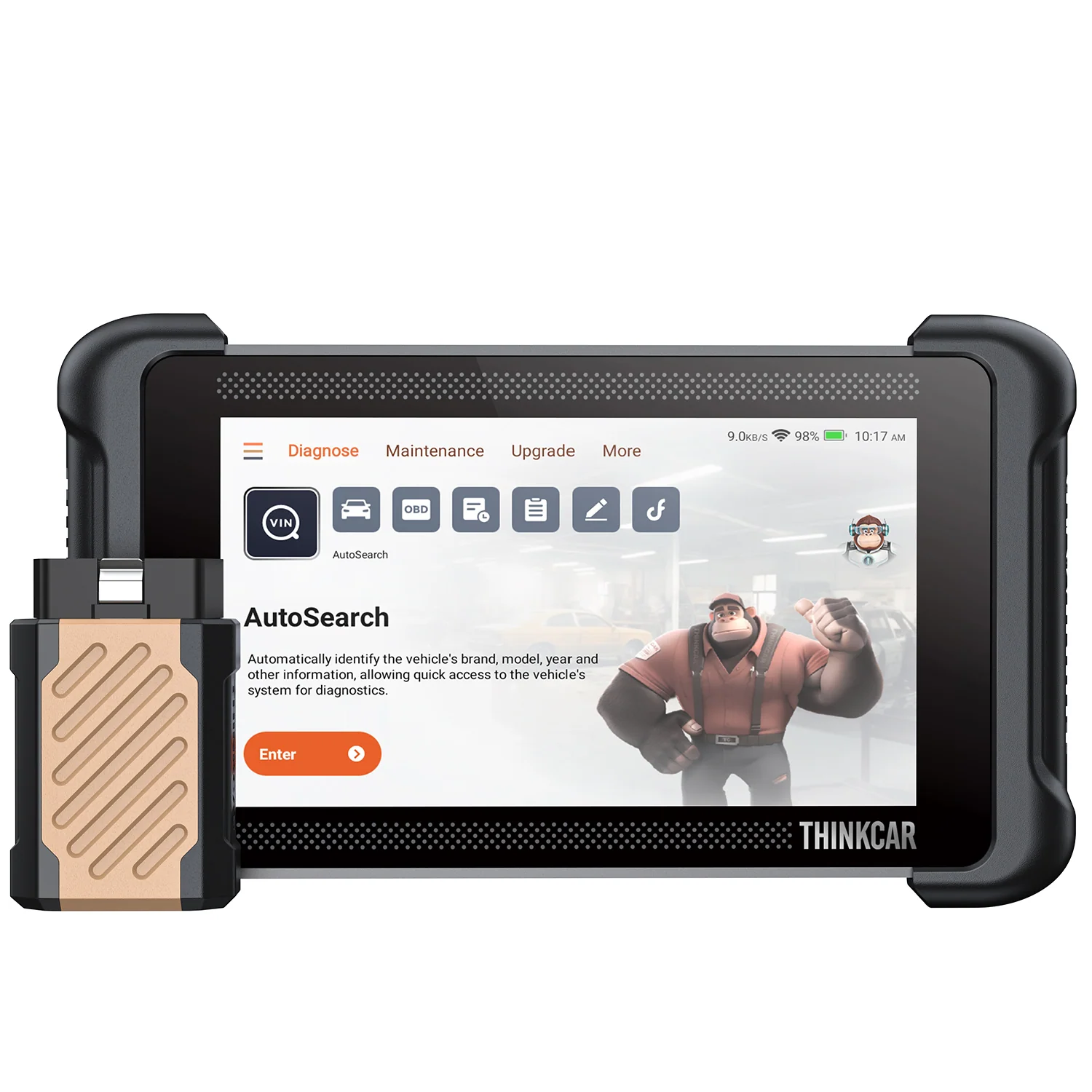
This distinction matters at buying time. If you want broad system access and a larger display, investigate the X93. If portability and a Bluetooth arrangement are more important, check whether the 673BT’s own specifications cover your jobs. For tire sensor activation or relearning, a dedicated TPMS product such as the VT679 is the more relevant comparison. These models serve different tasks; a feature count alone does not make one a universal substitute for another.
Buying and ownership checks
Thinkcar’s US Shopify storefront presents product details and a direct product page for the X93. Before adding a scanner to a cart, use the product page’s coverage material and any available compatibility lookup to validate your vehicle. Confirm the year, make, model, engine and region where prompted, and check specific functions rather than assuming that general system access includes every special procedure.
- Write down the vehicle identification details you will use for the compatibility check.
- Separate must-have jobs from occasional extras, such as coding or component activation.
- Confirm whether the desired function is supported for the specific vehicle and system.
- Read the included-accessory and software information on the product listing before checkout.
- Check the current product price and any store-stated warranty or update terms directly on the US listing.
This checklist can prevent a common mismatch: buying around a headline capability without verifying the exact coverage. A scanner may support a function category while excluding a particular model year or module. Look for clear answers on the store listing; if coverage remains unclear, contact the brand’s support team before purchasing.
As with other diagnostic equipment, the learning curve depends on the operator. Reading codes and viewing live data are different from deciding what a result means, and active tests or coding can have consequences if used without care. The X93 is most compelling for someone comfortable following a diagnostic process, consulting repair information and stopping when a procedure is outside their knowledge.
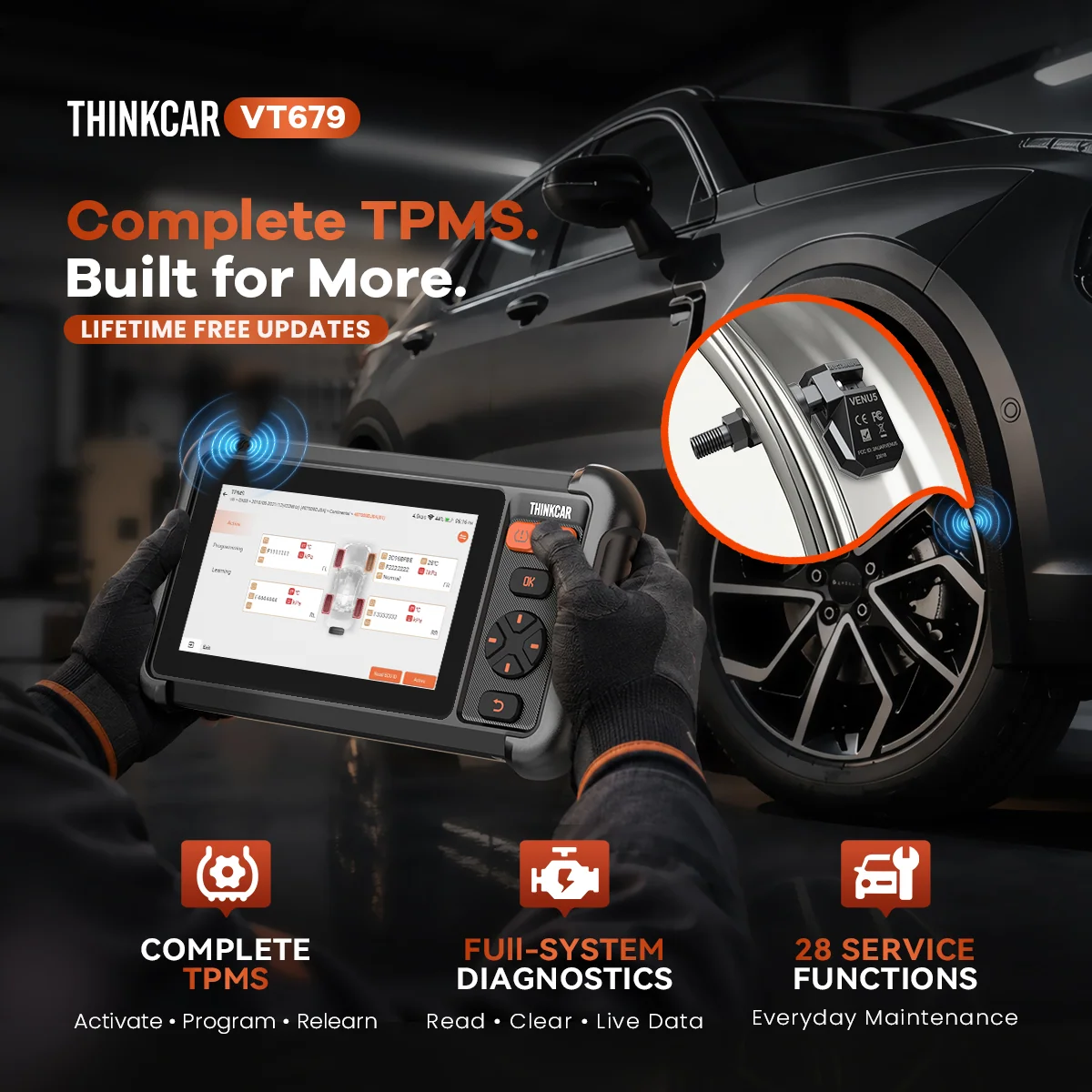
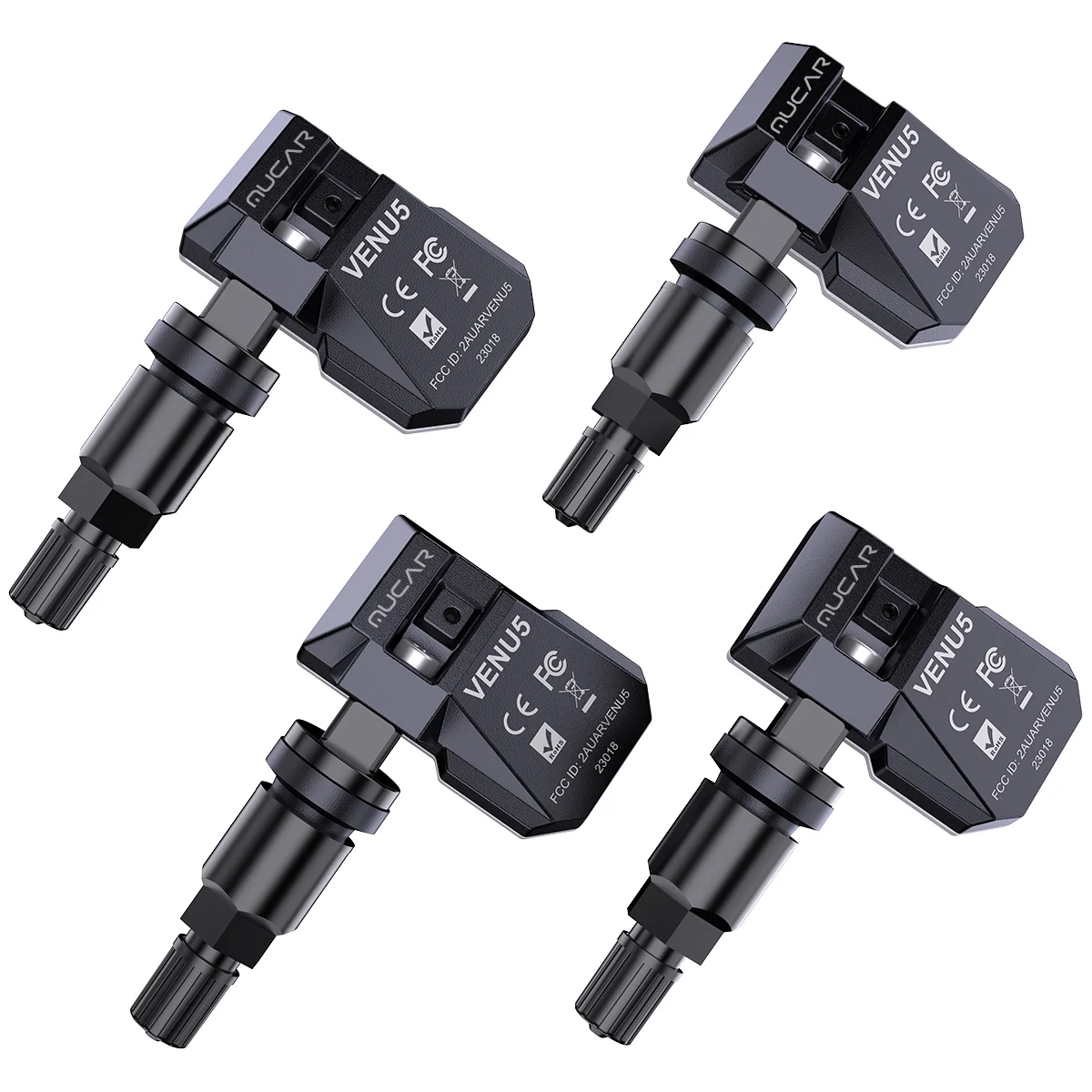
For tire work that involves replacement sensors, the store also lists the MUCAR VENU5 tire pressure sensor. It is an accessory rather than a competing scan tablet, which makes it useful context when a buyer is assembling a TPMS workflow. Check its fit and supported tools on the listing before treating it as a match for a particular vehicle.
Strengths that matter for the right buyer
- Broad system access and a tablet interface are a strong combination for multi-system diagnosis.
- Topology mapping, bidirectional controls and ECU coding make the X93 more capable on paper than a simple code reader.
- The listed service menu can consolidate several maintenance workflows in one tool.
- The product page gives buyers a direct place to check current specifications and availability.
Limits to weigh before checkout
- Specific coverage varies by vehicle, year and module; the feature list is not universal compatibility.
- Advanced features have less value if your needs stop at basic engine-code reading.
- Topology views and active tests require diagnostic understanding; a scanner does not make the repair decision for you.
- Confirm software, update, accessory and support terms on the listing because these details shape long-term ownership.
For someone comparing products, it can help to browse the X93 listing alongside a more compact model. The MUCAR X93 product page is the source for its current features and store terms; the 673BT listing and VT679 listing can clarify whether a narrower form or TPMS-specific tool better matches your routine. Follow each vehicle coverage note carefully.
Is the MUCAR X93 the right scanner for your work?
The MUCAR X93 is a strong fit for an owner or independent technician who expects to investigate multiple vehicle systems and can make use of supported service functions, topology mapping or active controls. Its tablet format and breadth are the reasons to consider it. Buyers focused only on occasional engine-code checks may find much of that capability unnecessary.
Our main reservation is compatibility: thinkcar lists substantial functionality, but the vehicle and module determine what works. Check your exact coverage and current ownership terms before deciding, then review the MUCAR X93 details on thinkcar’s US store.
MUCAR X93 Review: What Its Full-System Scanner Offers
