
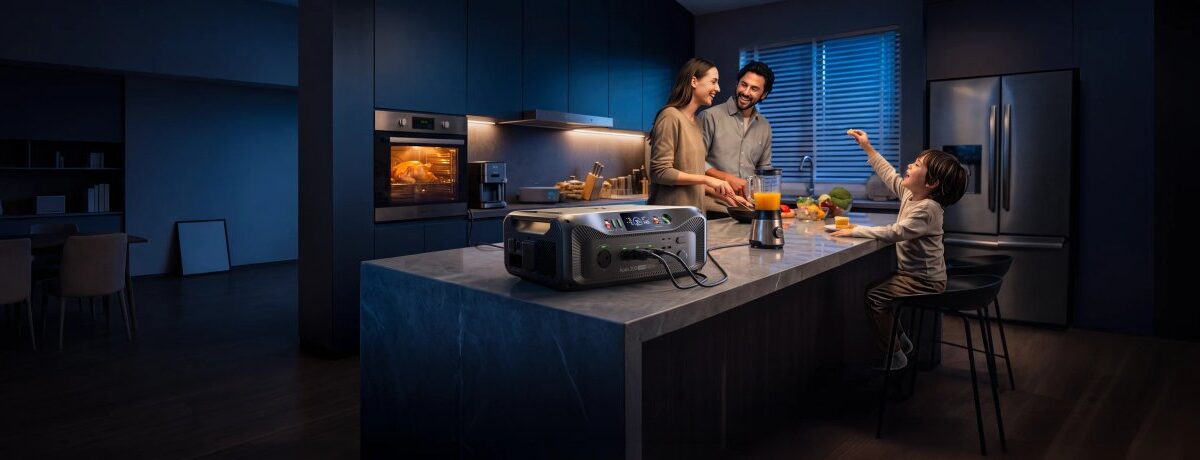

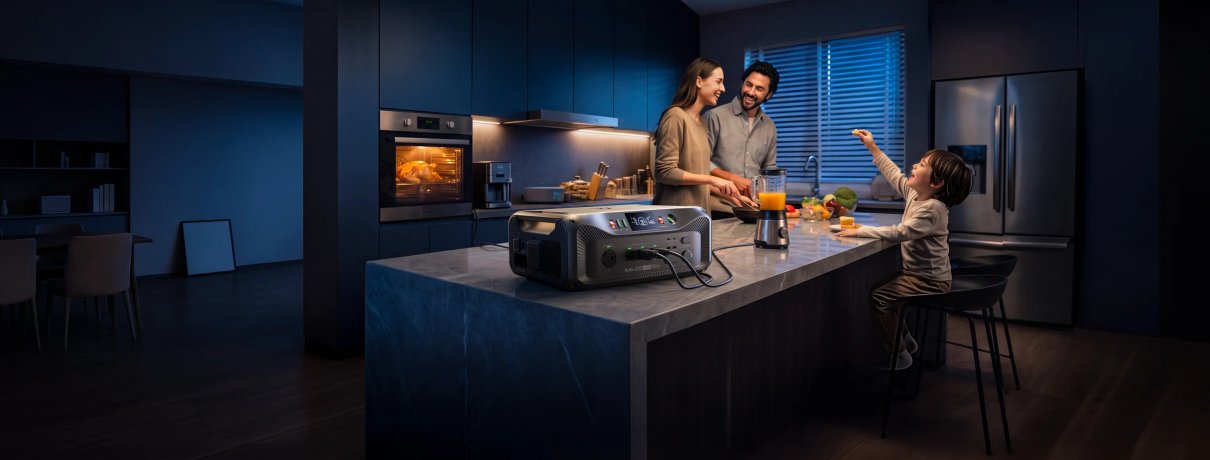
Use your setting, essential devices and recharge plan to narrow BLUETTI’s Canadian power range to a setup that makes sense.
Portable power can solve very different problems: keeping a refrigerator running through an outage, covering a few devices at a campsite, or supporting a larger RV setup. A station that suits one job may be needlessly heavy for another, so the useful first step is to describe the job before comparing models.
We reviewed the Canadian product information for BLUETTI’s portable stations, solar options and dedicated refrigerator backup. The range includes compact units such as the Elite 100 mini, larger expandable systems such as the Apex 200, and a focused option called FridgePower. Here is a planning sequence that makes those differences easier to use.
Some links in this article are affiliate links: if you make a purchase through them, we may receive a small commission.
Highlights
- The Apex 200 combines 2,560Wh capacity with up to 3,600W output and an expandable design.
- The Elite 100 mini is a smaller 1,004.8Wh, 700W option for lighter portable needs.
- FridgePower is a dedicated battery backup for refrigerators and freezers.
- Current pricing depends on station size, solar panels, expansion batteries and bundle configuration.
Step 1: Name the job and the devices
Write down what you want powered and where it will sit. A fridge in a home outage, a laptop and lights at camp, and several RV appliances are not interchangeable loads. A short list prevents capacity figures from becoming a substitute for a real use plan. Begin with the devices you consider essential, then mark anything you can leave switched off.
- List each device and its running wattage from its label or manual.
- Note whether it has a motor or compressor, since startup demand can differ from steady use.
- Estimate how many hours it needs to run between recharges.
- Separate essentials from convenience items such as a second screen or speaker.
Then decide whether portability matters. A station that stays near a utility area can prioritize stored energy and expansion; a unit that moves between a car, campsite and cabin should be judged for its carrying and storage demands as well. BLUETTI presents its range across home backup, RV and outdoor use, but the category label is only a starting point. The device list should decide the match. Review the Canadian portable station range once you know which setting matters most.
Step 2: Compare output and capacity separately
Output and capacity answer different questions. Output, measured in watts, tells you which devices can run together and whether a demanding appliance can start. Capacity, measured in watt-hours, gives a planning estimate for how long a load may run. The rating alone cannot promise a runtime: appliance behaviour, conversion losses and the actual load all matter.
| Option | Published specs | Planning fit |
|---|---|---|
| Apex 200 | 2,560Wh; up to 3,600W | Expandable home or RV setup |
| Elite 100 mini | 1,004.8Wh; 700W | Smaller device groups and portable use |
| FridgePower | Dedicated refrigerator and freezer backup | Protecting one defined appliance |
The Apex 200 product page lists LiFePO4 storage, up to 3,600W output and expansion support. That combination gives it a broader brief than a compact travel unit, but it still needs to be matched to the planned load and the household’s recharge access. For readers wanting a smaller station, the Elite 100 mini specifications describe 700W output and 1,004.8Wh capacity. Compare both ratings with the devices on your list, not just the headline capacity.
Step 3: Choose the option around your setting
1. Elite 100 mini – lighter portable use
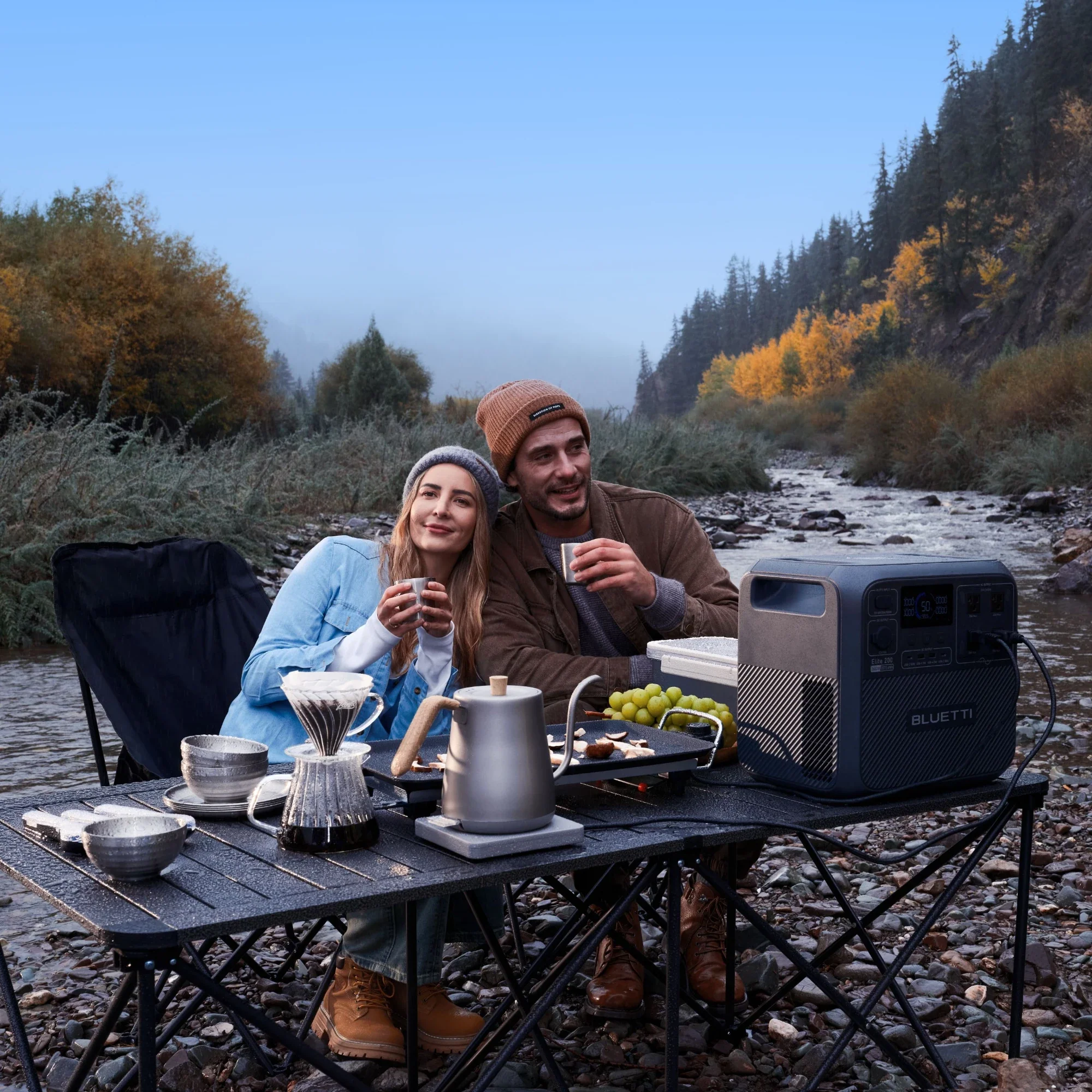
The Elite 100 mini makes sense when the plan is to support a modest collection of devices and keep the station relatively compact. Its published 700W output sets a clear boundary: check each device’s operating and startup needs before assuming it will suit an appliance. If solar matters, BLUETTI also lists kit configurations with the SORA series, so verify which panel and cables are included in the Canadian listing rather than assuming every bundle is the same. Compare the Elite 100 mini solar kits by included panel and connector.
2. Apex 200 – a broader home or RV plan
For a mix of home backup and mobile use, the Apex 200 brings more capacity and output headroom than the compact option, and the brand describes it as expandable. That is useful if the plan may grow, but expansion adds equipment and cost, so it is sensible to begin with the base configuration that covers the essentials. Check the Canadian page for the supported battery combinations, solar input details and the included charging accessories.
3. FridgePower – when one appliance is the priority
FridgePower takes a narrower appliance-first approach: the Canadian store describes it as a battery backup for refrigerators and freezers. That focus can be easier to reason about if food storage is the main concern and you do not need a station for a long list of other devices. Read the supported appliance guidance and installation instructions carefully. A dedicated product should not be treated as a whole-home system unless the manufacturer says that arrangement is supported.
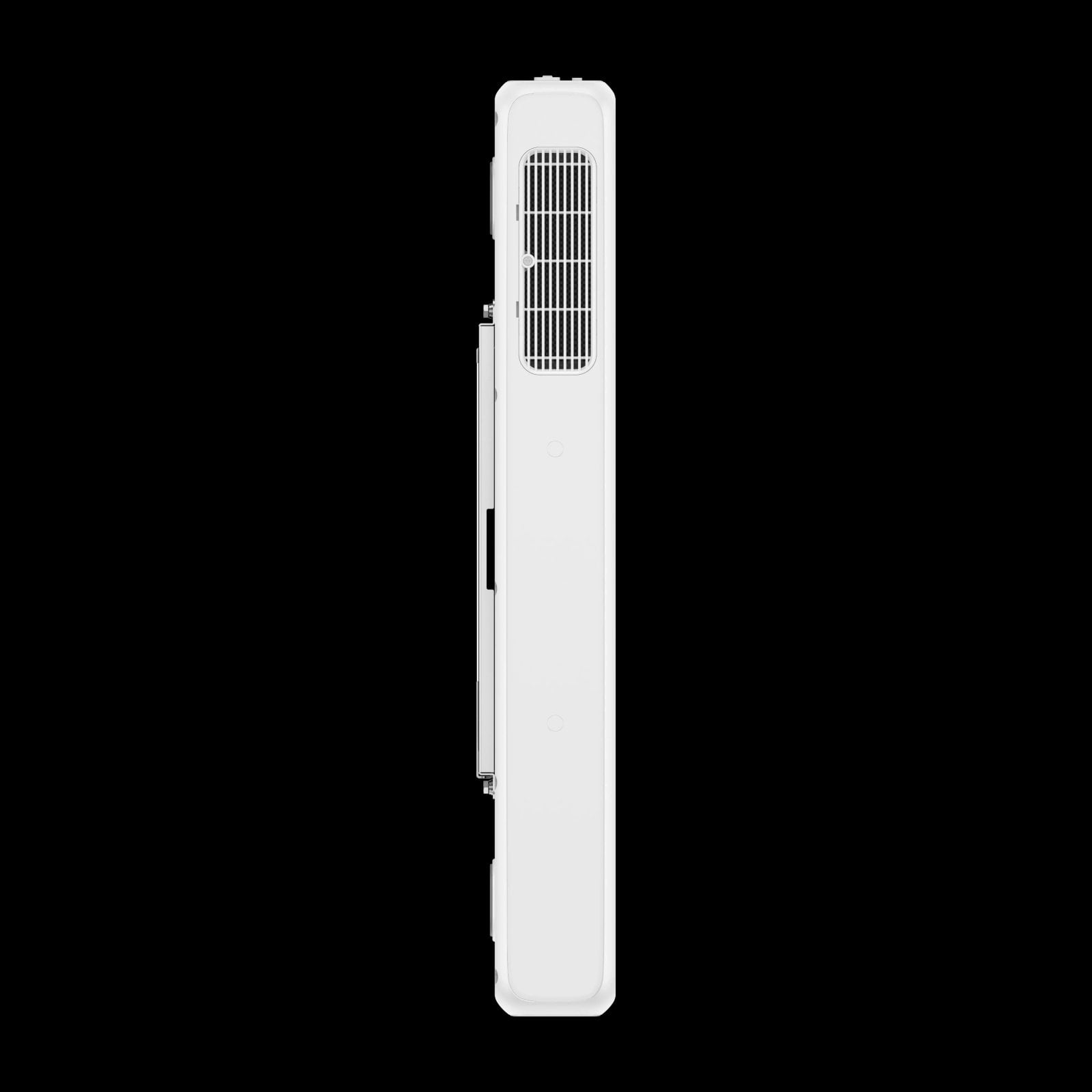
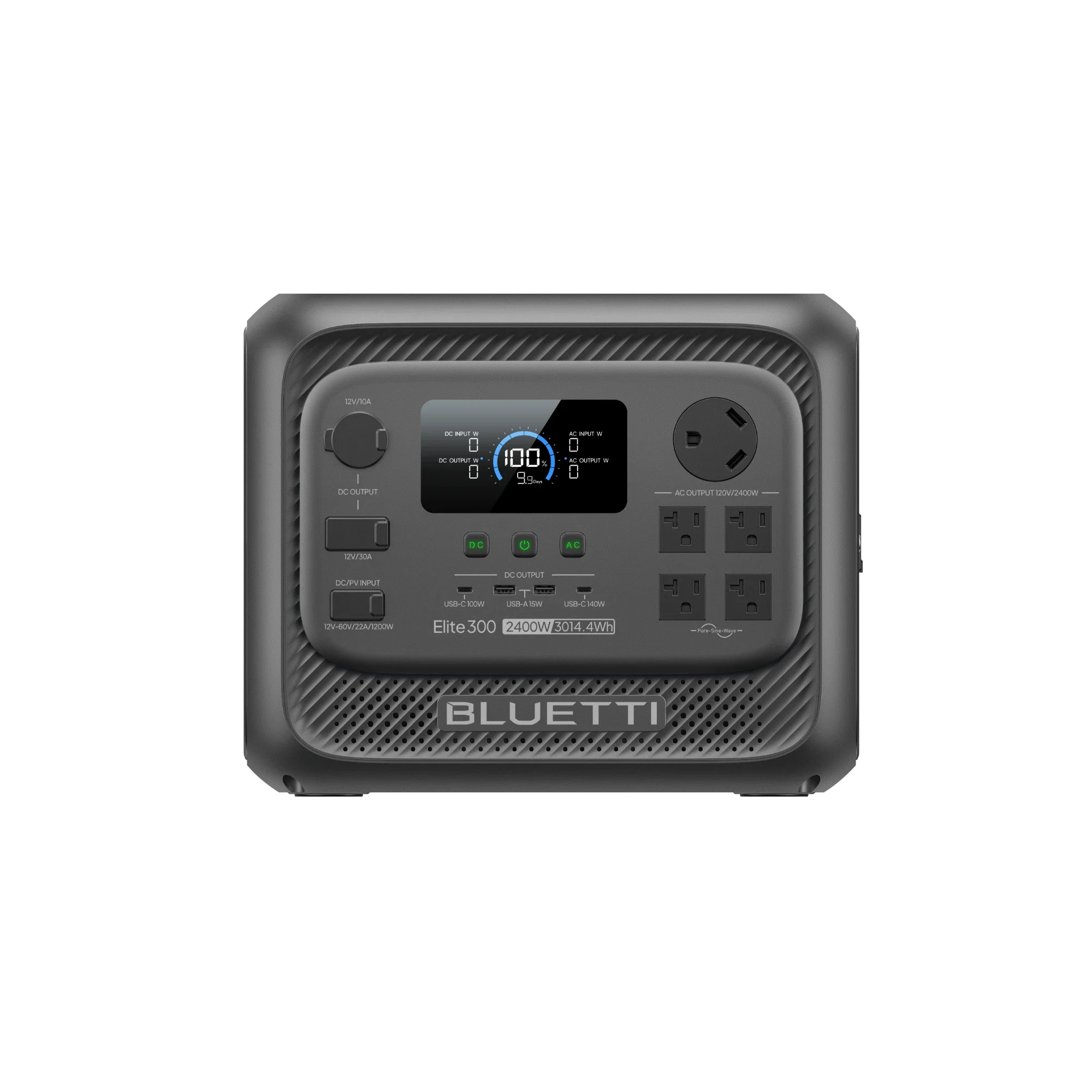
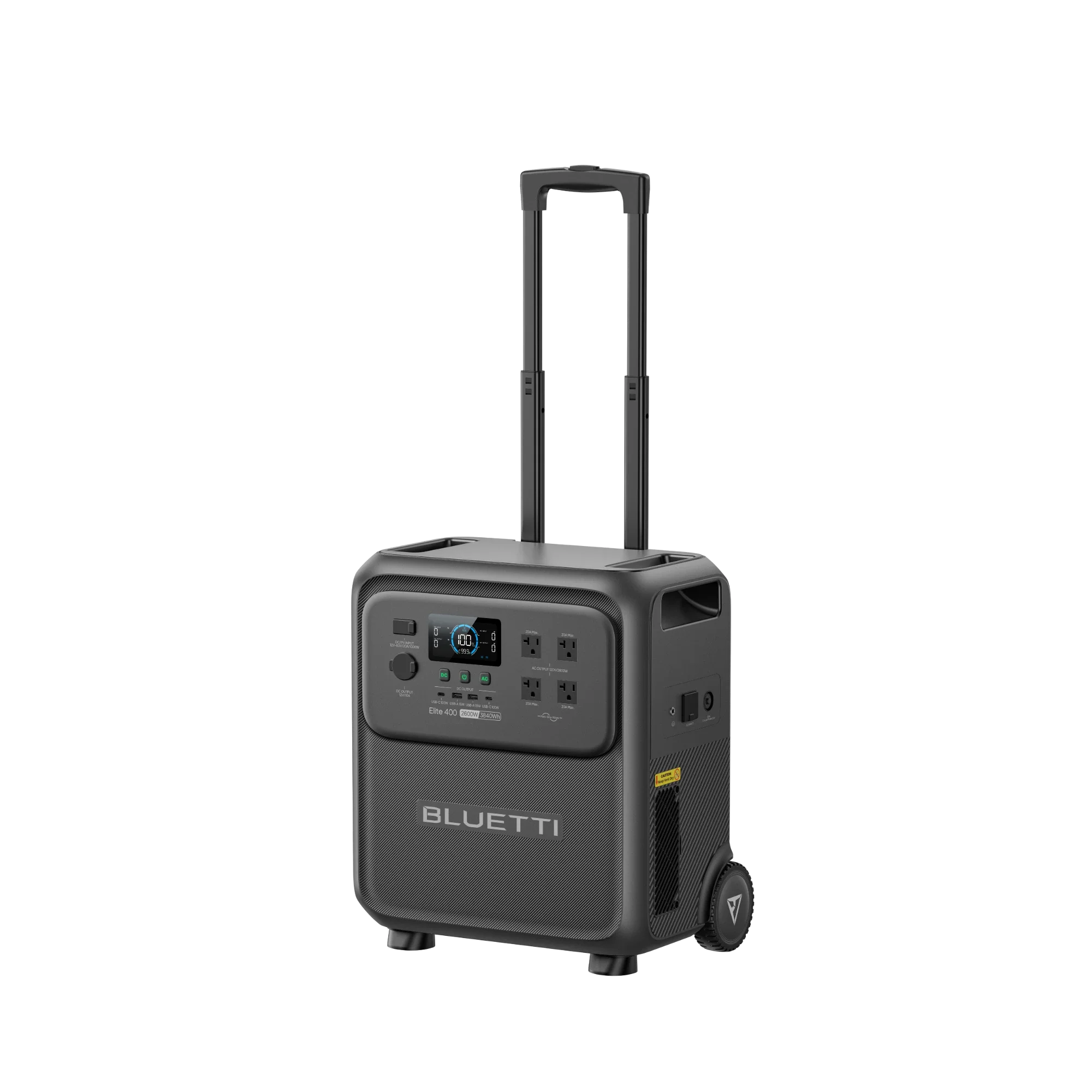
Readers whose device list lands between the compact and expandable tiers can also review the Elite 300, which BLUETTI lists at 3,014Wh and 2,400W, or the Elite 400 with a rolling design and 3,840Wh capacity. Their larger storage tiers can fit longer plans, though size and carrying needs deserve a check before a purchase. The right option is the smallest setup that covers the intended loads with a practical margin.
Step 4: Decide how the system will recharge
Recharging is part of the purchase, not an accessory decision to postpone. Think about whether the station can return to a wall outlet between uses, whether your vehicle will be available, or whether solar exposure is realistic at the location. A panel may help when grid power is unavailable, but output varies with placement, shade, weather and daylight. Treat a solar rating as an input ceiling under specified conditions, not a guaranteed daily refill.
- Confirm the supported charging methods for the exact station.
- Check panel connector and voltage compatibility before adding solar.
- Consider whether panels will be stored, carried and set up often enough to justify them.
- Look for the specific cables and adapters included with the selected Canadian bundle.
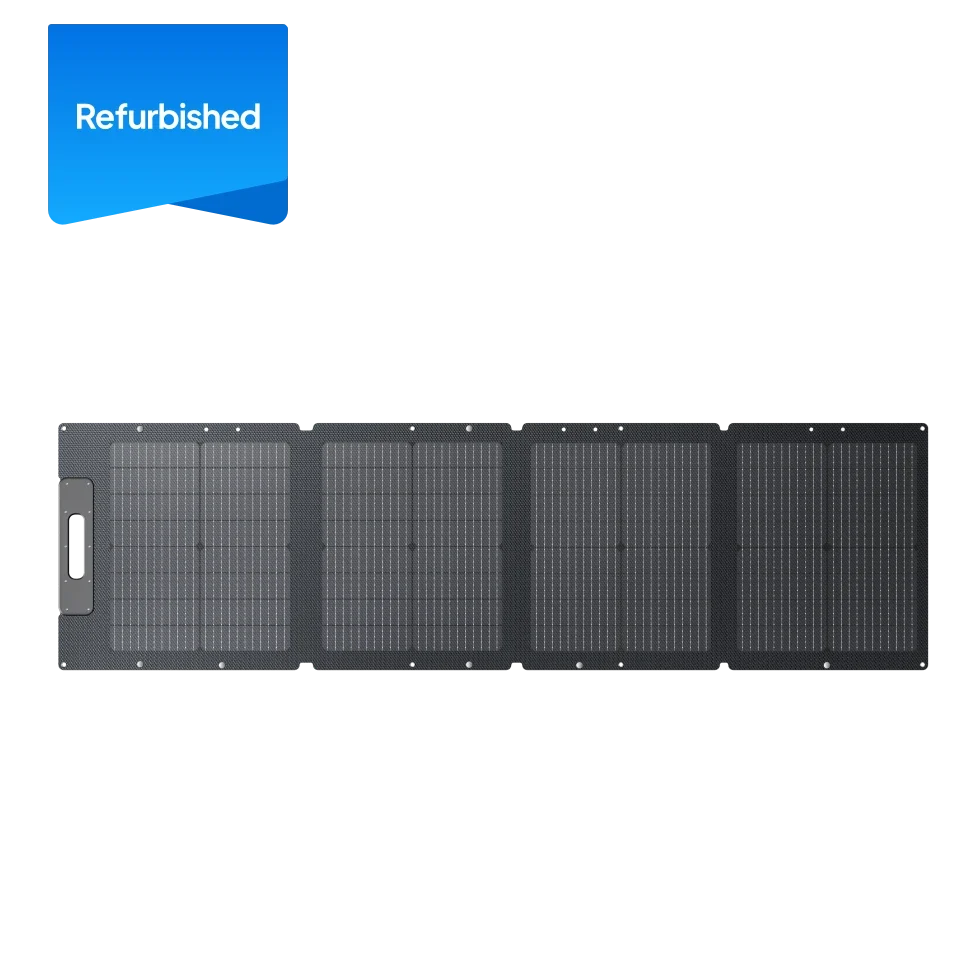
BLUETTI sells panels and solar generator bundles in Canada, which can make a matched setup easier to compare. Still, verify what is in the box and what each port accepts. A station-plus-panel bundle is not automatically the best value if the panel will rarely be used; a station alone may suit someone who usually recharges at home. For anyone comparing models, the portable solar panel selection is worth checking against the station’s own input limits.
Step 5: Check the complete setup and cost drivers
Before settling on a model, compare the complete system rather than the station alone. The product page can clarify whether a bundle includes a solar panel, expansion battery, vehicle charging equipment or a particular cable. These extras change the overall cost and the effort required to install or carry the setup. If you already own compatible equipment, check the exact model and connection requirements instead of assuming it will work.
- Confirm the selected product is available through the Canadian store.
- Read the included-items list and note separately sold equipment.
- Check weight, dimensions, placement and ventilation requirements.
- Review the warranty, shipping information and support details.
Pricing typically moves with capacity, output, expansion batteries and panels; bundle contents and seasonal listings can also change. We do not treat a displayed price as a lasting comparison. Use the product pages for current pricing and verify what is included before weighing one configuration against another. Start with the Apex 200 details, the Elite 100 mini details and the FridgePower listing if those are your shortlisted paths.
Where BLUETTI’s range is useful
Strengths for a planned setup
- Several capacity tiers make it possible to start with a smaller device list or plan a larger backup system.
- Selected stations support expansion, giving a route to add storage when the use case justifies it.
- Solar panels and bundle options let readers consider off-grid recharging alongside the station.
Limits to account for before choosing
- Capacity and output ratings do not guarantee runtime for a particular appliance combination.
- Panels depend on sunlight, setup conditions and compatibility, so they are not a fixed substitute for grid charging.
- Expansion and larger stations add cost, storage needs and carrying weight.
Those tradeoffs make the job-first approach useful: write down the load, choose the setting, check recharge access and only then select a product tier. For the household focused on cold storage, a dedicated appliance backup may be simpler than buying capacity for a broader plan. For mixed loads or RV use, a portable station can be more flexible, as long as the output and recharge plan line up with the actual equipment.
Which BLUETTI setup fits your power plan?
Choose the Elite 100 mini when the planned devices are modest and portability comes first; look at the Apex 200 when you need more output, stored energy and expansion options; consider FridgePower when refrigerator backup is the defined priority. The honest limitation is that product ratings cannot predict real runtime without your appliance loads and usage pattern, so check those details before choosing.
That makes BLUETTI a natural shortlist for readers who want portable stations, solar options and a dedicated refrigeration path from one Canadian store. Compare the complete configuration and compatibility notes, then use the exact product listing for current pricing and availability.
BLUETTI Portable Power Guide: Choose a Setup for Home, RV or Outdoors
