


A research-led look at thinkcar’s diagnostic range, where its feature-rich scanners make sense, and what to verify before choosing a model.
Choosing a car diagnostic tool is less about collecting the longest feature list and more about matching functions to the vehicles and jobs in front of you. thinkcar sells scanners, TPMS equipment and key programming tools through its US store, with markedly different formats and capabilities across the range.
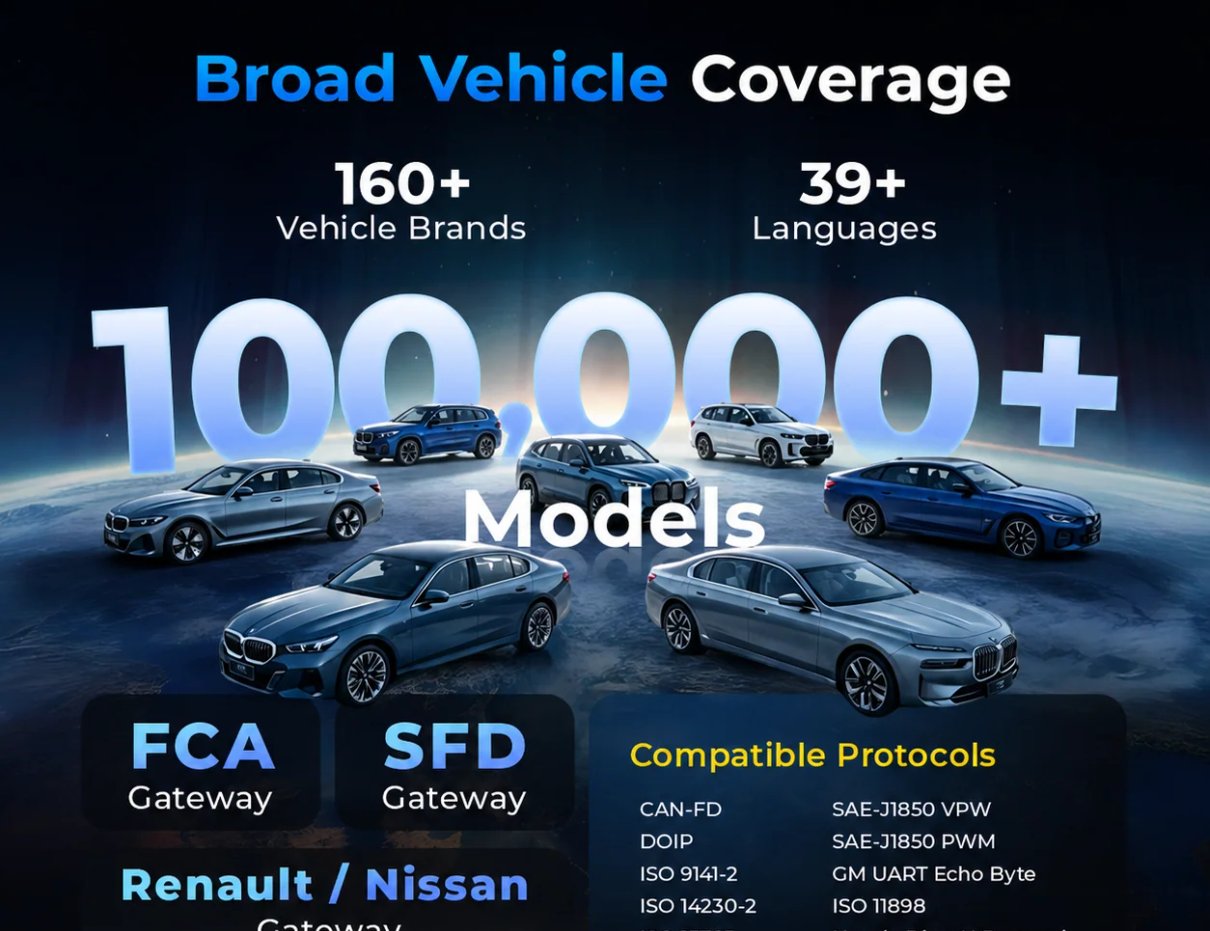
We reviewed the product information rather than testing devices. The store describes broad system coverage on selected scanners, while model-level support and functions vary. That makes compatibility checks central to a fair assessment: a feature can be useful on paper and still be unavailable for a particular vehicle.
Some links in this article are affiliate links: if you make a purchase through them, we may receive a small commission.
Highlights
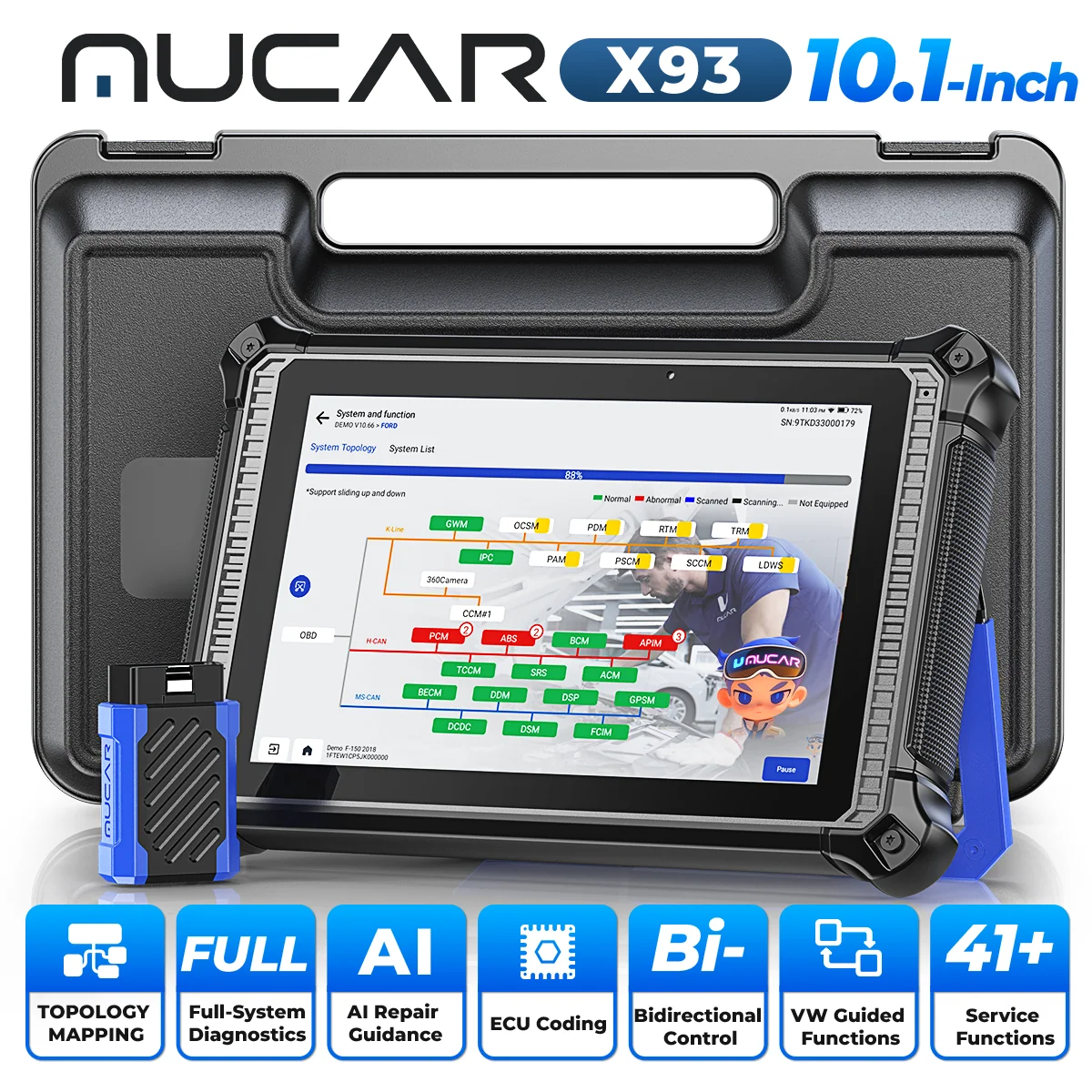
- MUCAR X93 is the broad tablet option, with topology mapping, bidirectional control, ECU coding and more than 41 listed service functions.
- THINKSCAN 673BT uses a Bluetooth handheld format; supported features depend on vehicle coverage.
- THINKCAR VT679 is focused on tire pressure monitoring and sensor work rather than general diagnostics.
- Check supported makes, model years, reset functions and update terms on the US store before choosing. Start with the X93 coverage details, 673BT functions or VT679 sensor features that match the job.
Start with the job, then compare the tool
thinkcar’s lineup serves several kinds of automotive work. Some models emphasize all-system scans and service resets; others pair a handheld unit with a phone or concentrate on tire pressure monitoring. The brand says selected scanners include features such as topology mapping, bidirectional control and ECU coding, but its catalogue does not imply that every model supports every function.
Before comparing models, list the vehicles you need to cover and the tasks you expect to handle. A useful shortlist might include reading and clearing fault codes, viewing live data, carrying out a service reset, tracing a network issue or relearning a tire sensor. Coverage is model-specific, so confirm the vehicle by make, year and system where the store provides a compatibility lookup.
- Write down the car’s year, make, model and relevant trim or engine information.
- Separate routine maintenance from deeper module diagnosis.
- Check if the tool needs an app, an account, software renewal or a separate accessory.
- Look for the exact reset or programming function you need, not just a broad category label.
Compare the three task profiles
| Model | Format and focus | Check before choosing |
|---|---|---|
| MUCAR X93 | Tablet; broad system diagnosis, topology mapping, bidirectional control and listed service functions | Confirm coverage for each module and desired service function |
| THINKSCAN 673BT | Bluetooth handheld scanner for vehicle diagnosis | Verify vehicle coverage, app or software needs and included functions |
| THINKCAR VT679 | Dedicated TPMS and sensor workflow | Check sensor types, relearn procedures and supported vehicles |
The catalogue presents different formats and jobs, while model-specific coverage and ownership details need confirmation on each live listing. The comparison is a starting point, not a compatibility guarantee.
1. MUCAR X93: broad tablet diagnostics
The MUCAR X93 is the clearest candidate here for users who want one device to cover several diagnostic tasks. The product information for the MUCAR X93 lists topology mapping, AI diagnostic assistance, bidirectional control, ECU coding and more than 41 service functions. Those listed tools target repair workflows that move from identifying a fault toward checking system relationships or commanding supported components.
That breadth is its strength, and also the reason to be precise about fit. A feature count does not show whether a given car exposes the relevant module or whether a particular service function is supported. Someone who mainly wants basic code reading may be paying attention to capabilities they will rarely use; someone pursuing module-level work should confirm compatibility for the exact vehicle first. The best fit is breadth of work, not an assumed universal coverage promise. Readers can review the scanner specifications alongside their vehicle list.
For readers comparing its listed functions with their own jobs, the MUCAR X93 details are on the product page. Treat AI assistance as an interpretation aid described by the brand, not as a substitute for a diagnosis or repair procedure. Confirm included cables, software access and update terms before relying on it for regular shop use.
2. THINKSCAN 673BT: Bluetooth handheld format
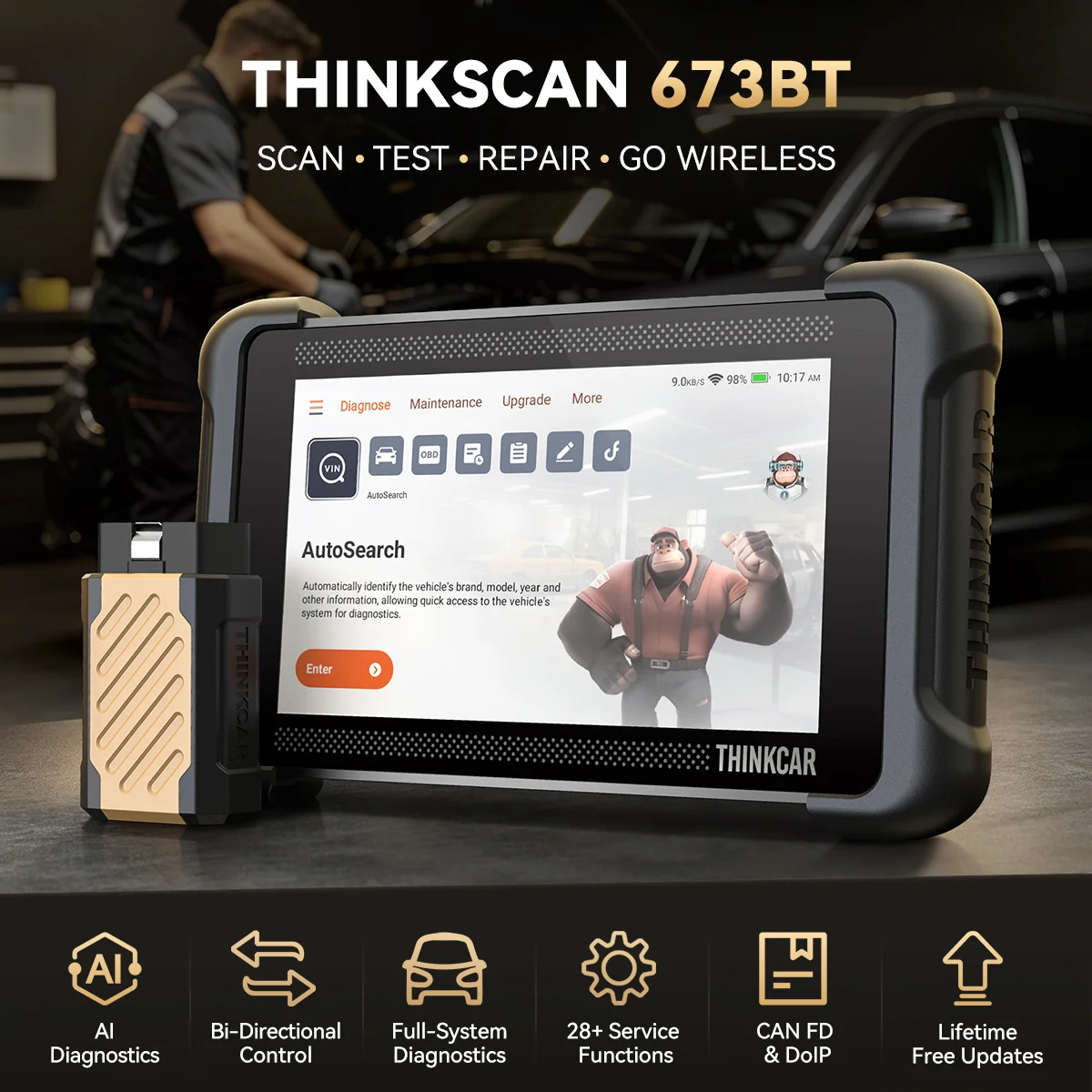
The THINKSCAN 673BT offers a different proposition: a compact handheld format with Bluetooth connectivity. That may appeal to a home mechanic or technician who prefers a dedicated scanner interface with wireless communication during a check. The 673BT listing outlines its intended format. It can be easier to carry and store than a larger tablet, although the product page should be consulted for the specific systems and functions supported.
Bluetooth alone is not the deciding feature. Ask whether the unit communicates through a supplied connector, a mobile device or both, and whether required software functions are included or tied to update arrangements. If the job is occasional maintenance, an uncluttered handheld may be a sensible fit. For deeper system tracing, compare the supported functions against a broader tablet such as the MUCAR X93 rather than assuming the smaller format has equivalent depth.
The THINKSCAN 673BT product listing is the place to verify current vehicle coverage and included features. Compare the supported functions with your regular maintenance list. Wireless convenience has limits: it does not expand compatibility, and it does not guarantee every scan or reset will be available on every car.
3. THINKCAR VT679: focused tire pressure work
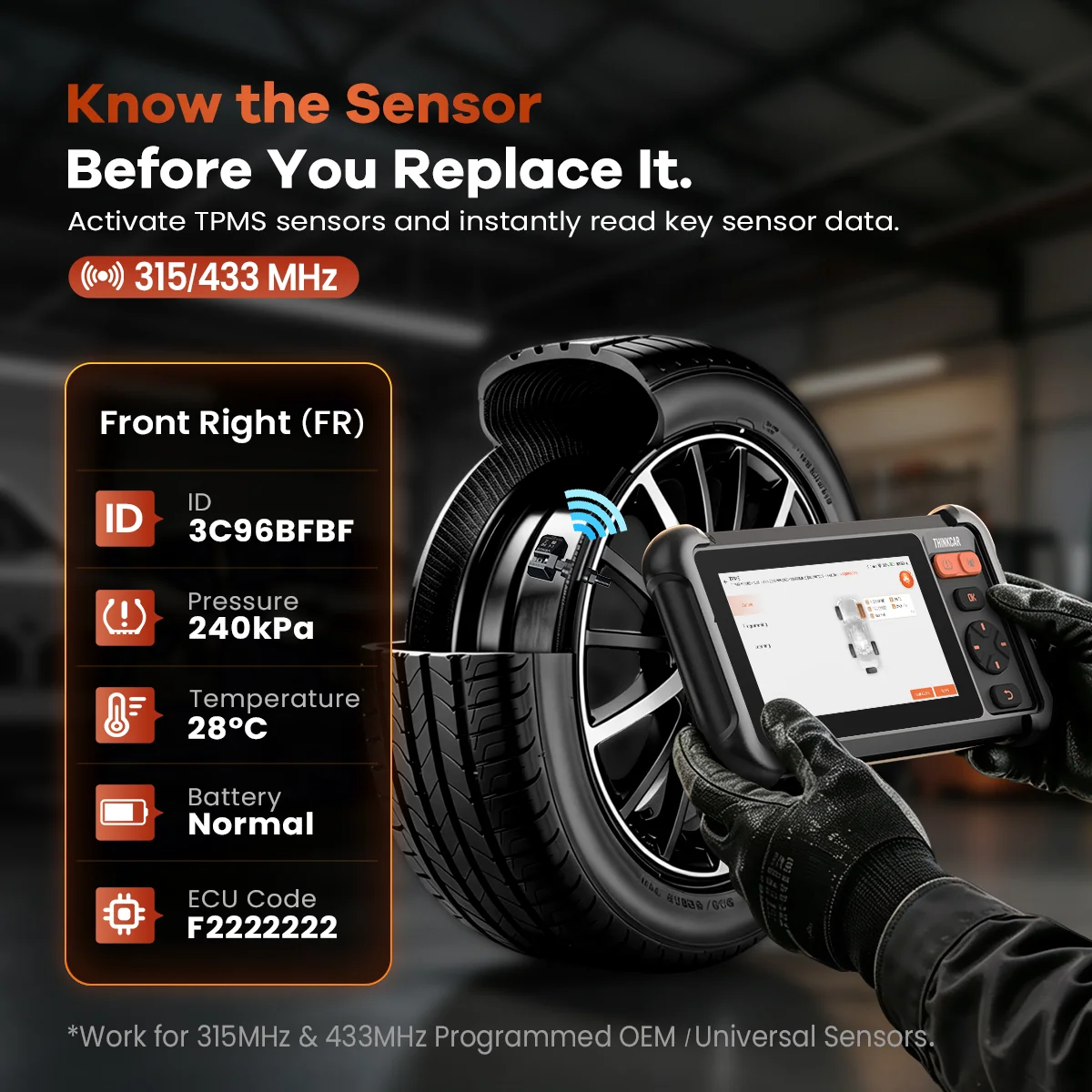
The THINKCAR VT679 belongs in a separate decision. It is a TPMS-focused tool for tire pressure monitoring and sensor-related work, rather than a general-purpose replacement for a broad system scanner. That narrower brief is valuable: buyers who regularly handle tire sensors should compare activation, relearn and diagnostic coverage, while drivers seeking engine or body-system fault information should start with a different category.
TPMS support can vary by sensor type and vehicle procedure. Review the VT679 listed functions and confirm the relearn path required by your vehicle before purchase. It is also worth checking whether any compatible sensors or accessories are sold separately and whether the tool’s supported vehicle list covers the cars you service. The THINKCAR VT679 page gives the model-specific starting point. Check the device details against your sensor workflow.
Specialization is the advantage here: paying for a TPMS tool makes sense when sensor work is frequent enough to justify a dedicated device. It is not the right recommendation for a reader whose priority is broad engine diagnostics. If a workshop needs both types of work, compare the cost drivers and coverage of separate tools with an all-system scanner before settling on a bundle or single device.
How to judge the range before ordering
Thinkcar’s real strength is the spread of formats and task-specific products. A broad tablet can address more diagnostic needs, as the X93 product details illustrate; a Bluetooth handheld offers a simpler footprint, as shown on the 673BT page; and a TPMS unit serves a dedicated workflow, described on the VT679 page. The range has its clearest fit when a buyer starts with a specific job and checks model-level evidence.
There are limits to what a catalogue page can settle. Product claims summarize capability, but they do not establish coverage for every year, trim, region or control module. Update policies and application requirements can also affect long-term value, and those details may change. We recommend checking the live US product listing and support material immediately before deciding, especially for programming or service functions that matter to paid work.
- Match features to a task: avoid treating the highest feature count as an automatic winner.
- Verify vehicle support: search the exact model year and system whenever possible.
- Check ownership details: confirm software, updates, accessories and any app requirements.
- Compare current pricing: the model tier and included functions are likely to drive the difference.
Where thinkcar’s range is strongest
For a user who needs broad diagnostics, the product range has a credible case in tablet scanners such as the MUCAR X93, especially when topology mapping or bidirectional functions matter and are supported by the vehicle. For readers who want a more compact format, the THINKSCAN 673BT provides a distinct handheld route. For sensor work, the VT679 avoids the mismatch of buying a general scanner for a specialized tire task.
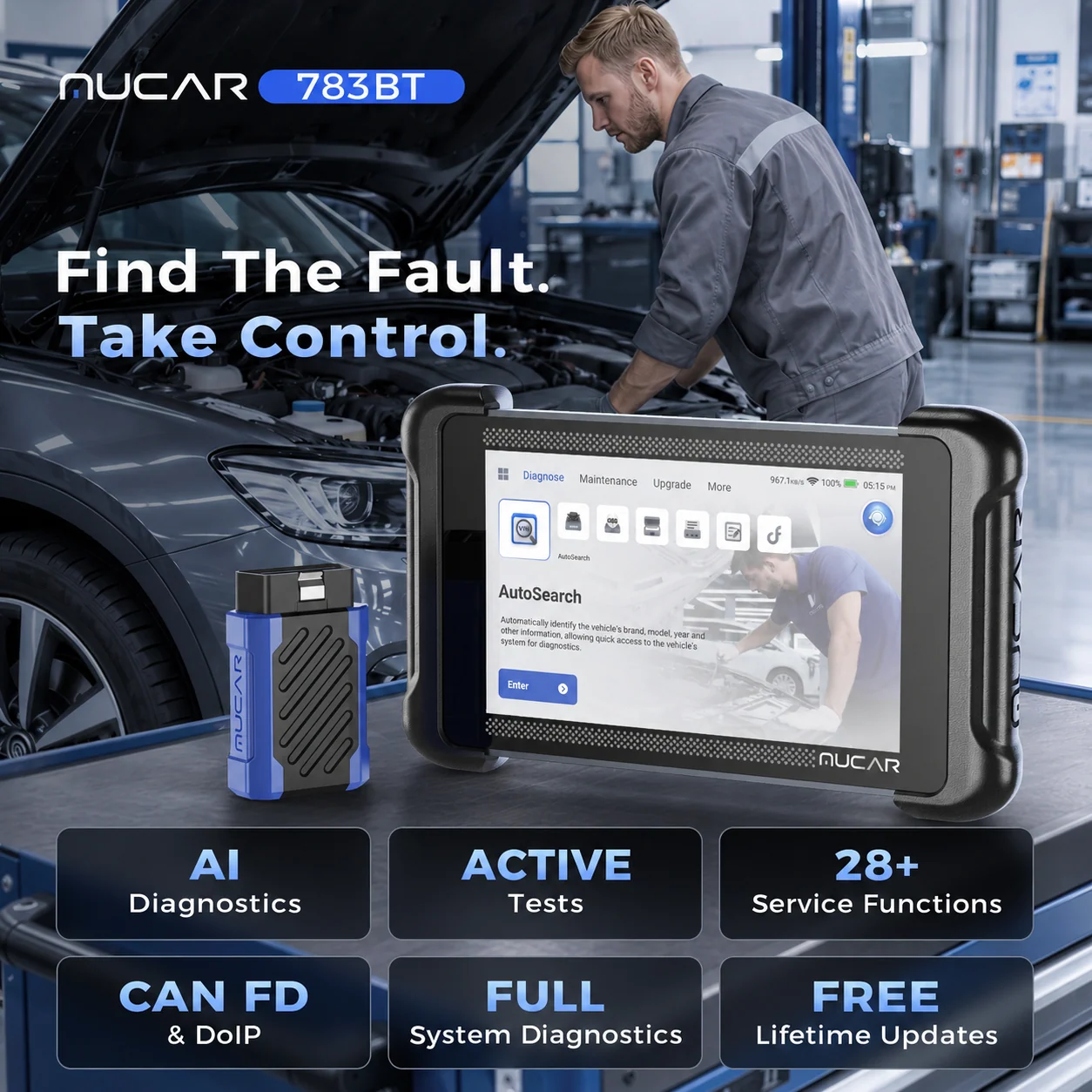
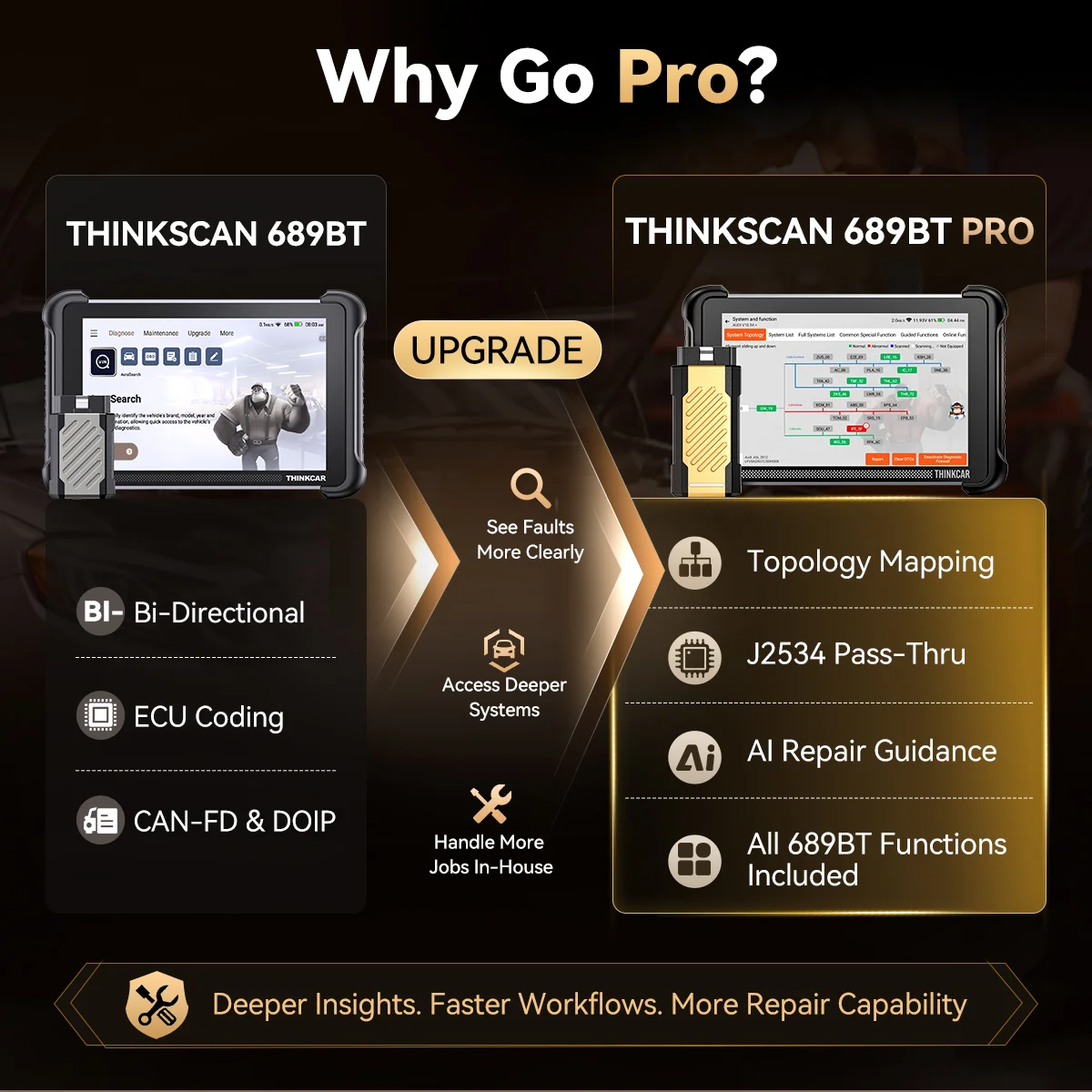
Other models show the breadth of the family without changing the core decision. The MUCAR 783BT and THINKSCAN 689BT PRO are additional scanner options, while the MUCAR KEY581 serves key programming work. These are not interchangeable categories: check what each model supports and whether the vehicle, procedure and any required accessories are covered. The X93 page, 673BT page and VT679 page give three examples of how narrowly the product tasks differ. Choose by workflow first, then use the product page to confirm the exact configuration.
- General home maintenance: prioritize the functions you will use, and verify vehicle coverage.
- More involved diagnosis: compare topology and bidirectional features against the specific car.
- Tire sensor workflow: evaluate a dedicated TPMS tool and its sensor coverage.
- Key work: review a key programmer’s supported procedures separately from scan tools.
Where the feature set earns its place
- Several diagnostic formats let buyers choose between a tablet, handheld and specialized tool.
- Selected models list deeper functions such as topology mapping and bidirectional control.
- Dedicated TPMS and key programming products serve focused repair workflows.
Limits to keep in view
- Coverage and functions vary by model, vehicle and system; verify before purchase.
- A long feature list alone does not establish usability for a specific repair.
- Software access, updates and accessories can affect the overall ownership decision.
Which thinkcar diagnostic tool makes sense for your work?
We recommend thinkcar to readers who can identify the jobs they need to handle and are willing to check compatibility against each vehicle. The MUCAR X93 is the strongest starting point for broader diagnostic ambitions; the THINKSCAN 673BT suits readers seeking a Bluetooth handheld format; and the THINKCAR VT679 is the focused option for TPMS work.
The main limitation is the same across the range: brand-level capability claims cannot guarantee a function on your exact car. Verify coverage, included software and support terms on the product page, then compare current pricing for the configuration that matches your work. That evidence-led check is more useful than choosing by headline feature count alone.
