


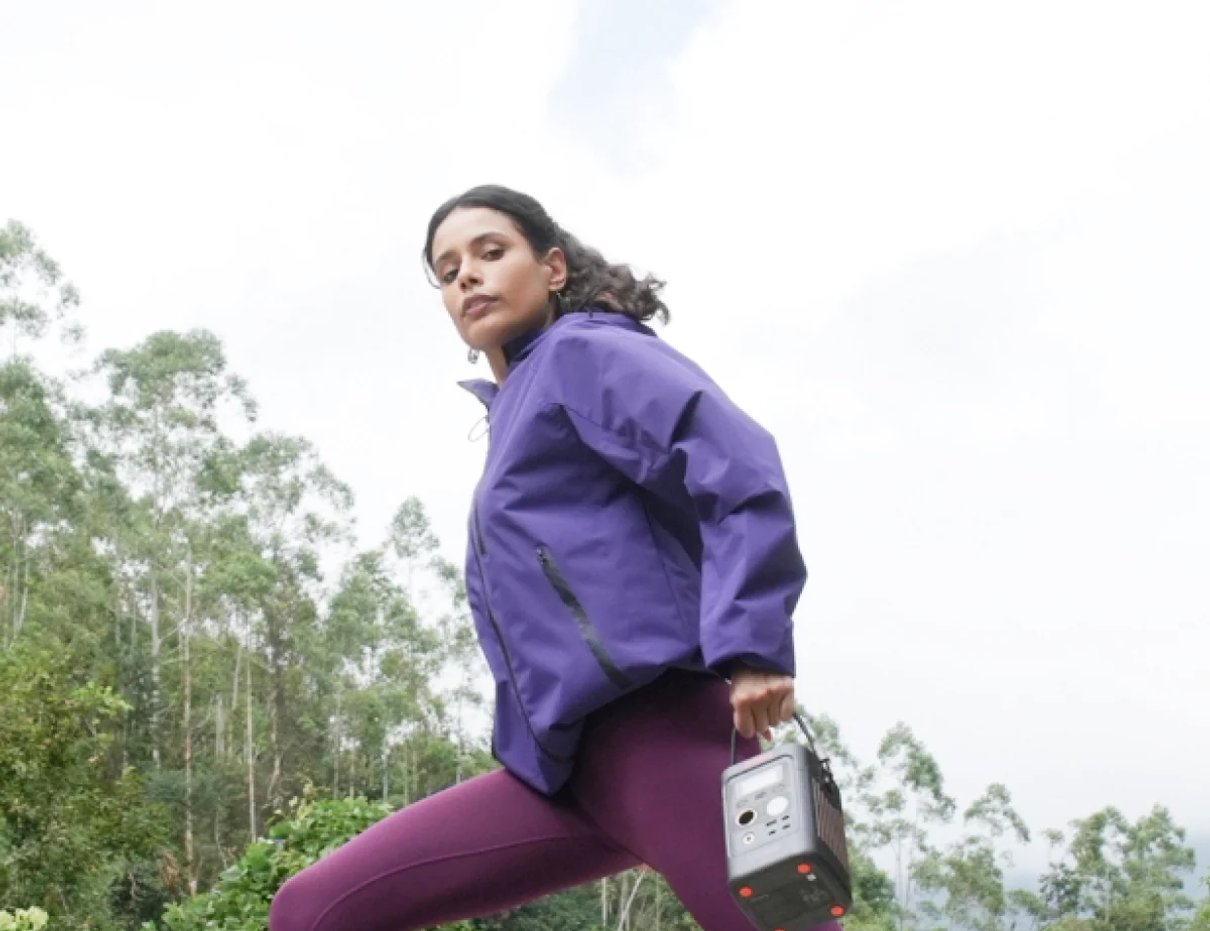
Match your devices, trip length and charging options to a Jackery setup before you choose a portable power station.
Portable power is easiest to choose when you start with what you need to run, rather than a headline capacity. Start with the load A phone and camera on a weekend away ask for a different setup from a laptop, cooler or several days of backup at home.
We reviewed the UK store’s product information to map three useful starting points: a compact station, a mid-range expandable model and a larger system. The right answer depends on the load, how often you can recharge, and how much equipment you are willing to carry. three linked decisions
Some links in this article are affiliate links: if you make a purchase through them, we may receive a small commission.
Highlights
- Explorer 300D is the compact option to consider for lighter trips and device charging.
- Explorer 1000 Plus v2 suits readers who want a larger station with SolarSaga panel options.
- Explorer 2000 Plus v2 offers an expandable route for longer use and more demanding loads.
- SolarSaga panels and a vehicle charging route can change how you replenish power away from a socket.
One useful distinction on the Jackery UK store is between a power station sold on its own and a solar generator bundle that pairs a station with panels. Before comparing bundles, confirm whether the panel, cables and any expansion battery are included in the exact listing. This avoids treating two differently equipped packages as if they were identical. bundle contents matter
Start with the devices and the trip
Write down the items you expect to power, how long you need them, and whether they run continuously or only for short sessions. Check each device label or manual for its wattage, then consider simultaneous use. simultaneous demand A device with a heating element or motor may draw more than a small personal gadget, so do not size a setup around the phone alone. Compare that list against the output information for the Explorer 300D or the Explorer 1000 Plus v2 before deciding which tier is sensible.
- List essential devices first, then optional comforts.
- Estimate hours of use for each item across the trip or outage.
- Check the station output and port types against each device.
- Allow for charging losses and keep a reserve for unexpected use.
That list gives you a practical filter for the Explorer range. The UK pages describe distinct capacity tiers and charging routes, but the product listing cannot predict your personal runtime without your device loads. Treat any runtime figures shown by the brand as scenario-specific and confirm the conditions before relying on them. For a larger reserve, read the Explorer 2000 Plus v2 page alongside your load estimate.
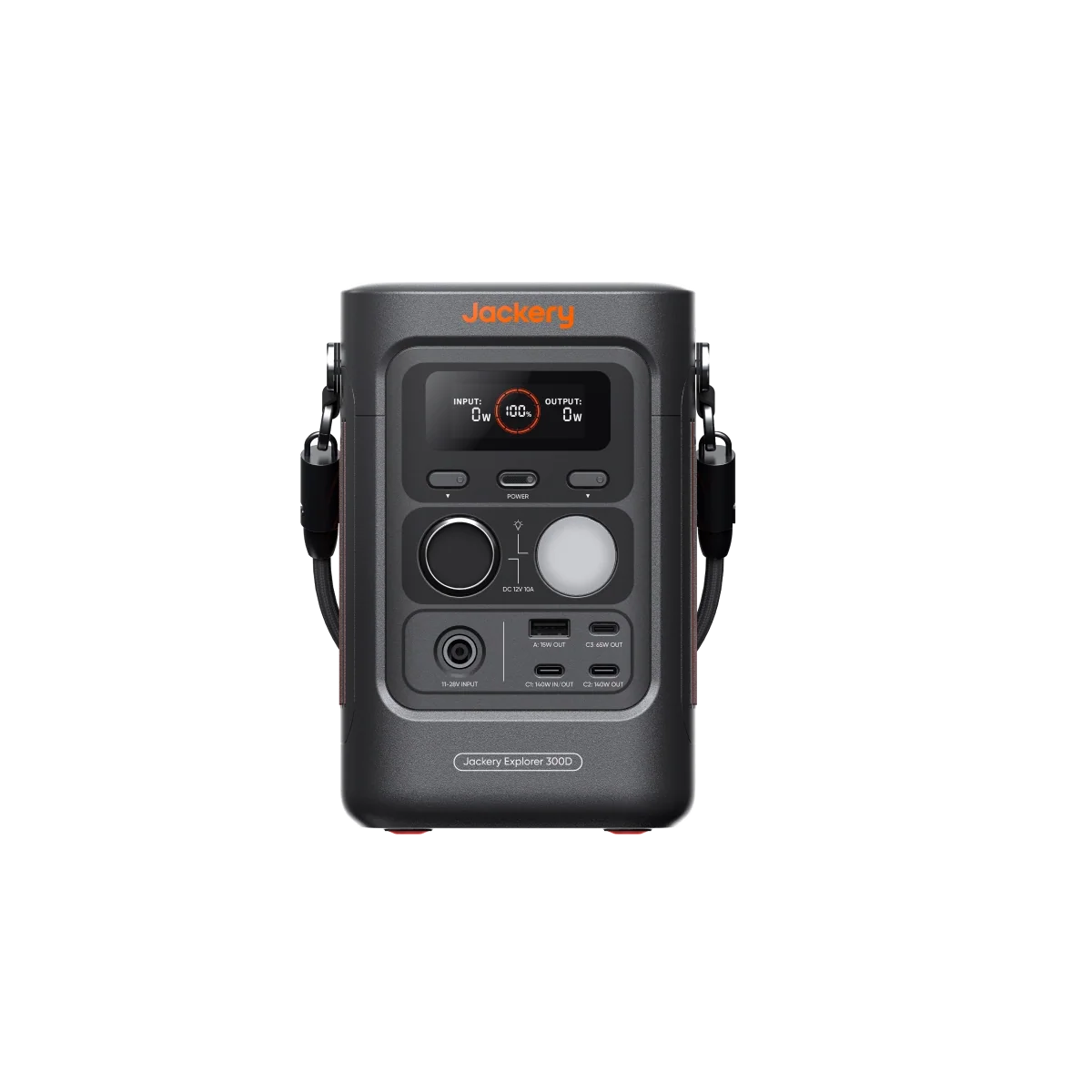
1. Explorer 300D – prioritise compact carry
If your plan centres on phones, small electronics and lighter camping equipment, begin with the Explorer 300D Portable Power Station. The store presents it as a portable unit and offers solar generator bundles with panel choices, including a compact mini panel and a larger panel option. That makes it a useful starting point when easy transport matters more than running a broad set of appliances.
Check the listing’s port details and the actual draw of your devices before choosing it. A smaller station can be easier to pack, but the trade-off is less reserve for high-demand appliances or a long stretch without a recharge. less reserve If you expect cloudy conditions, also think through whether you can recharge from a mains socket or vehicle between uses.
- Choose this direction for a short device list and a clear charging plan.
- Compare station-only and panel bundles by checking every included item.
- Look at total packed size, cables and where the unit will sit during use.
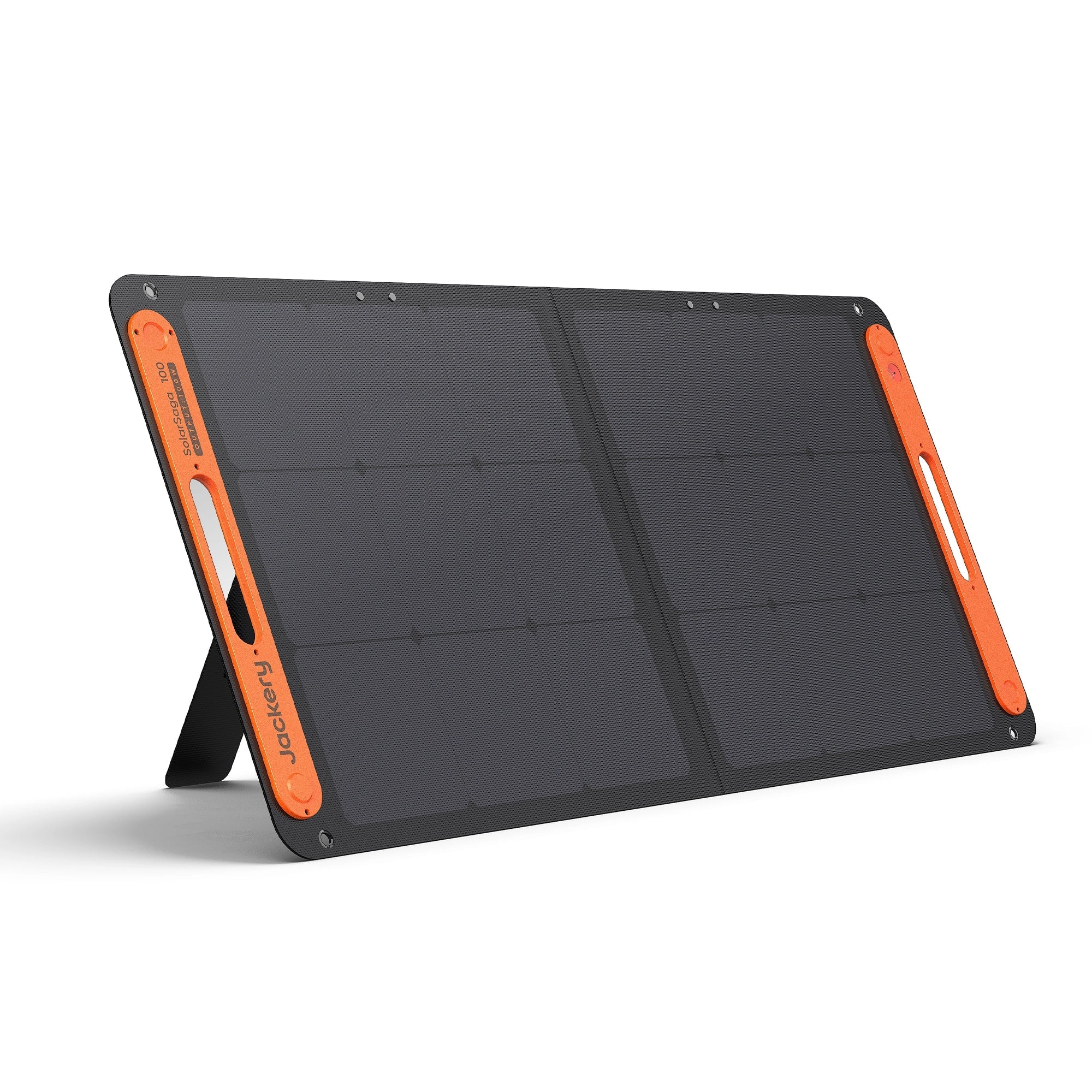
2. Explorer 1000 Plus v2 – balance reserve and flexibility
The Explorer 1000 Plus v2 Portable Power Station is the next place to look when a compact unit feels restrictive. Jackery lists it with SolarSaga panel options and compatible expansion battery arrangements. That range of configurations is useful for readers who want to start with a station and choose solar or added storage around a specific trip or backup plan. room to configure
Consider where it will live and how you will move it: a larger reserve also means a larger item to store and transport. storage and carry space Match the listed outputs to your devices, and check whether the panel you want is included in the selected bundle. The product page is the authority for the current configuration; names that sound similar can represent different bundles. Check the Explorer 1000 Plus v2 product details for the exact package you have in mind.
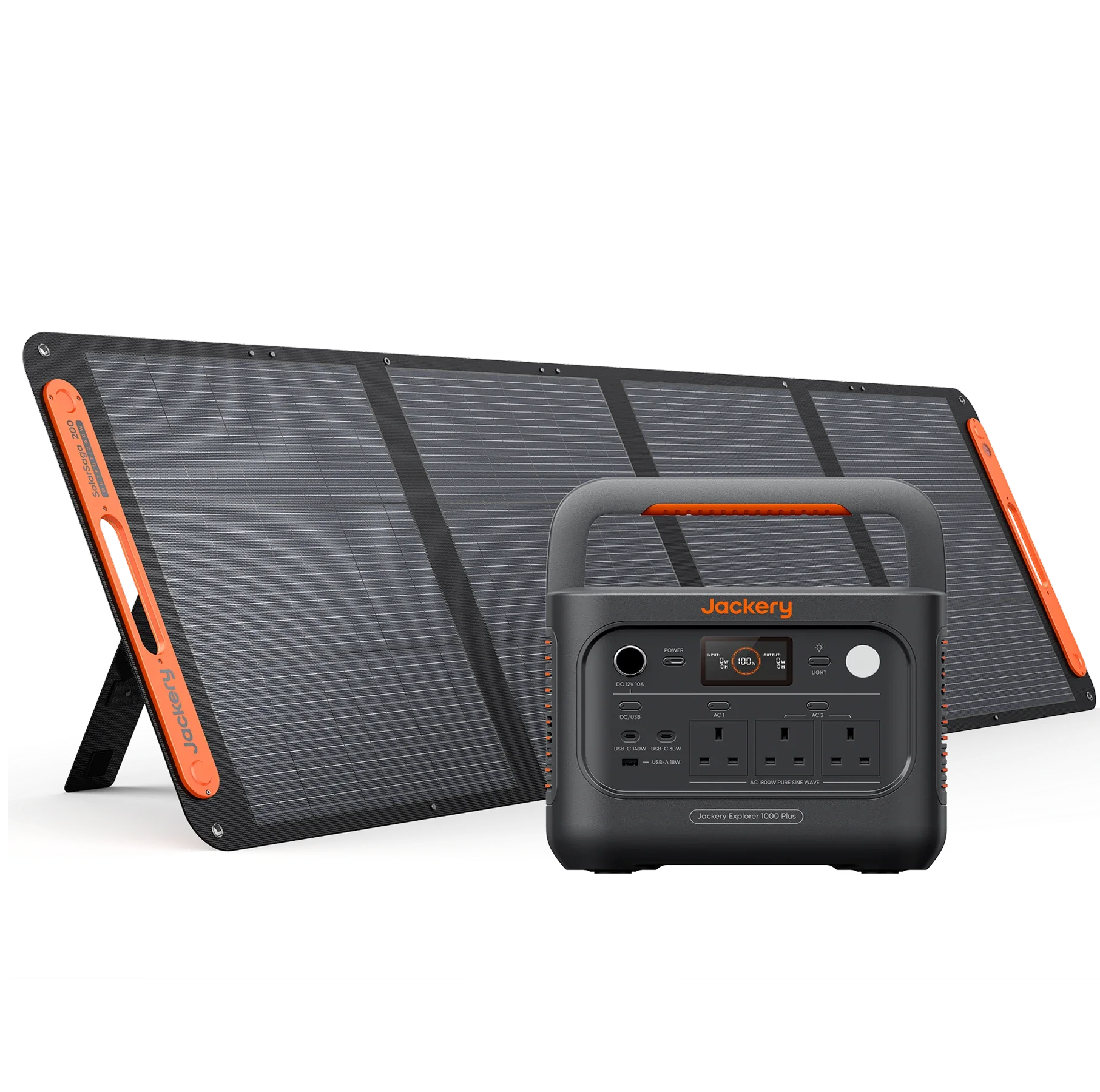
For a mixed use plan, think in terms of priorities. Decide which devices must stay powered, identify the highest load, then leave less essential items off the plan until you understand the available reserve. protect essential loads The Explorer 1000 Plus v2 listing gives you the station and bundle details to check before settling on a configuration.
3. Explorer 2000 Plus v2 – plan around heavier demand
Where the load is greater or the time away from a socket is longer, compare the Explorer 2000 Plus v2 Portable Power Station. The product pages show solar bundle combinations and battery expansion options, so it is the more configurable direction for a fixed base, a longer trip or a demanding backup plan. The extra flexibility only helps if you have room to store and transport the equipment. space is part of the choice Compare the Explorer 2000 Plus v2 options with the smaller Explorer 1000 Plus v2 before adding storage.
Build the configuration from the use case rather than adding accessories by default. A compatible battery pack can extend the system, while SolarSaga panels provide a charging option where conditions allow. compatible add-ons These additions bring extra cost and bulk, and solar output depends on placement, weather and daylight. See the Explorer 2000 Plus v2 bundle configurations for the available combinations. Check compatibility on the page and account for all cables and setup space before ordering.
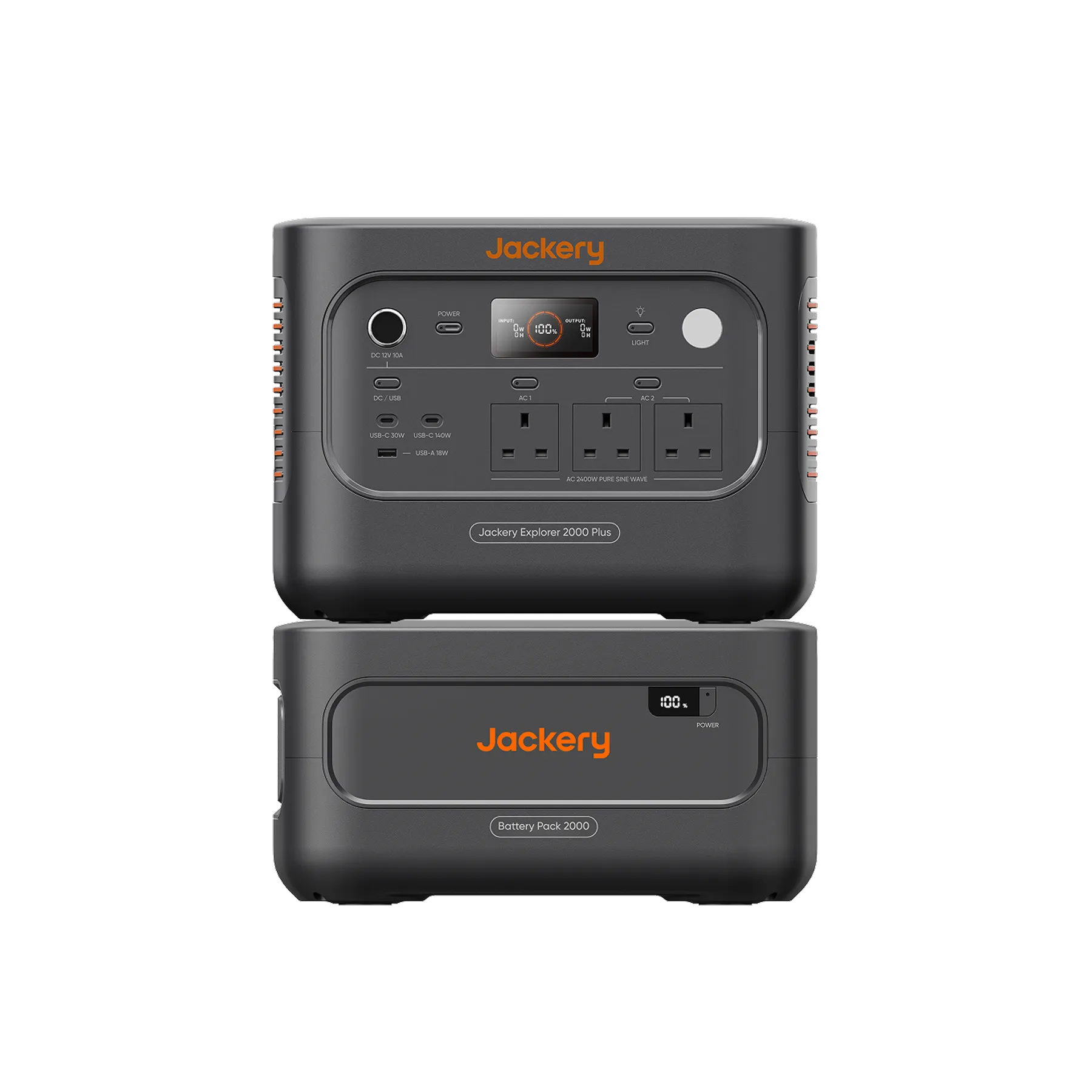
Use the store’s product page to check the precise bundle and any listed limits. In particular, do not assume the station will run every household appliance simply because it has a larger capacity tier. Confirm running and startup requirements against the product specifications and your device documentation.
Compare the setup, not just the station
The practical differences are portability, reserve and the route back to a charge. This compact table is a shortlist, not a substitute for checking the full UK listing: product bundles and included accessories can differ.
| Setup | Best fit | Planning point |
|---|---|---|
| Explorer 300D | Light trips and personal devices | Compact focus; check device demand and bundle contents |
| Explorer 1000 Plus v2 | Longer stays and broader device mix | SolarSaga and expansion options are listed separately or in bundles |
| Explorer 2000 Plus v2 | Higher loads and expandable capacity | Plan for added weight, space and compatible add-ons |
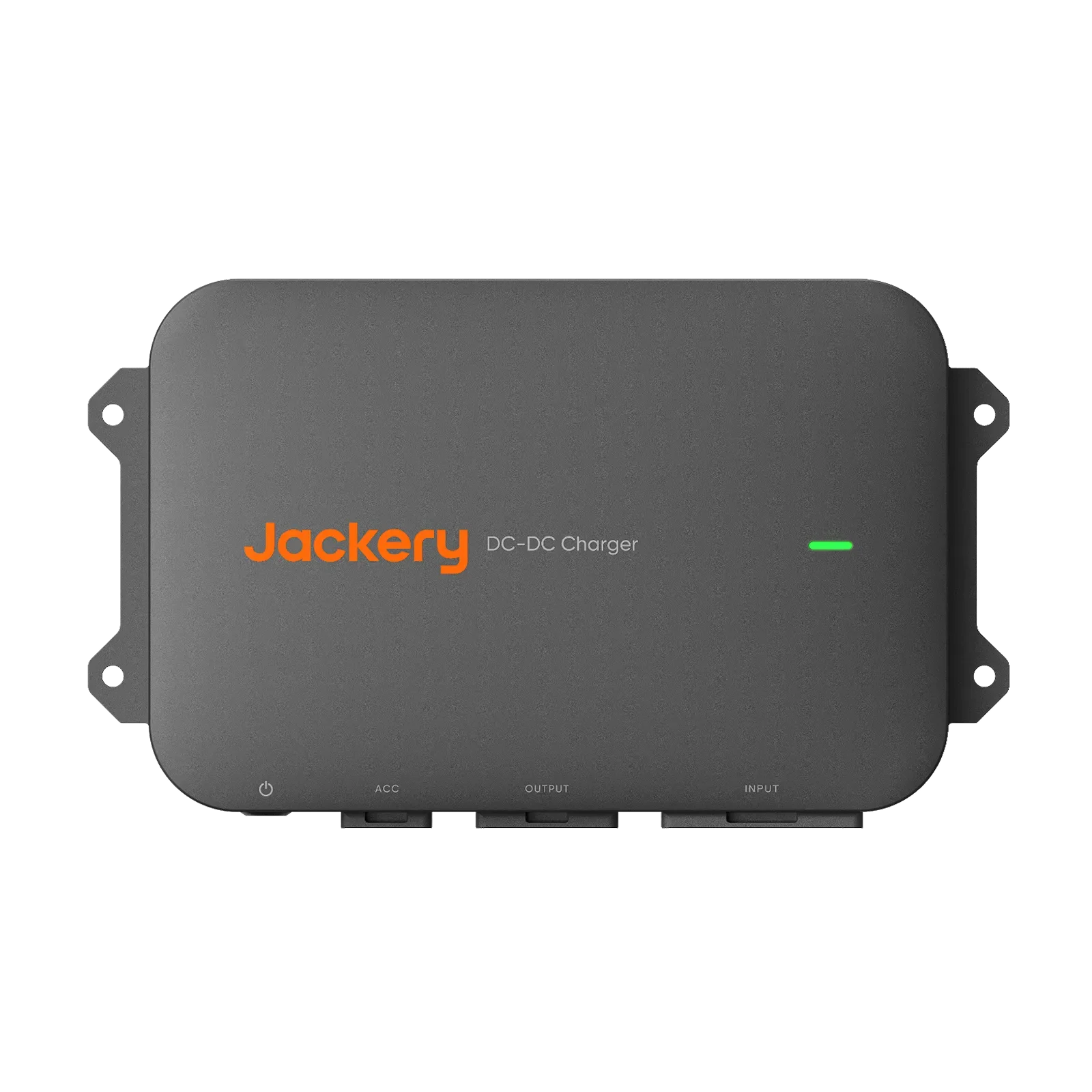
For readers touring in a vehicle, Jackery also lists a DC-DC alternator charger as an accessory. It may be relevant when a vehicle charging plan is part of the trip, but confirm compatibility with the exact station and vehicle installation requirements. A car charging cable is not interchangeable with an alternator charging system, so match the accessory to the store’s stated use.
Build a charging plan before you buy
Capacity is only one part of the decision. charging access matters Think about how power gets back into the station during the period you care about. Mains charging suits a fixed home or campsite plan. A compatible SolarSaga panel may help when you have daylight, a suitable location and time to recharge. Vehicle charging can be useful on a driving itinerary when the correct cable or charger is selected.
- Mark likely charging windows on your trip or backup plan.
- Check the input options and compatible accessories on the exact listing.
- Allow for shade, weather and time spent away from the panel.
- Keep a fallback route if solar or vehicle charging is unavailable.
Jackery’s UK store sells panels and station bundles, but a panel does not guarantee a fixed recharge time in every setting. Placement and conditions matter. For home backup, consider where the unit can operate safely, which appliances are essential and whether the station’s specified output matches those loads. Follow the brand’s manuals for setup and safe use. The Explorer 300D details, Explorer 1000 Plus v2 details and Explorer 2000 Plus v2 details pages let you compare outputs and listed accessories directly.
Strengths for a planned setup
- A range from compact portable stations to higher-capacity systems.
- SolarSaga panels and bundle configurations support different charging plans.
- Selected models have compatible expansion batteries for added system capacity.
- UK product pages make it possible to compare station-only and bundled options.
Limits to factor into the decision
- Runtime depends on actual device loads, operating conditions and reserve.
- Higher-capacity systems and add-ons take more storage space and are heavier to move. bulk increases with capacity
- Solar charging depends on daylight, placement and weather.
- Bundle names and included accessories need careful checking before checkout.
Which Jackery setup fits your power plan?
For light travel with a short device list, start by checking the Explorer 300D. For a broader mix and more room to configure solar or expansion, compare the Explorer 1000 Plus v2. If your plan requires heavier demand or a longer reserve, review the Explorer 2000 Plus v2 and its compatible add-ons. In each case, confirm output, included accessories and charging routes on the UK listing.
Our recommendation is to choose the smallest setup that covers your essential loads with a sensible reserve. The limitation is that product pages cannot calculate your real-world runtime without your equipment and usage pattern, so do that load check before committing. verify your own runtime
Jackery Portable Power Guide: How to Choose the Right Setup
