
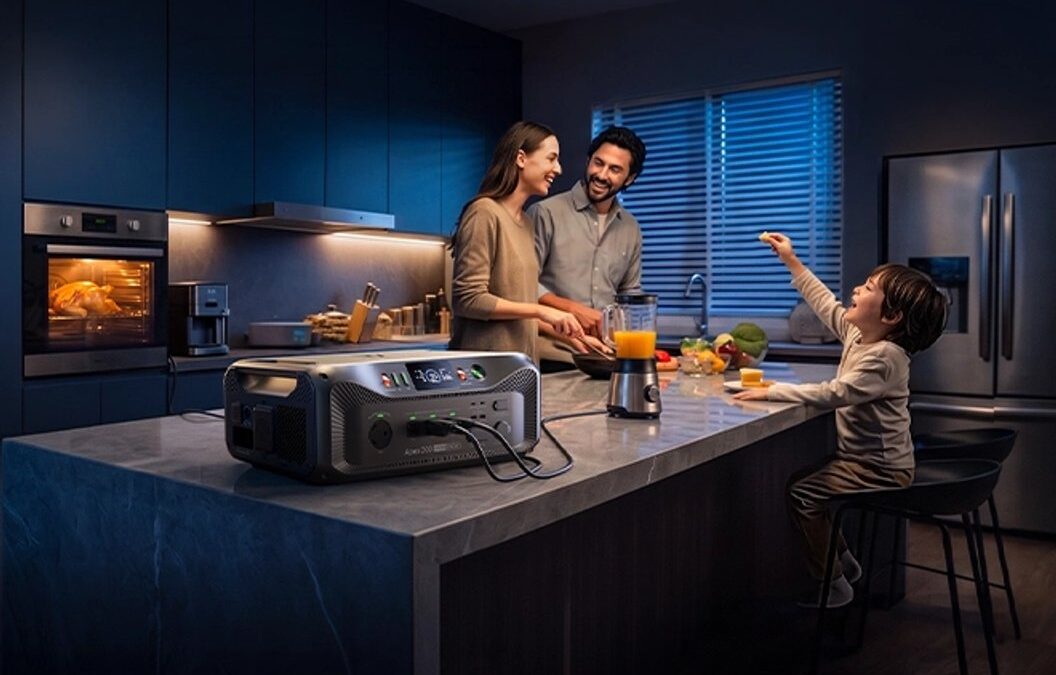

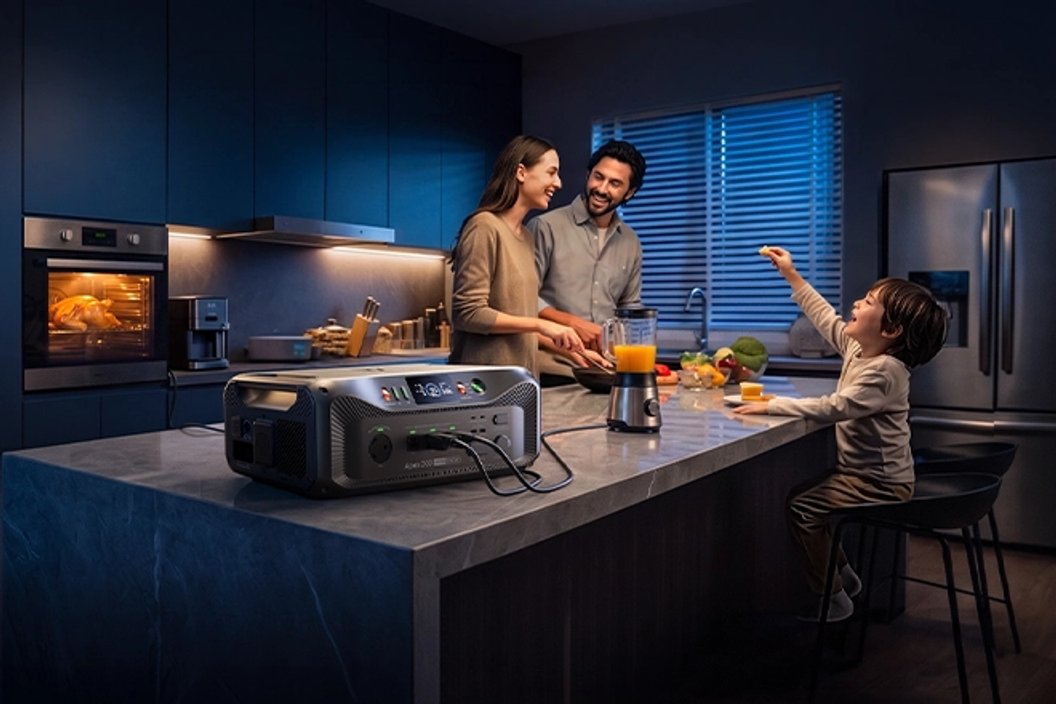
Start with the devices you need to keep running, then choose a BLUETTI station with a capacity, output and recharge plan that fits.
Choosing backup power gets easier when you stop thinking in product tiers and start with a list of jobs. A fridge, internet router, lights and a laptop place different demands on a battery, and the length of time you want them running matters as much as the number of devices.
For Canadian homes, cabins and RVs, a portable power station can cover selected essentials without becoming a whole-home electrical project. We reviewed BLUETTI Canada’s product information to map three portable options to different load plans. The right pick depends on your appliances, how long an outage might last and how you expect to recharge.
Some links in this article are affiliate links: if you make a purchase through them, we may receive a small commission.
Highlights
- The BLUETTI Elite 100 mini suits a short list of smaller loads where compact size matters.
- The BLUETTI Elite 300 offers a higher-capacity step for a broader set of devices or RV use.
- The BLUETTI Elite 400 is the largest reserve of these three, with portability still part of its design.
- Check both continuous wattage and startup demand; a device that draws too much power will not run just because capacity is available.
- Capacity, included charging gear and add-ons all affect the configuration to compare on BLUETTI Canada.
Compare the three portable tiers
These published figures are from BLUETTI Canada’s product listings. Use them to narrow the options, then check the current page for exact configuration and included accessories.
| Model | Capacity and output | Best fit | Trade-off |
|---|---|---|---|
| Elite 100 mini | 1,004Wh; 700W | Small essentials list | Less reserve for long runtimes |
| Elite 300 | 3,014Wh; 2,400W | Wider device mix | More to store and move |
| Elite 400 | 3,840Wh; 2,600W | Longer planned reserve | Largest of these portable tiers |
1. BLUETTI Elite 100 mini for a focused essentials list
First, decide the load. The first decision is whether you need to power a few small devices or sustain a wider set of household essentials. BLUETTI lists the Elite 100 mini at 1,004Wh capacity and 700W output. That puts it in the compact class for selected loads such as phones, a router, lights and laptop charging, subject to each device’s draw. View the model listing for details.

Before selecting this station, write down each appliance and its wattage. Add the expected hours of use, and allow for conversion losses rather than assuming every listed watt-hour becomes usable device runtime. If your plan includes a refrigerator or another motor-driven appliance, check its starting surge against the station’s output rating as well as its normal running demand.
We would place the Elite 100 mini on the shortlist when space and liftability matter more than long runtime. Its published capacity makes it easier to keep the plan narrow: choose the essential devices, stagger their use and have a recharge method ready. Browse the BLUETTI Elite 100 mini details, then compare its charging options and included accessories with the devices you intend to connect. Review the Elite 100 mini specifications alongside your list.
- List each device and its running wattage.
- Check startup demand for fridges, pumps and tools.
- Estimate hours of use for the backup window you want.
A solar panel can be a useful supplement when there is daylight and a suitable place to set it up, but output varies with shade, weather and panel angle. BLUETTI sells solar-generator configurations as well as stations, so compare the product listing and confirm what is included before treating a panel as part of your kit.
2. BLUETTI Elite 300 for a wider mix of devices
Move up a tier when your plan includes several devices at once, or you want more reserve between recharge opportunities. The Elite 300 listing describes 2,400W output and 3,014Wh capacity with a LiFePO4 battery. That larger energy store can support a more substantial plan, though actual runtime still depends on the combined load and power profile. See the Elite 300 listing for the current configuration.
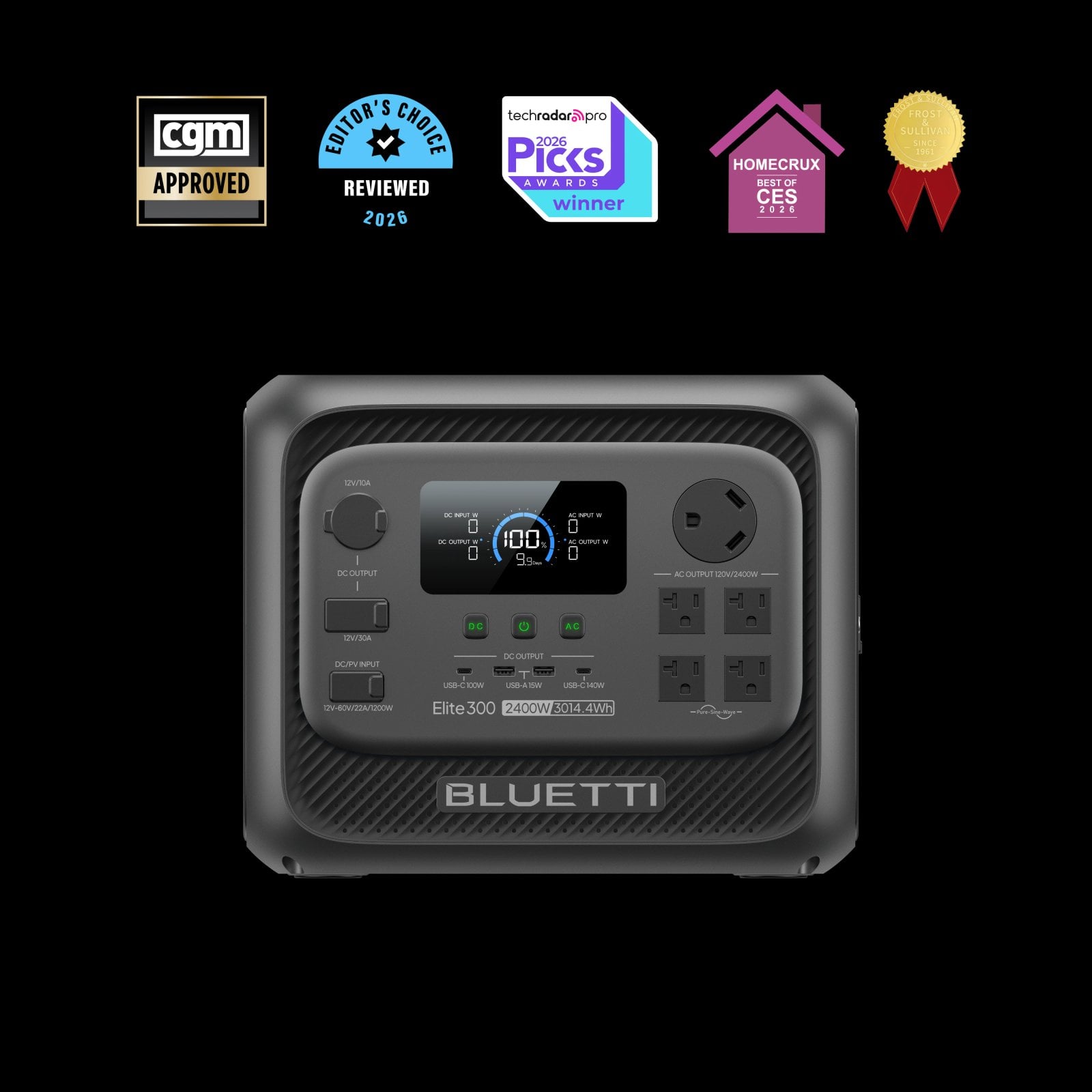
Group the loads. Think in operating groups: perhaps refrigeration and networking stay on, while a kettle or other high-draw appliance runs only briefly. Do not assume that high watt-hour capacity means every household appliance can run at once. Compare the station’s output rating with the simultaneous demand and check whether the product supports the charging method you can use.
For a cabin or RV setup, the BLUETTI Elite 300 product page is the place to check the current configuration and compatible accessories. This model makes sense when the compact tier feels restrictive but you still want a portable station. If you can recharge from shore power between uses, your plan may differ from an off-grid weekend where solar access becomes more important.
- Group appliances by which need to run together.
- Separate short high-draw tasks from continuous essentials.
- Check recharge time and input options against your actual schedule.
Leave some margin. Keep a small margin in the calculation. Appliance labels and real operating loads can differ, and cold weather can affect battery performance. Runtime is the real question. The useful question is not simply whether the station can power a device, but whether it can power that device for long enough without exhausting the reserve you need for the next task.
3. BLUETTI Elite 400 when the backup window comes first
When the priority is a longer reserve for more essential devices, compare the larger portable tier. BLUETTI lists the Elite 400 with 3,840Wh capacity and 2,600W output, also using LiFePO4 chemistry. Within this guide’s three choices, it offers the most stored energy, which is relevant if you want fewer compromises around how long selected loads can run. Check the Elite 400 model page too.
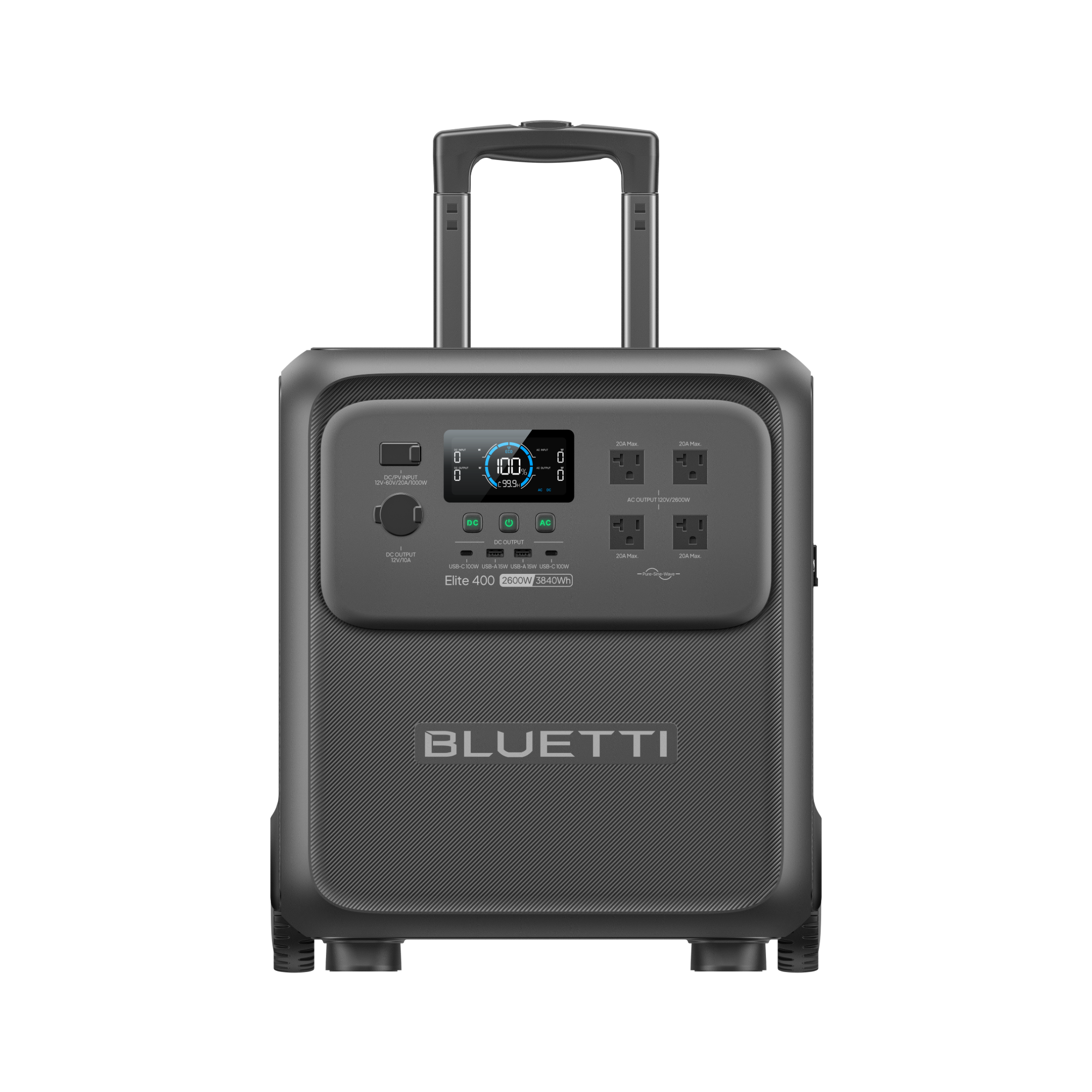
More reserve means more bulk. That extra reserve has trade-offs: a larger station is less convenient to move and may be more than you need for a few small devices. Check its dimensions, weight, charging time and output ports on the product page before deciding where it will live. BLUETTI’s Elite 400 product details provide the specific configuration to review. As with the other models, avoid treating any single capacity figure as a promise of runtime for a particular appliance.
The BLUETTI Elite 400 listing is worth comparing if your load worksheet points to a bigger energy requirement. For a household backup plan, also decide whether you want a portable unit for selected appliances or a system intended for broader integration. Those are different purchasing decisions, and the latter can involve additional equipment and installation considerations.
- Confirm the maximum output against devices that may run at once.
- Check physical size and weight against your storage location.
- Compare the included cables and recharge inputs before choosing a bundle.
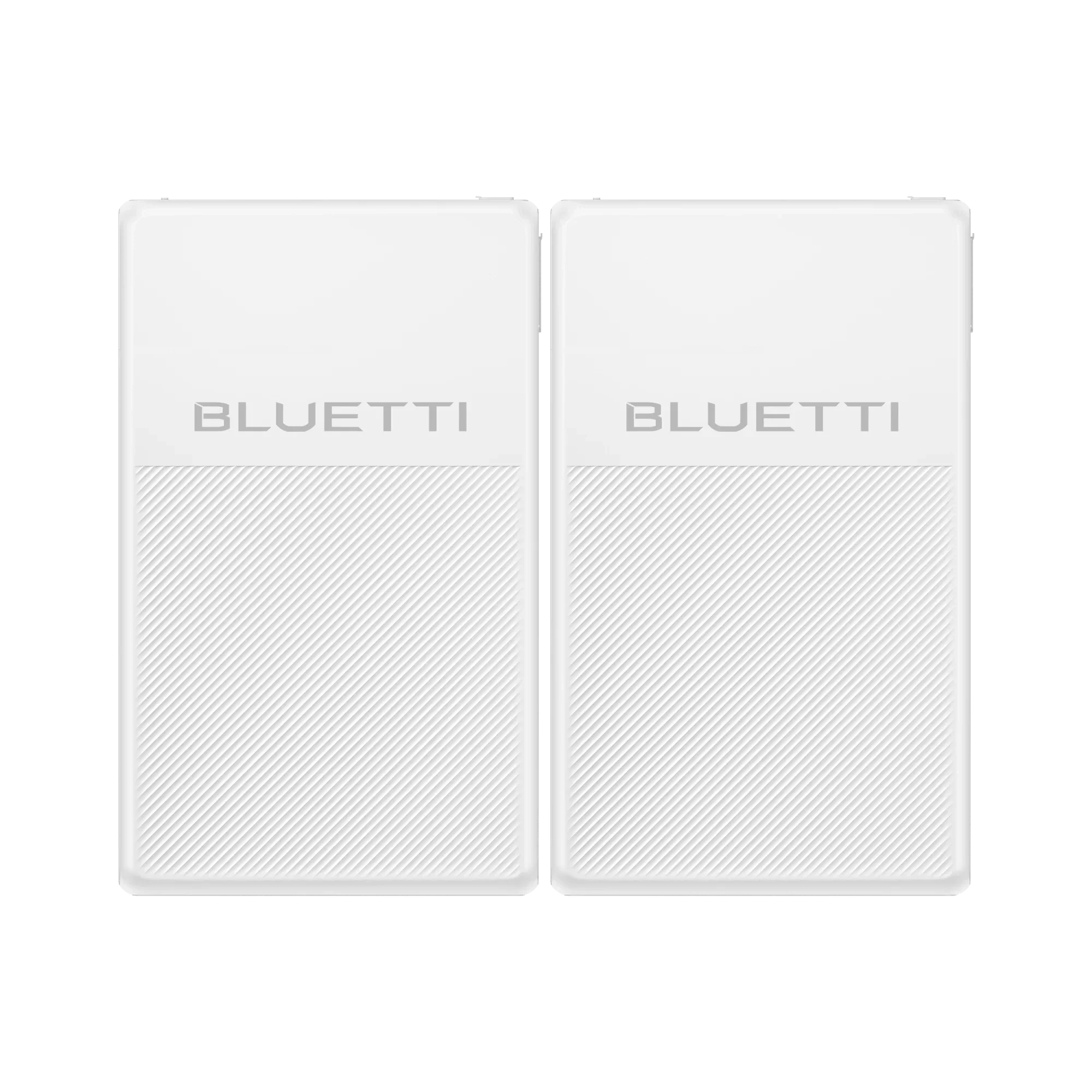
One appliance may deserve its own solution. BLUETTI’s FridgePower is positioned for refrigerator and freezer backup, with UPS switching and smart alerts cited in its product information. If the fridge is the central concern, compare that dedicated option with a general-purpose station rather than buying more capacity for loads you do not need. Compare the FridgePower details with the station options. The BLUETTI FridgePower page outlines that product’s intended role.
Compare the details that change the choice
Use a short checklist. Use a short checklist before you choose. A larger model is not automatically the best match if the job is modest, while a small station can disappoint if the essential load is a refrigerator with a long expected runtime. Recheck the Elite 300 Canadian listing if the plan spans several devices.
- Capacity describes stored energy; output describes how much power can be delivered at once.
- Startup surge can rule out a station even when its capacity appears ample.
- Recharge options matter most when an outage, trip or remote stay lasts beyond one battery cycle.
- Bundles can include panels or accessories, so compare the exact contents of each Canadian listing.
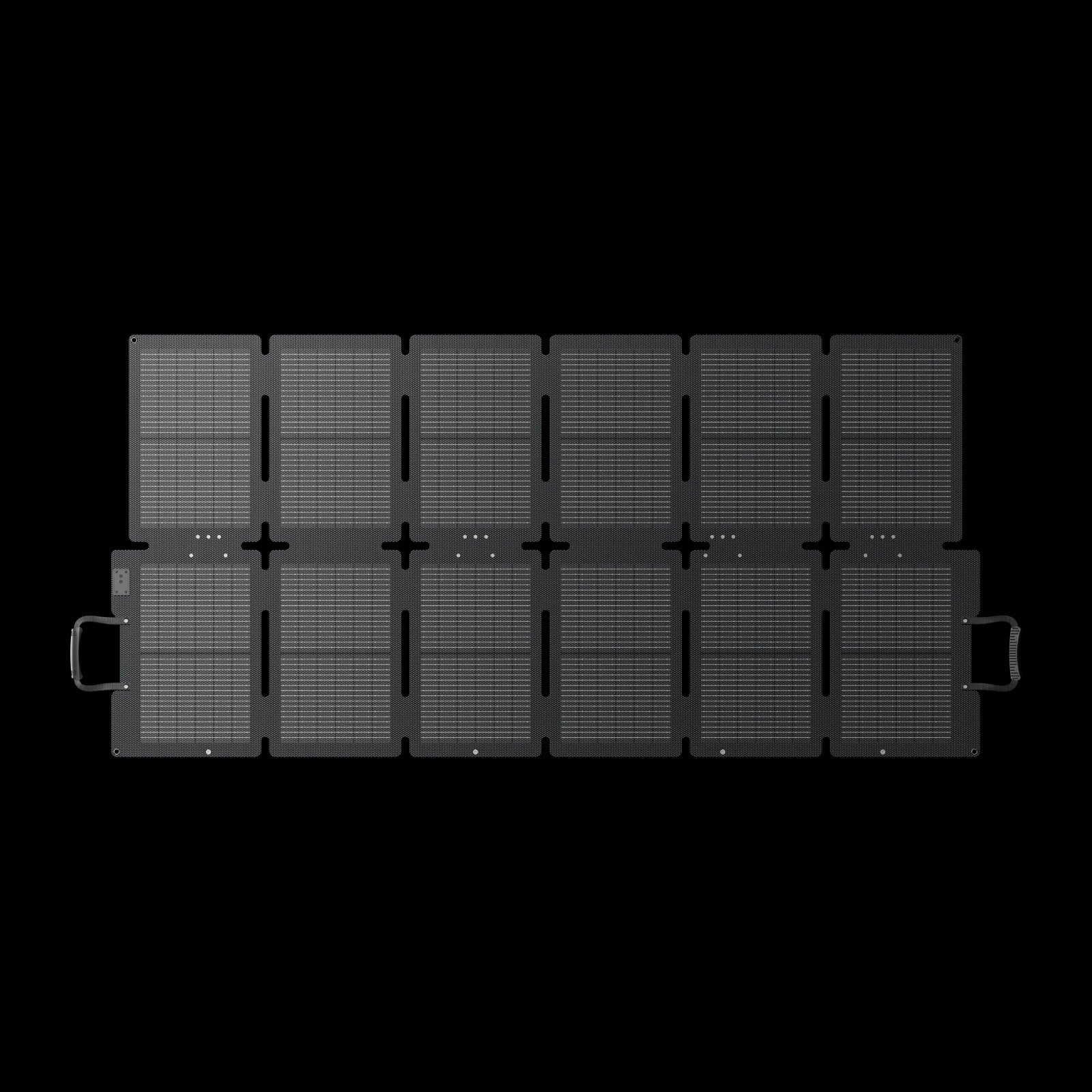
Solar is conditional. For solar charging, consider where a panel can sit, the hours of usable sun and whether you can safely reposition it. BLUETTI’s SORA panels and solar-generator bundles provide one route to evaluate, but the real contribution depends on conditions. Review the SORA panel listing for compatibility. The SORA 220 product information can help you check compatibility and listed input details.
Check the full listing. Finally, compare the Canadian product page for warranty terms, shipping, included accessories and current availability. Cost is shaped by capacity, output tier and bundled extras, so compare like with like and check the current listing before deciding. The Elite 400 page is one reference point. The Elite 100 mini, Elite 300 and Elite 400 pages make that model-to-model review straightforward.
Questions to settle before choosing
How do I estimate runtime?
Add the expected watt-hours for each device over its planned operating time, then leave margin for conversion losses and real-world conditions. This is an estimate, not a guaranteed duration.
Why check startup surge?
Motors and compressors can briefly draw more power when starting than during normal operation. Compare that demand with the station’s output limits before connecting them.
Can solar recharge a station?
BLUETTI lists compatible panels and solar bundles, but harvest varies with sunlight, angle, shade and weather. Check the product page for compatible input specifications.
Can a portable station power a whole home?
These models are intended for selected loads. A broader home backup requires a system designed for that scope, with appropriate equipment and installation planning.
Where this BLUETTI approach fits, and where it does not
- Portable tiers give shoppers a clear path from a focused essentials kit to a larger reserve.
- The range includes solar charging options and a dedicated refrigerator backup product.
- Published capacity and output figures help narrow the shortlist before checking each device.
The checks to make before committing
- Runtime depends on the load, conditions and conversion losses; product capacity alone cannot guarantee hours.
- Solar generation is variable, and a panel needs suitable space, placement and weather.
- A portable station is intended for selected loads; whole-home needs require a different system plan.
Which BLUETTI power station matches your backup loads?
Choose the Elite 100 mini if your list is short and portability is the priority; consider the Elite 300 for a wider mix of devices; and compare the Elite 400 when a longer planned reserve matters more than easy lifting. Our recommendation is to do the load worksheet first, then confirm output, recharge options and bundle contents on the Canadian listings.
Runtime cannot be guaranteed from capacity alone. The honest limitation is that no station can promise a fixed runtime without knowing the connected devices and conditions. If your needs include a refrigerator, evaluate its startup draw or consider the dedicated FridgePower route. Check BLUETTI’s current product details before choosing a setup.
BLUETTI Power Station Buying Guide: Match a Model to Your Backup Loads
