

A practical way to size a BLUETTI system around the devices you need, the hours you need them and the places you plan to use it.
Choosing portable backup power gets easier when the decision starts with a real load rather than a model name. A station that can run a laptop and lights may not cover a refrigerator or a high-draw appliance for the stretch of time you have in mind. Our guide turns that decision into a few planning steps, then matches them to products listed on the BLUETTI Canada store.
We reviewed the Canadian product listings for stated capacity, output, expansion and included accessories. Treat those specifications as starting points: actual runtime depends on the device, operating conditions and conversion losses, while solar input depends on sunlight and setup.
Some links in this article are affiliate links: if you make a purchase through them, we may receive a small commission.
Highlights
- List essential devices and their wattage before choosing a station.
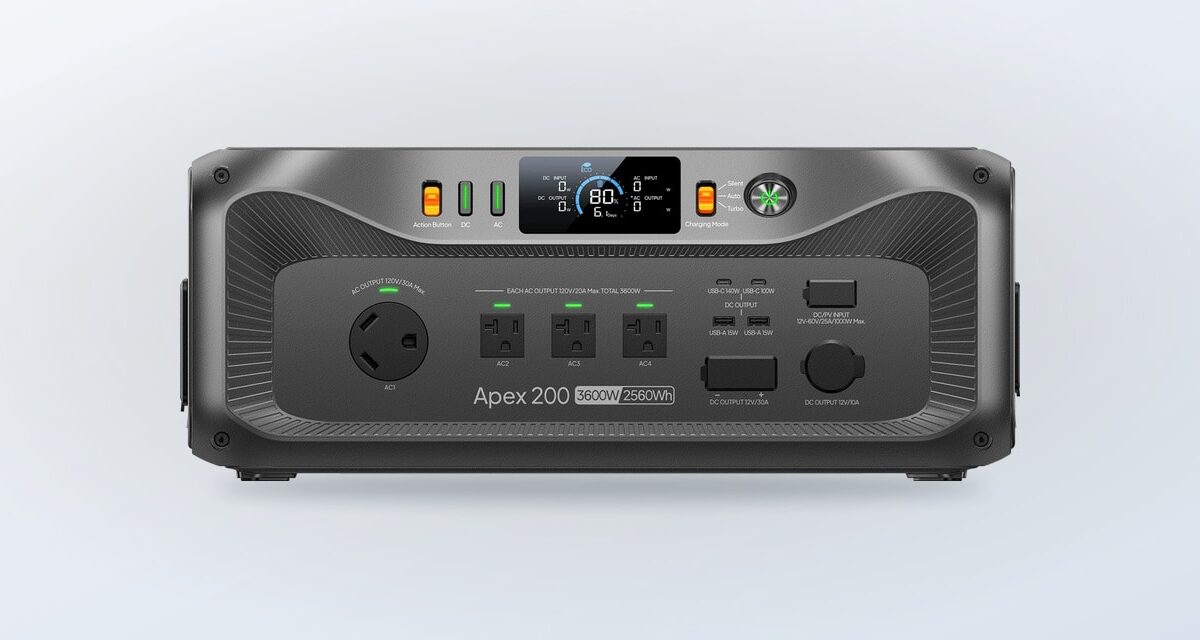
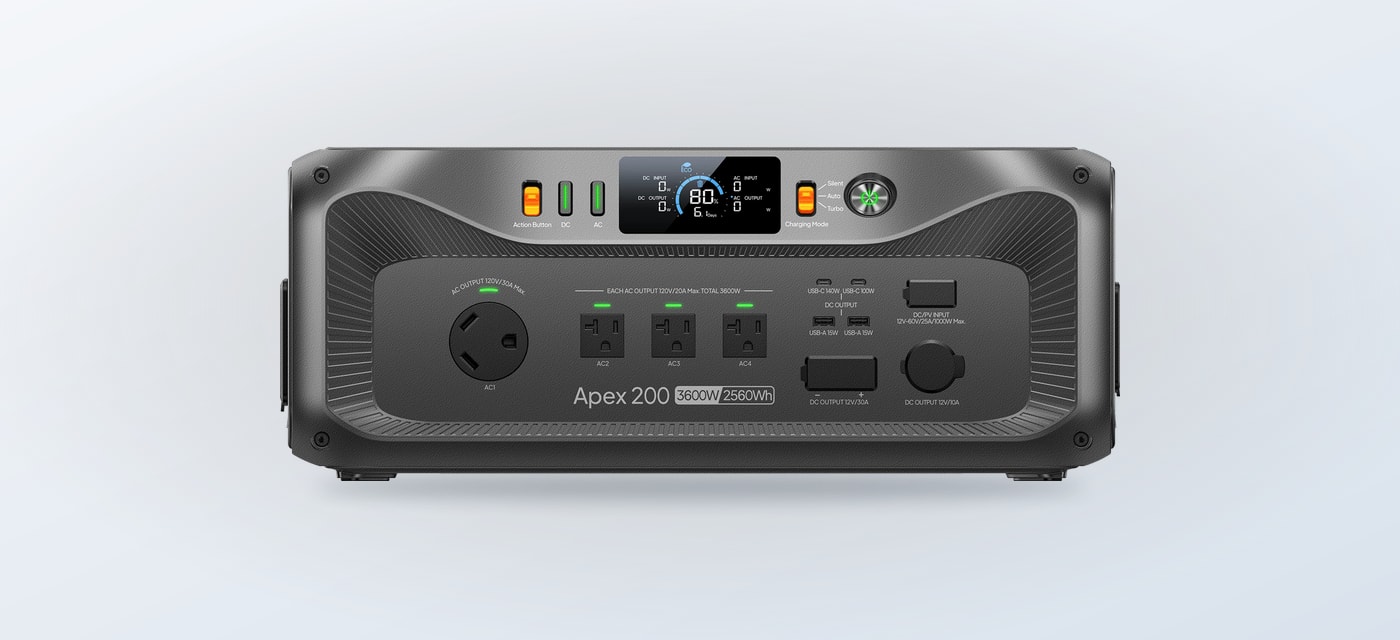
- The Apex 200 lists 2,560Wh capacity and 3,200W output, with expansion options.
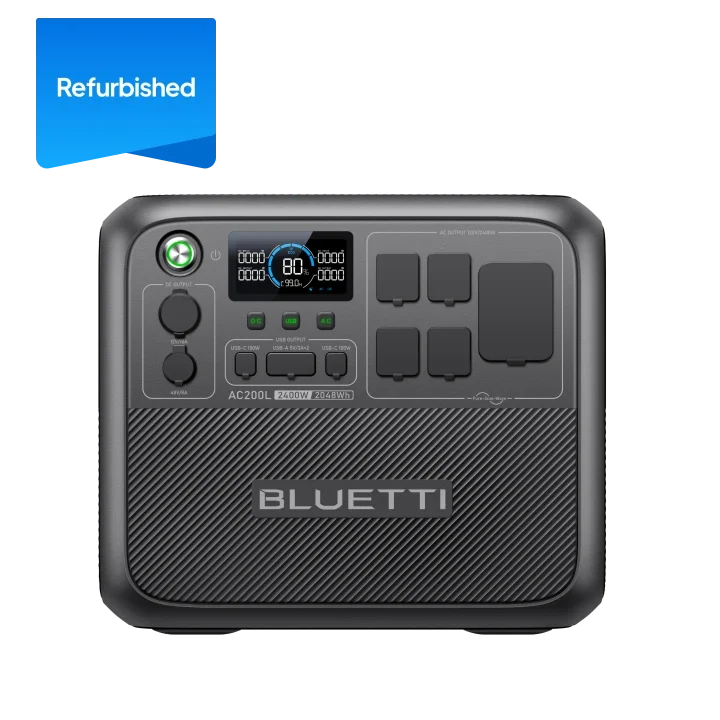
- The refurbished AC200L listing specifies 2,048Wh and 2,400W for a middle-sized setup.
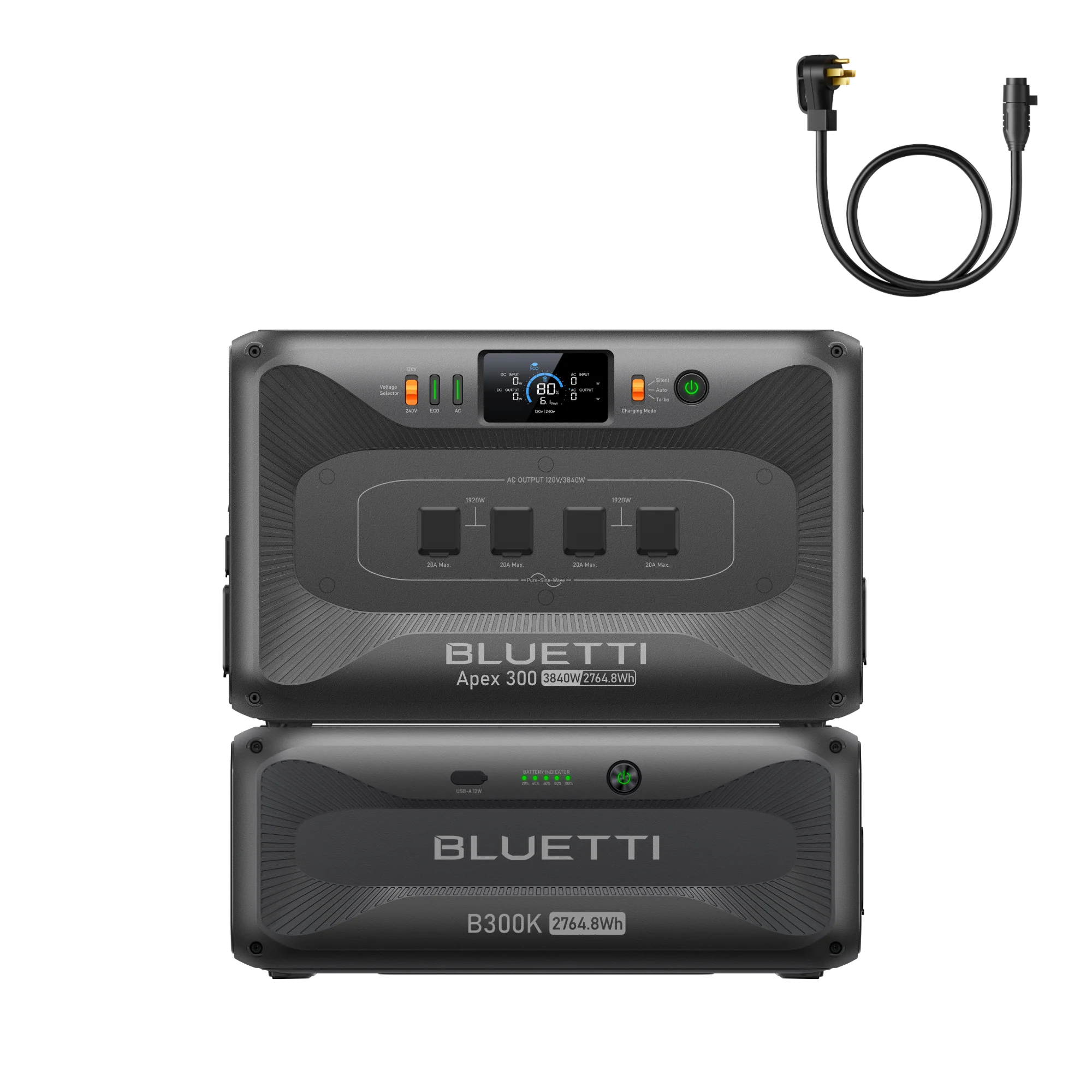
- An Apex 300 bundle pairs the station with a B300K battery for larger RV or home plans.
A useful plan has two numbers: the highest load you expect to run at once and the energy those devices consume over your intended window. The first helps you check output; the second helps you judge capacity. Keep both visible as you compare the BLUETTI options below.
Step 1: Write down the essentials
Make a short list of what must stay powered during an outage or trip. Separate essentials from conveniences. Use the BLUETTI Canada options to identify models once the list is ready. A communications device, medical equipment, fridge, lights and router create a different plan from a coffee maker, entertainment devices and workshop tools. Check each device label or manual for watts, and note whether it runs continuously or cycles on and off.
- Record each device’s running wattage and, if provided, starting surge.
- Estimate how many hours it will run in a day.
- Mark devices that can be switched off or used one at a time.
- Decide whether the station needs to move between rooms, a vehicle and a campsite.
Add the watt-hours for the period you care about rather than assuming a station’s capacity equals usable runtime. The listing capacity describes stored energy; real-world results vary with load and conversion. A margin is sensible if power is important, but avoid buying a much larger system before you know what needs to run.
Step 2: Check output before capacity
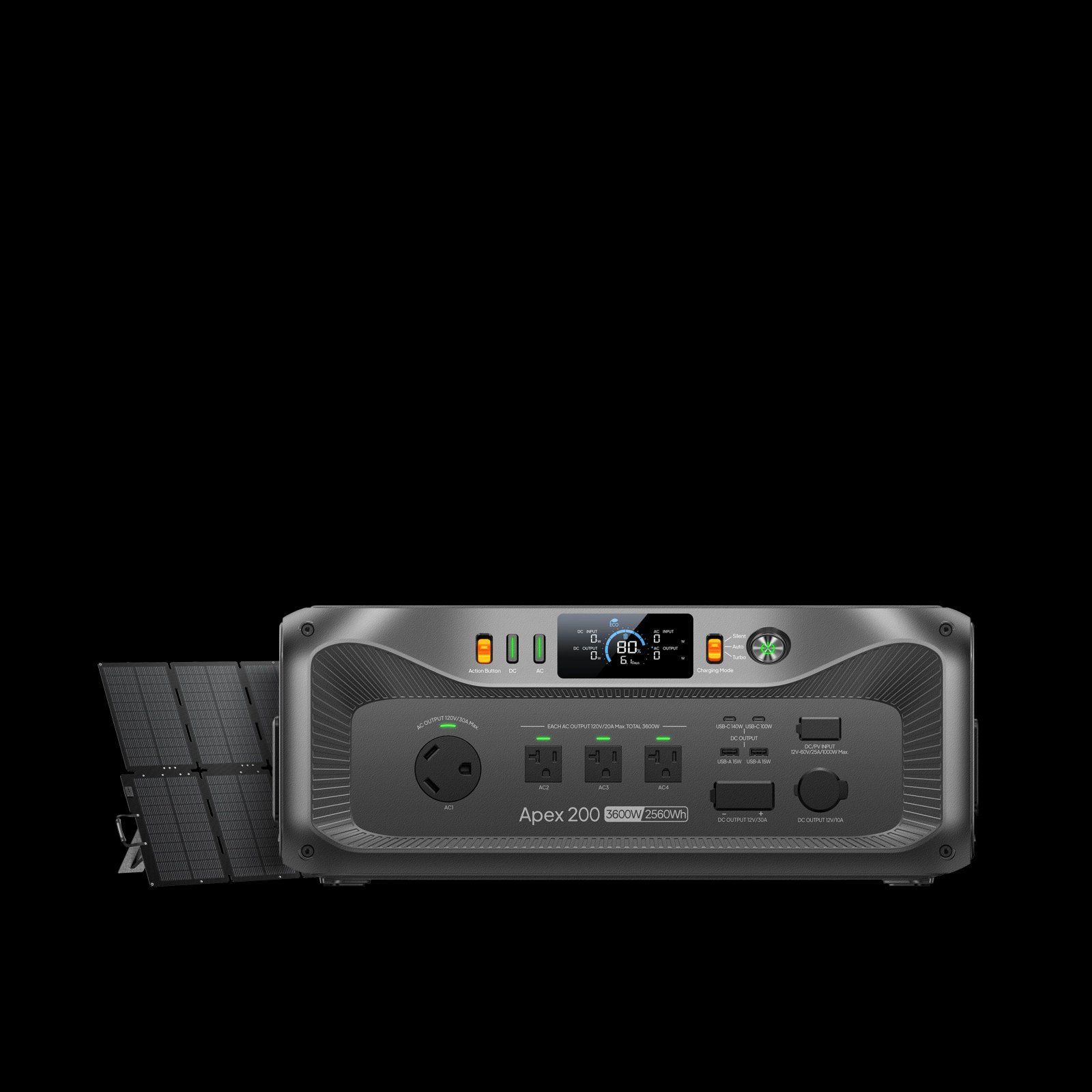
Output answers whether a station can operate the appliance at all. The Canadian listing for the Apex 200 states 3,200W output and 2,560Wh capacity, with expansion up to 33kWh and solar input listed up to 3,000W. That combination makes it a candidate for a flexible backup plan where both higher output and a path to more stored energy matter. Review the exact configuration on the Apex 200 product page and compare it with the Apex 200 bundles; the Canadian store also lists versions bundled with solar panels or batteries.
For a smaller or more mobile plan, do not treat those upper figures as a default target. Confirm that the station’s continuous output covers the appliances you intend to run together, and check any surge requirement for motors or compressors. The Apex 200 specifications can be checked against those figures. A high capacity cannot compensate for inadequate output, and a high output figure does not tell you how long a load will run.
Step 3: Match the storage tier to runtime
If your estimated energy need points to a mid-sized station, the refurbished AC200L product listing states 2,048Wh and 2,400W. It is a concrete comparison point for households or RV users who have identified a moderate set of devices. Because the listing is specifically refurbished, check its condition notes, included items, warranty terms and availability on the Canadian page before deciding. Those details affect the value of the option as much as its headline capacity.
A larger setup may suit people planning to support more loads or leave room for later expansion. The Apex 300 + B300K bundle is listed as a 5,529.6Wh system with 3,840W output in its product description, and the listing positions it for home, RV and off-grid use. See configuration and compatibility on the Apex 300 and B300K product page, and compare the Apex 300 + B300K listing with your load plan. It is a more involved purchase, so begin with the load list and the connection requirements rather than the bundle name.
Step 4: Decide whether solar belongs in the plan
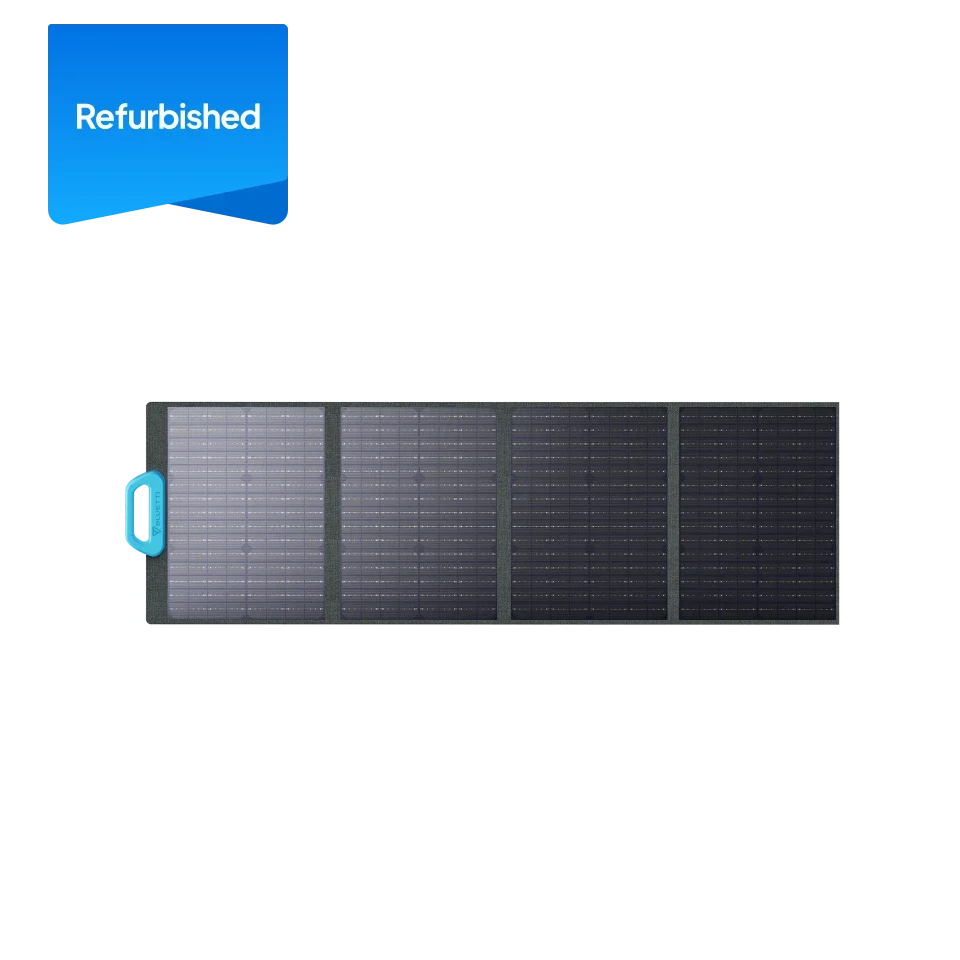
Solar can help replenish a station away from an outlet, but it brings placement, weather and setup into the decision. The Canadian store lists a refurbished PV120 panel as a 120W solar panel. Its product page is worth checking if portability matters; confirm the connector, compatibility and whether the listing’s condition suits your needs. The PV120 listing gives the panel details. Panel output varies with sun angle, shade, temperature and season, so avoid planning around peak input as though it were constant.
A bundle may reduce the guesswork around included equipment, while a separate panel gives you more choice over what to carry. Compare what is in the box, required cables, panel folding dimensions and how you will position it at the destination. For a home backup plan, also think about where the station and panel can be stored and used safely.
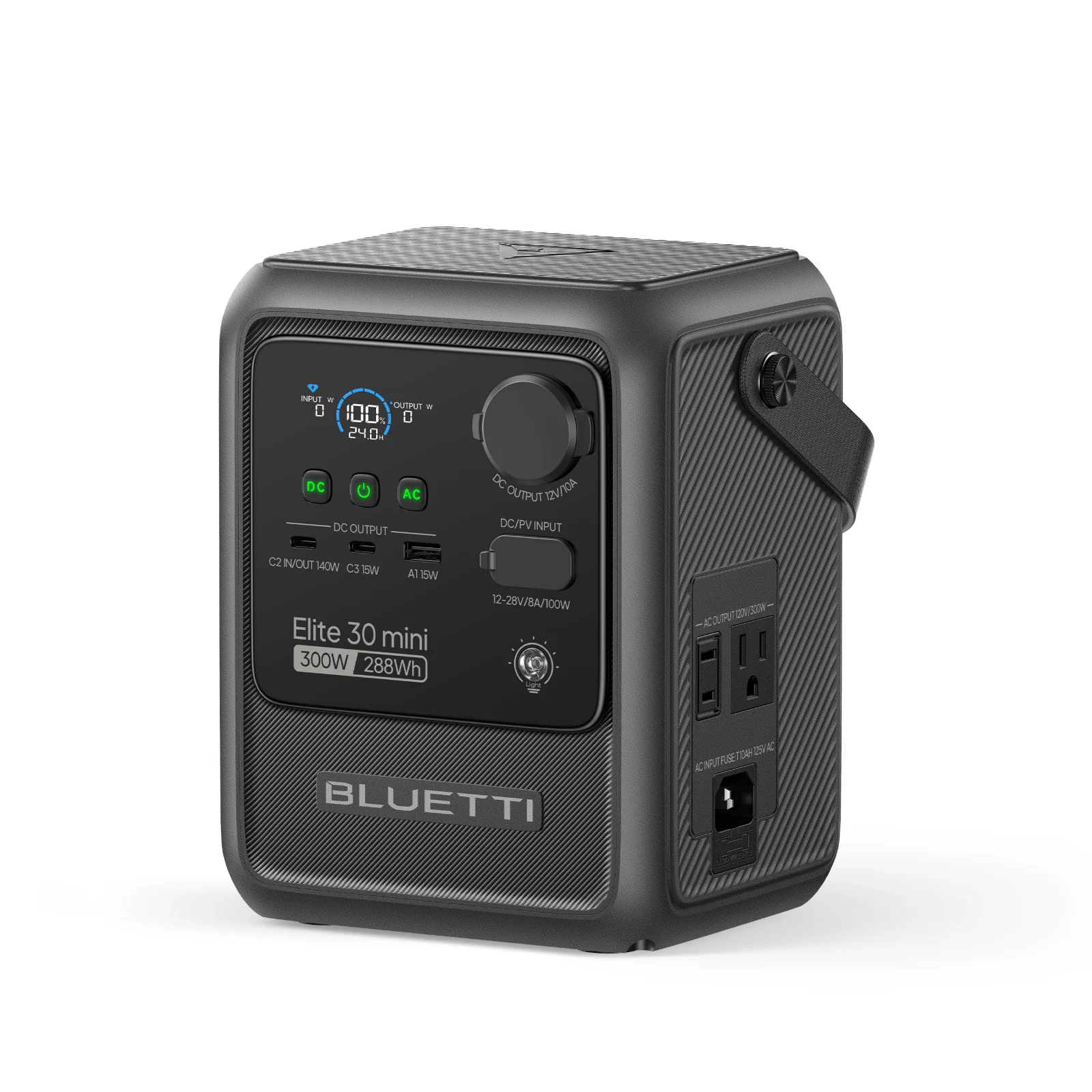
A compact station can also be a better choice if your needs stay modest. The Canadian catalog includes the Elite 30 Mini-A; inspect its current product listing and output details for low-load devices rather than assuming it can replace a larger backup unit. A small format can make sense for charging personal electronics, but it is not a stand-in for a fridge or multiple household circuits.
Step 5: Check the complete setup
Before choosing a configuration, look beyond the power station itself. The product pages and bundle descriptions can differ in battery, solar panel, charging cable and hub inclusions. A package may be convenient, but accessories that you do not need can add cost and storage bulk. Check the station connections and outlet types against your devices and any intended RV connection, and confirm whether expansion batteries are compatible with the exact station model.
- Confirm the included battery and any expansion limits.
- Check AC, DC and vehicle connection requirements against your equipment.
- Review Canadian warranty, refurbished-condition and return details on the product page.
- Measure storage space and the route for moving the unit; capacity brings weight and bulk.
This last point is easy to overlook. A system for a fixed backup corner can be larger than one you regularly carry to a campsite. If portability is central, compare handles, dimensions and the listed total weight for the complete kit, not only the base unit. Also check whether multiple boxes arrive and where they can be stored between trips.
Compare the planning fit
| Option | Listed specification | Better fit when |
|---|---|---|
| Apex 200 | 2,560Wh; 3,200W | You want expansion options |
| Refurbished AC200L | 2,048Wh; 2,400W | Your needs are moderate |
| Apex 300 + B300K | 5,529.6Wh; 3,840W | You plan a larger system |
Use this as a shortlist, not a substitute for checking the full product listing. Bundle variants, current stock, stated inputs and terms can change. Check the Canadian product page for the exact item you plan to order, and compare the current price there; size, included battery and solar equipment are key cost drivers.
Where the range works well
- The Canadian catalog gives buyers options from compact stations to larger expandable systems.
- Capacity and output are stated on specific listings, making a load-based shortlist possible.
- Solar and battery bundles can gather compatible components into one configuration.
Limits to keep in the plan
- Advertised capacity does not guarantee a fixed runtime for every appliance.
- Solar recharge depends on conditions and panel placement.
- Large bundles can be bulky, and refurbished listings need careful review of condition and terms.
Is a BLUETTI station the right fit for your plan?
We would start with the Apex 200 when the load list calls for substantial output and a possible expansion path, then compare the AC200L if a refurbished mid-sized listing suits the intended use. For a larger RV or home setup, the Apex 300 + B300K is the more relevant starting point. This recommendation is based on the Canadian product information, not independent runtime testing.
The main limitation is that published capacity and peak solar figures cannot predict your precise runtime or recharge time. Verify your appliance loads, included accessories and current Canadian listing details before choosing. If the numbers and setup fit, BLUETTI’s Canada store is the natural place to compare the exact configurations.
BLUETTI Power Station Buying Guide: Match Capacity to Your Backup Plan
