
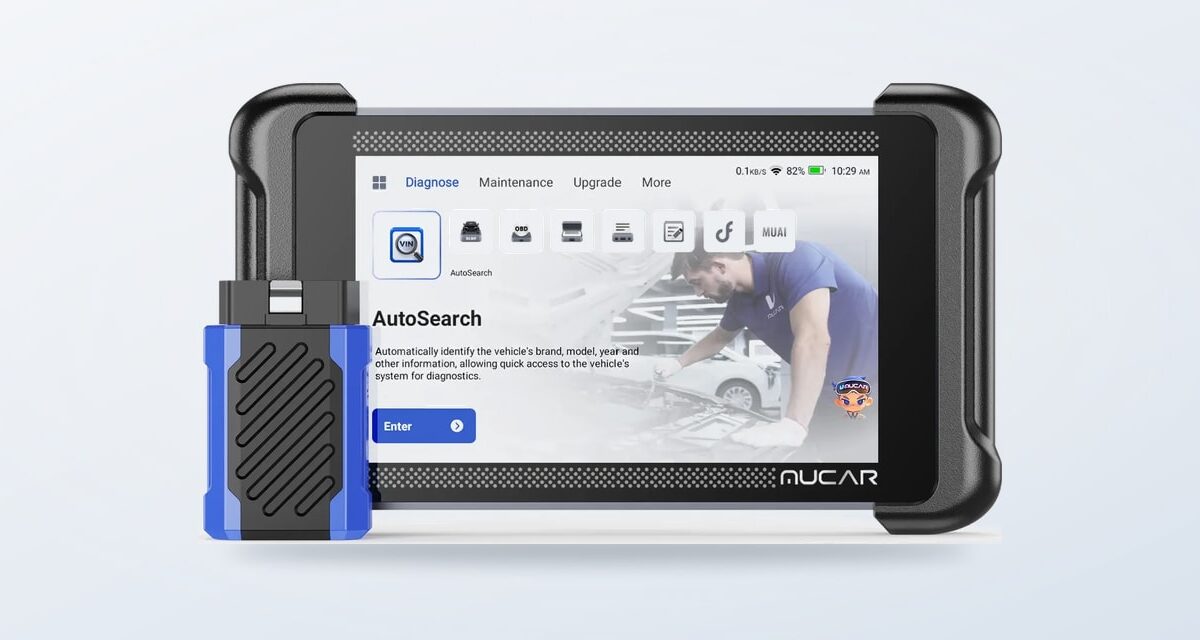

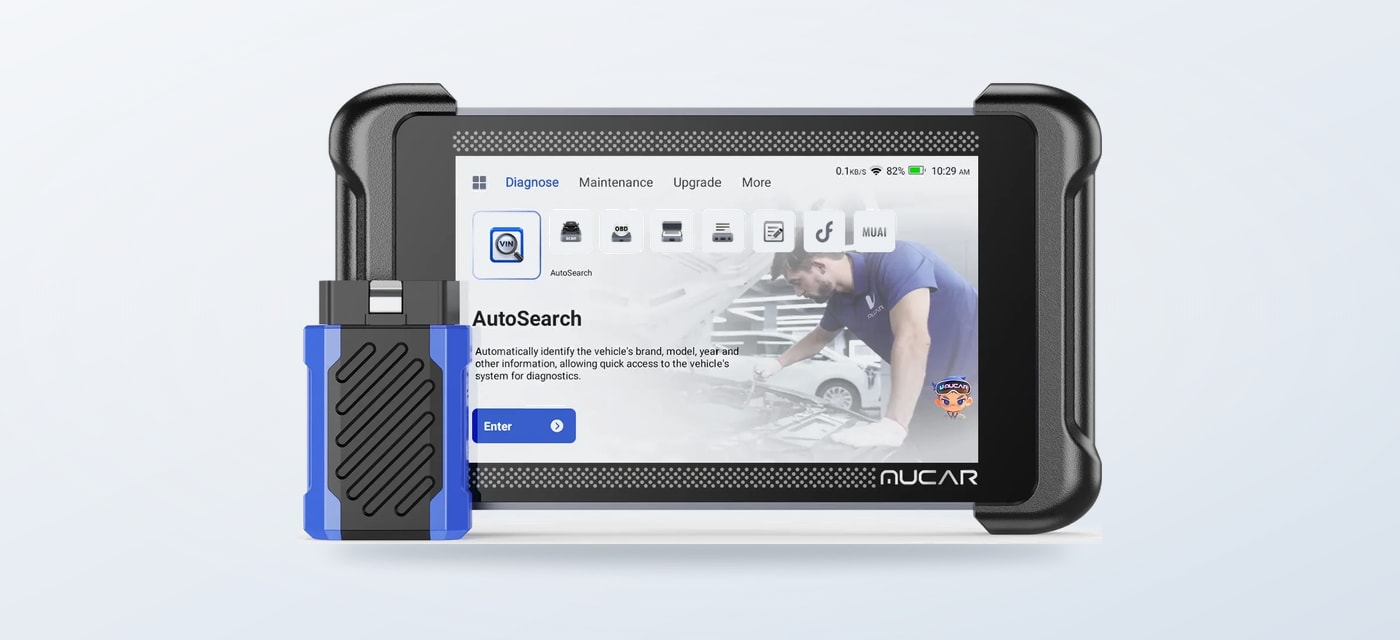
Match a thinkcar scanner or TPMS tool to the work you actually plan to do, then check vehicle support before choosing.
Choosing a diagnostic tool starts with a practical question: do you want to read faults and handle regular service tasks, trace system relationships, or work specifically with tire pressure sensors? Those are different jobs, and a longer feature list does not automatically make a tool the right fit.
We reviewed the US thinkcar product pages for this guide. They describe a range spanning handheld scanners, more advanced diagnostic equipment and TPMS tools. The campaign information provided for this article does not specify a particular discount, code or deadline, so treat the store as the place to confirm current offer and product details.
Some links in this article are affiliate links: if you make a purchase through them, we may receive a small commission.
Highlights
- MUCAR 783BT is aimed at general diagnostic and maintenance work, with full-system scans, active tests and 28 maintenance functions listed by the brand.
- THINKSCAN 689BT PRO adds topology mapping, J2534 pass-through and ECU coding for users whose work calls for broader diagnostic functions.
- THINKCAR VT679 centers on TPMS tasks such as sensor activation, programming and relearn procedures.
- Confirm vehicle, system and function compatibility on the product page before choosing; specifications vary by vehicle.
Start with the maintenance work on your list
A scanner is most useful when its supported functions match a real task. Thinkcar lists tools with different combinations of code reading, live data, active testing, service resets and vehicle network support. Consider whether you need an occasional warning-light check or expect to diagnose several systems and carry out maintenance procedures.
The MUCAR 783BT is a reasonable starting point to examine for a home garage that wants more than basic code reading. The product page lists full-system diagnostics, live data, bidirectional active tests and 28 maintenance functions, including oil resets, battery registration and ABS bleeding. Those functions can help with common maintenance workflows, but their availability depends on the specific vehicle.
If the likely jobs are routine checks, use the MUCAR 783BT page to review supported systems and the maintenance functions that matter to your vehicle. Its stated lifetime software updates are a useful ownership detail to verify alongside the included accessories. The tool is not a guarantee that every reset or active test will be available for every model year.
For drivers considering the MUCAR 783BT, the brand page also lists CAN FD and DoIP support for compatible newer vehicles. Check whether your car uses the relevant network and whether any separate connection accessory is needed. The product listing is the definitive source for what comes in the box and supported vehicle coverage: MUCAR 783BT.
When broader system tracing matters
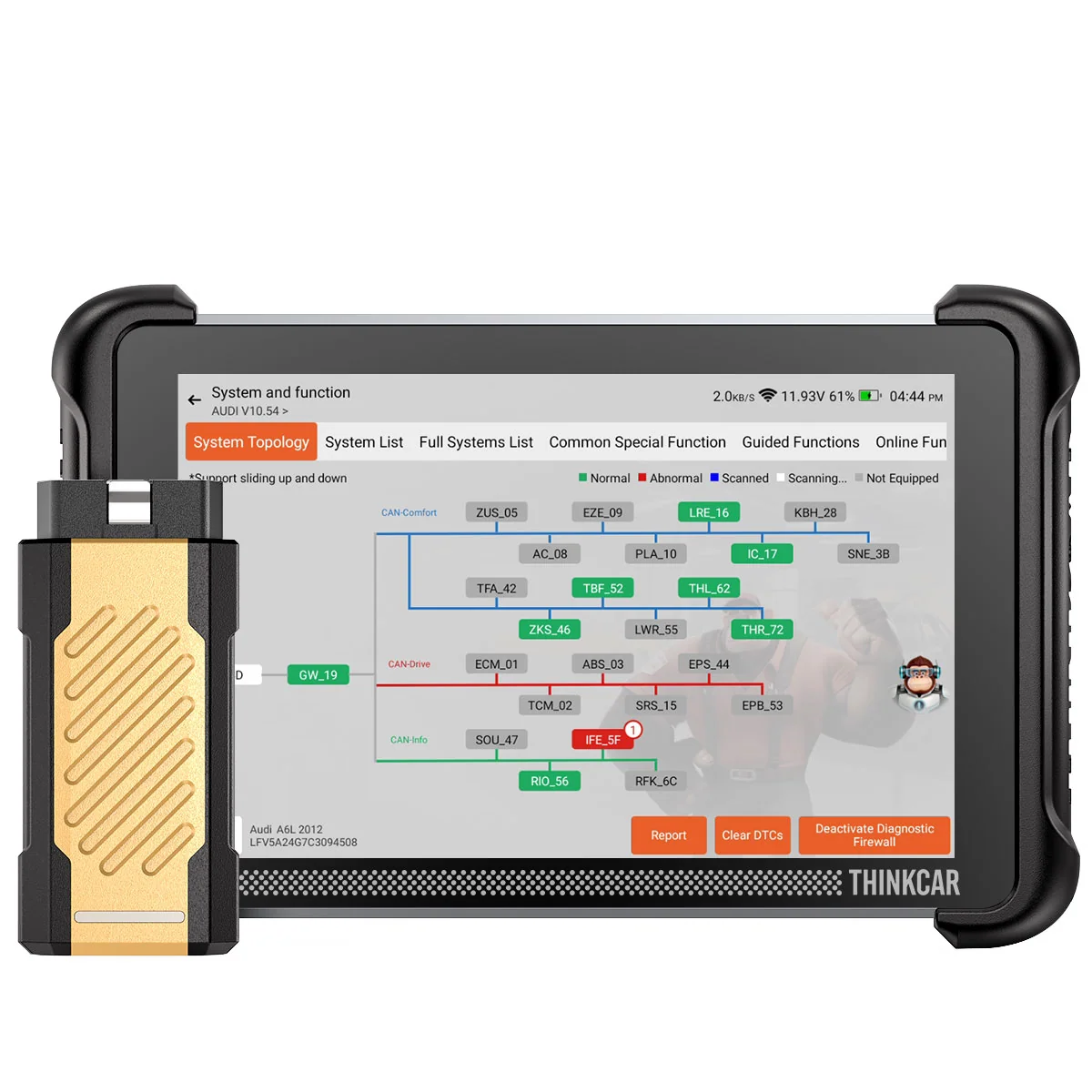
Some diagnostic work benefits from seeing how control modules relate to one another. The THINKSCAN 689BT PRO is positioned at this more capable end of the range. Thinkcar lists topology mapping, J2534 pass-through, ECU coding, more than 4,000 active tests and over 35 service functions. These are meaningful capabilities for an experienced DIY user or small workshop, but the product page should be checked carefully for vehicle-specific support.
J2534 pass-through and coding are not simple upgrades for every owner. They may depend on compatible software, vehicle coverage and setup steps. Before choosing the THINKSCAN 689BT PRO, identify the exact vehicle and function you expect to use, then check the listing for platform and accessory requirements. Find the current details on the THINKSCAN 689BT PRO page.
| Tool | Best match | Listed focus |
|---|---|---|
| MUCAR 783BT | Routine garage maintenance | Full-system scans, active tests, service functions |
| THINKSCAN 689BT PRO | Broader diagnostics | Topology mapping, J2534, ECU coding |
| THINKCAR VT679 | Tire pressure service | TPMS activation, programming, relearn |
Use the table as a first filter, not as a promise of universal compatibility. The same named function may be limited by vehicle make, model, year or module. The US store’s listing for each tool is where to check those details and current availability.
Choose a TPMS tool for sensor work
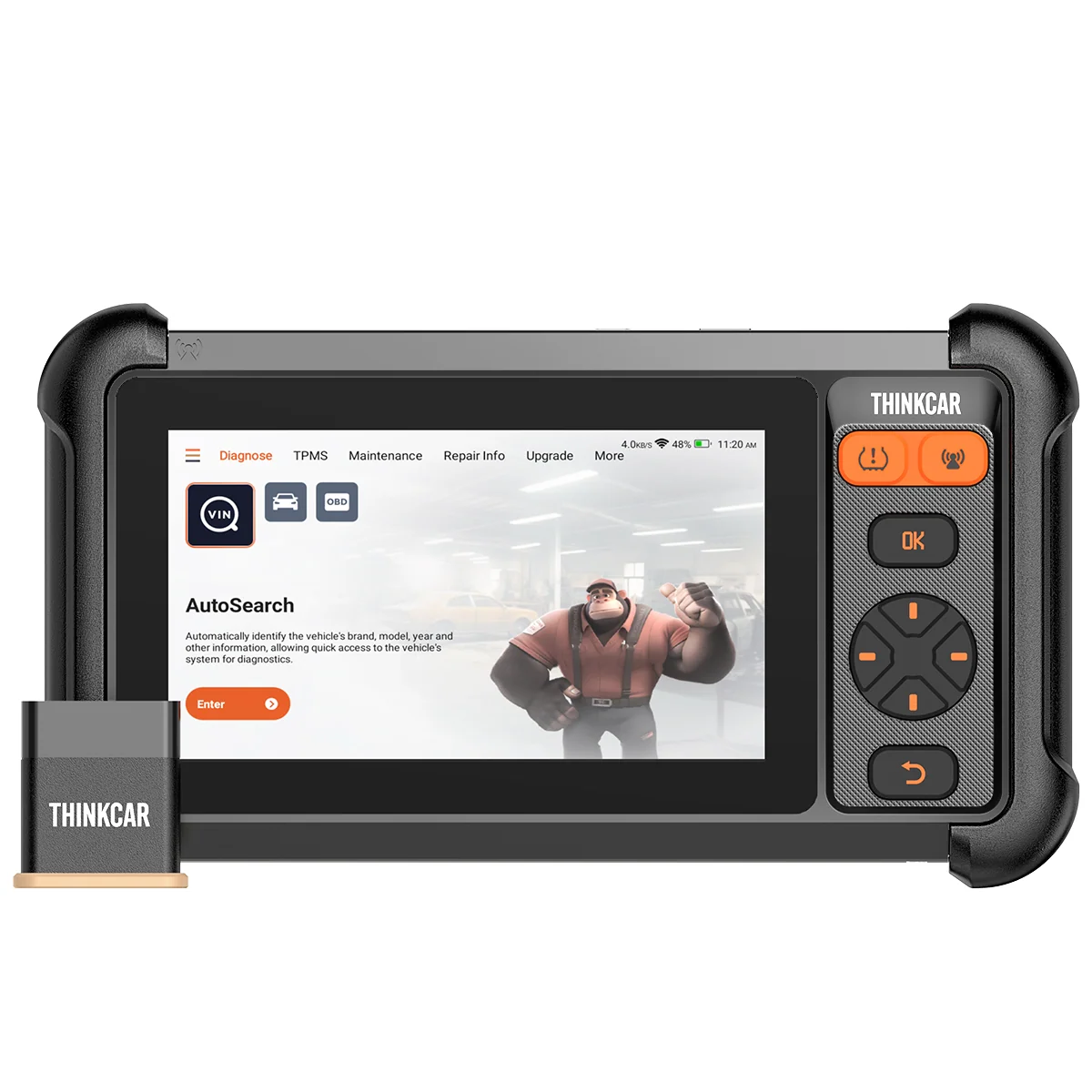
If the job is tire pressure monitoring rather than general troubleshooting, a dedicated TPMS workflow deserves its own consideration. Thinkcar describes the THINKCAR VT679 as able to activate, read, program and relearn sensors. The product page also lists full-system diagnostics, live data, AutoVIN and OE query functions, along with 28 or more service functions.
That feature mix could suit an owner or technician who needs sensor service and some diagnostic coverage in one device. Still, TPMS sensors and relearn procedures vary. Check the sensor types and vehicles supported before assuming the VT679 will work with a particular set of wheels. Its listed coverage percentage is a brand claim, not a substitute for checking a specific vehicle in the compatibility information.
Use the THINKCAR VT679 product page to confirm its included hardware and supported TPMS procedures. If tire sensor work is only an occasional need, compare that dedicated workflow with the maintenance tasks you perform most often; a more general scanner may be the better priority. The MUCAR 783BT listing and THINKSCAN 689BT PRO listing describe different diagnostic emphases.
Check compatibility and ownership details
Before choosing any thinkcar tool, look past the headline feature names and work through the details that affect actual use. Vehicle coverage can change by model year and system, while advanced functions can have narrower support than code reading. Review the product page and any linked compatibility resources for the vehicle you own or service.
- Write down the vehicle make, model and year, plus the system or service task you need.
- Confirm the listed function covers that vehicle, rather than relying on a general coverage statement.
- Check whether the tool is handheld or uses a wireless connector, and note any required app or account setup.
- Review update terms, included leads or adapters, and any optional accessories.
- Check the store listing for current availability and offer terms; no deadline or discount is specified in the information for this article.
These checks matter especially for bidirectional controls, coding, TPMS relearn and network protocols. A scanner may support a feature category without supporting every operation on every vehicle. The US product pages for the MUCAR 783BT, THINKSCAN 689BT PRO and THINKCAR VT679 are the appropriate places to verify details before selecting one.
Where the range has a clear fit
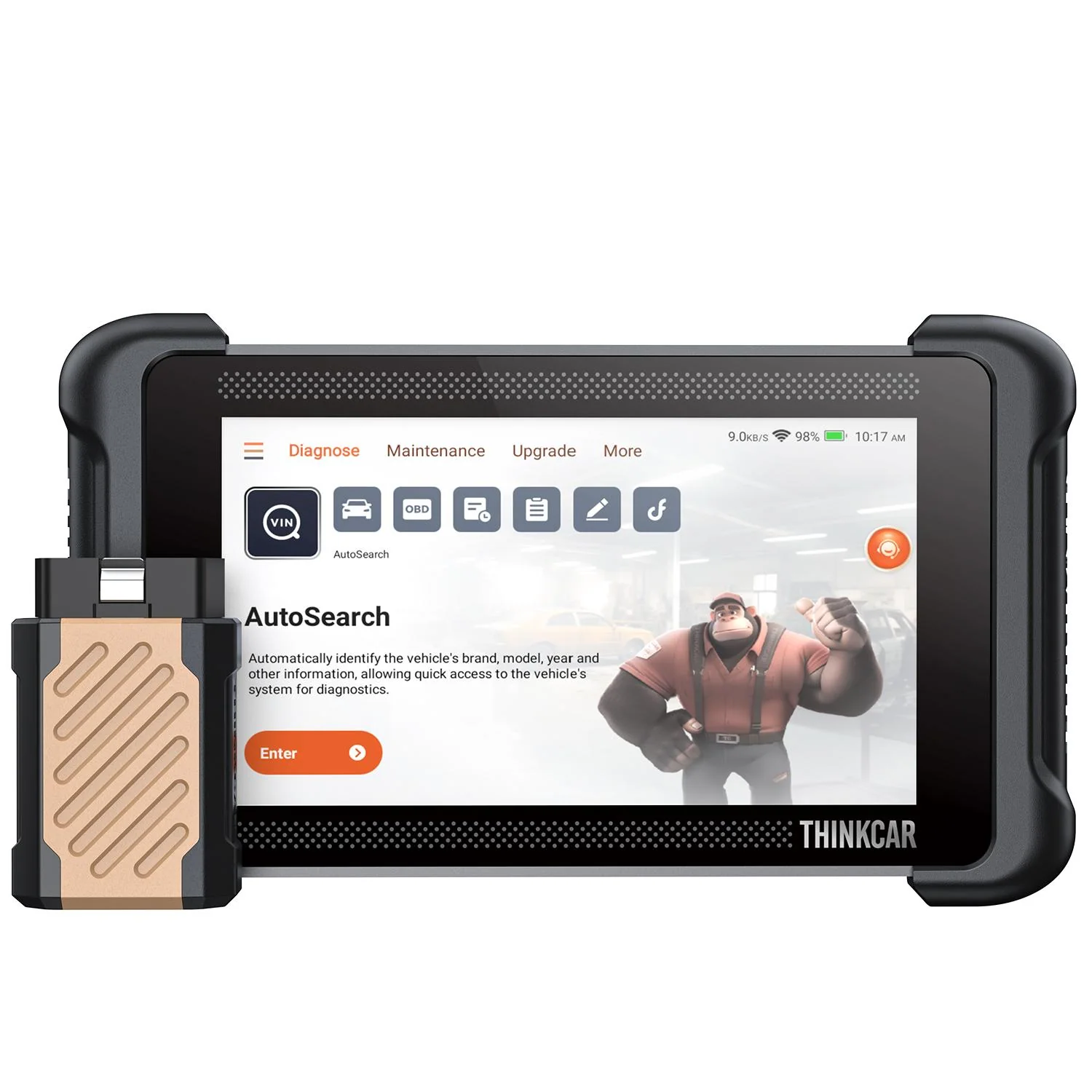
Across these choices, the task should lead. The 783BT makes the clearest case for broad everyday maintenance. The 689BT PRO is the one to investigate when topology mapping or J2534 and coding are relevant to your work. The VT679 is the focused option when TPMS operations are central. Comparing tools by those jobs is more useful than treating feature counts as a ranking.
Thinkcar also sells other models and accessories, so these three are examples rather than an exhaustive catalog. For example, drivers who need a Bluetooth handheld format could review the THINKSCAN 673BT; it has its own combination of wireless diagnostics and service functions. Avoid choosing by model name alone: compare connection style, supported tasks and vehicle coverage on the US store.
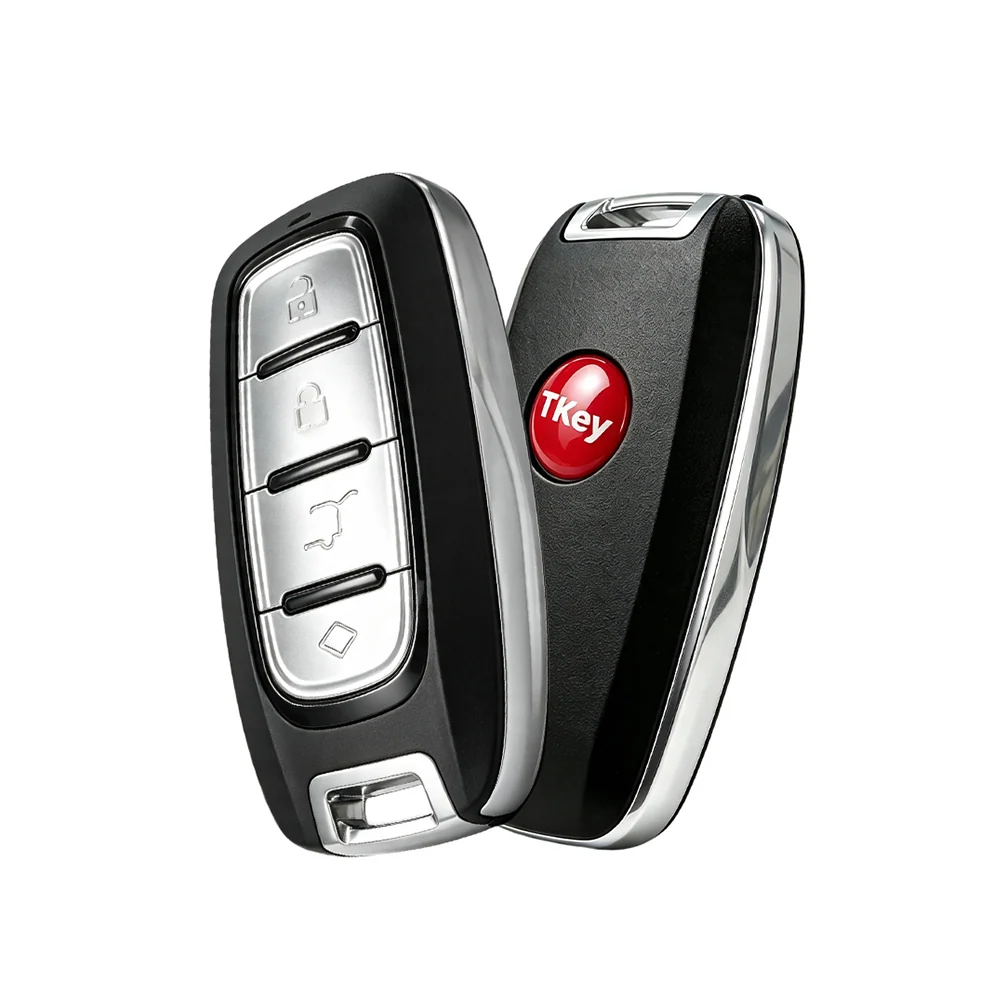
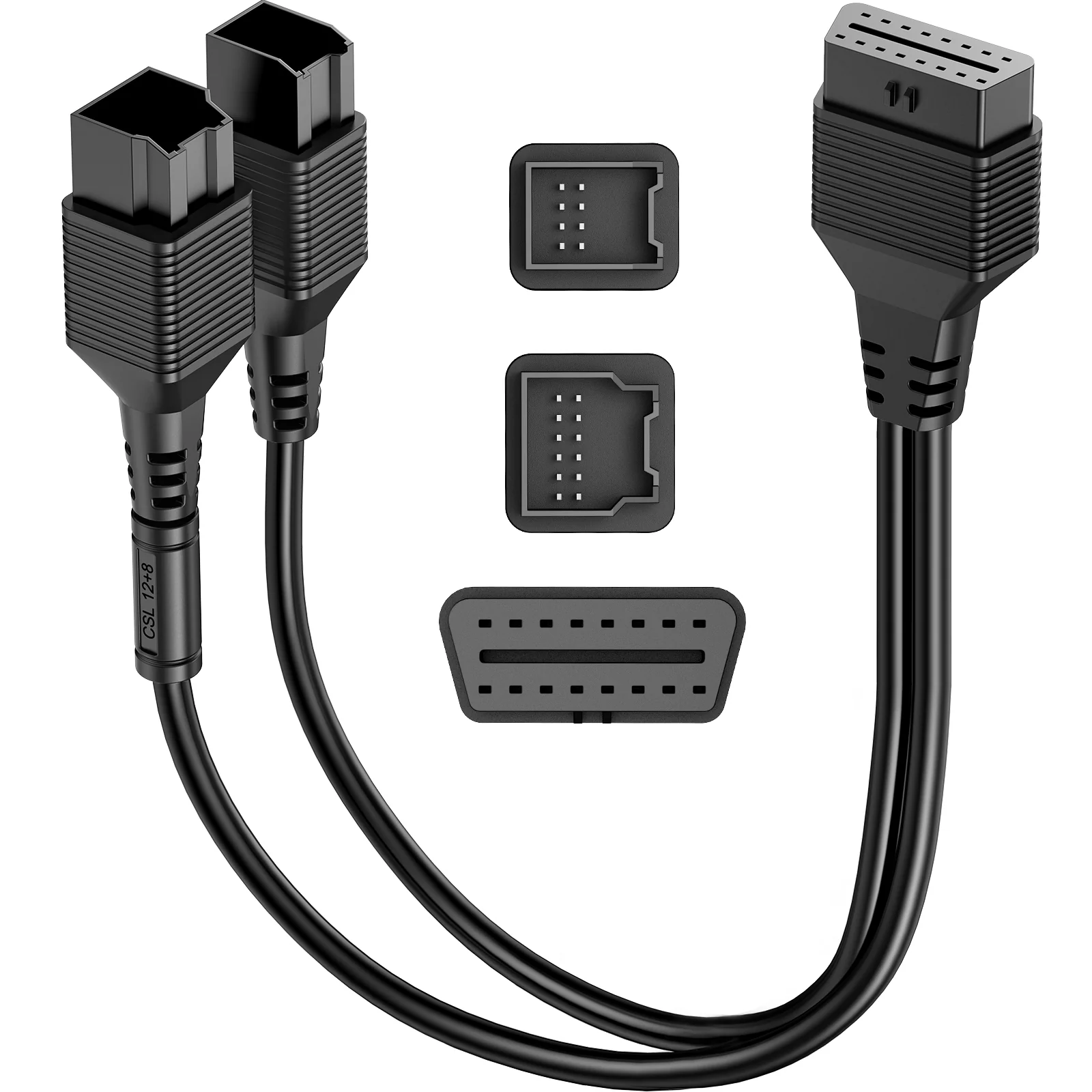
Accessories can also be specific to a product family. The store lists items such as the MUCAR programmable smart key and a FCA 12+8 SGW bypass adapter. Check the relevant scanner’s page before adding an accessory, since compatibility is not implied across the range.
What the range covers well
- Distinct tools for routine maintenance, advanced diagnostics and TPMS work.
- Useful function details on product pages, including named service tasks and protocols.
- Some models list lifetime software updates, which helps clarify ongoing ownership terms.
Where a careful check matters
- Vehicle and function support vary, especially for coding, active tests and relearns.
- Feature counts do not show whether a specific operation covers your car.
- Accessories and software requirements may differ by model and task.
Which thinkcar tool fits the work you need to do?
For common maintenance and general diagnostics, start with the MUCAR 783BT and confirm its functions against your vehicle. Choose the THINKSCAN 689BT PRO only if its deeper diagnostic capabilities match work you expect to perform. For sensor activation, programming and relearn tasks, examine the THINKCAR VT679. The limitation across all three is the same: compatibility is vehicle-specific, so verify before deciding.
There is no defined promotion or end date attached to the offer information supplied for this article. Check the US store for current product availability and any terms displayed there before proceeding.
